Chapter 4 Personal TitleMaker Tutorial
35
OBJECTIVE
The objective of the tutorial is to create a series of titles for a video tour
of London, England. The tutorial consists of 12 pages, with separate
titles on each page. All of the pages together form a Personal TitleMaker
project, which you’ll give an appropriate name.
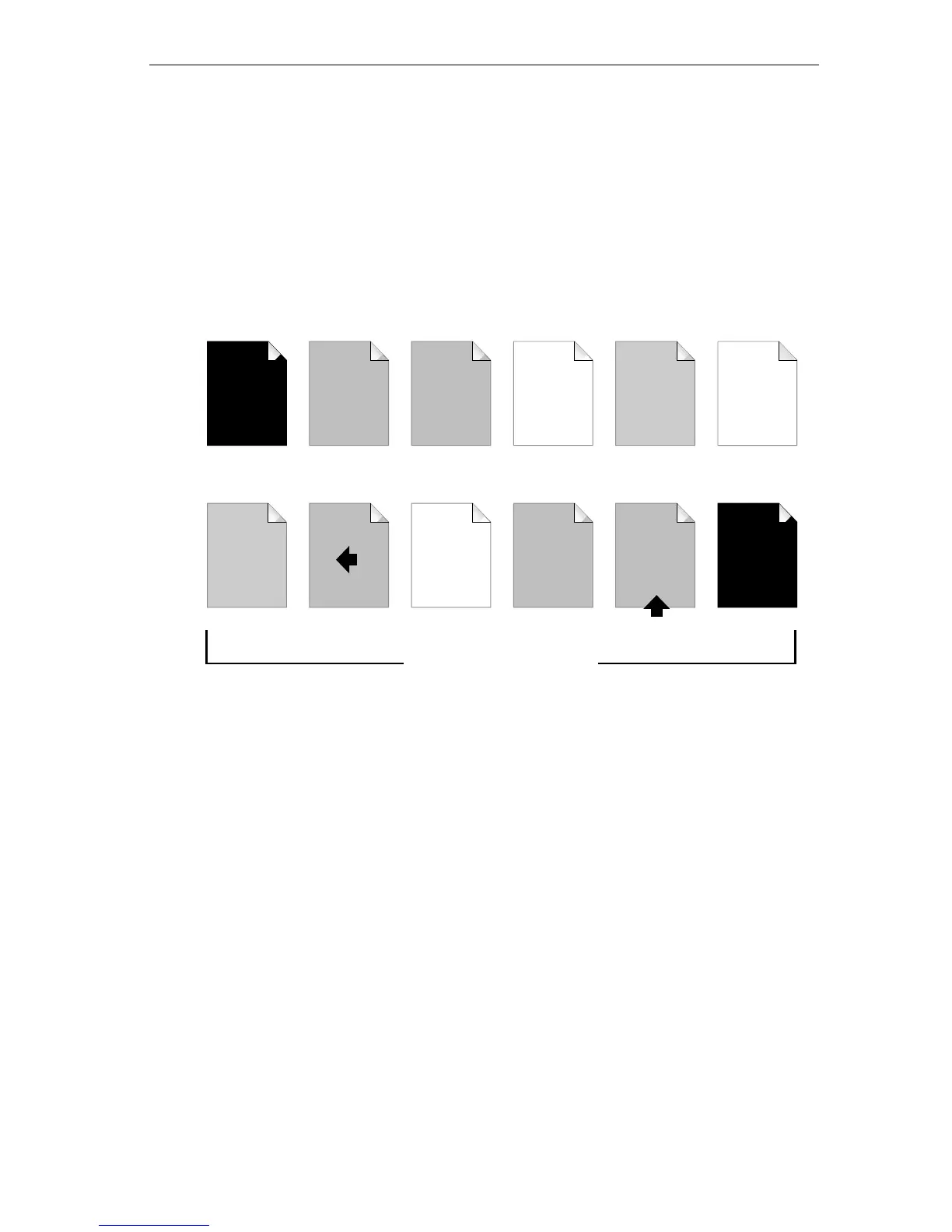
The finished pages in the project will look similar to this.
Pages 1 and 12 ensure a completely black screen at the beginning and
ending of the recorded program.
Pages 2 and 3 create the project title for the production. Page 3
includes some additional information (the year) on the title page.
Pages 4, 6, and 9 (blank pages) provide a way to manually control their
entrance and exit (or, transition) from the screen. While these pages
play, the video footage appears on screen.
Pages 5 and 7 are standard title pages that play atop the video signal
when those particular subjects (Picadilly Circus and Parliament and Big
Ben) appear on screen.
Page 8 is an information title that scrolls across the screen from right to
left. Page 11 is similar except that it crawls across the screen from bot-
tom to top.
Page 10 is a simple ending title played atop a solid background.
Page 1 Page 2 Page 3 Page 4 Page 5 Page 6
Page 7 Page 8 Page 9 Page 10 Page 11 Page 12
blank
blank
Touring
London
Touring
London
1997
Picadilly
Circus
Parliament
and
Big Ben
••••••••••
blank
The
End
Big Ben is …
Video
Me
Sound
Steve
The Tutorial Project



 To Next Page