Personal TitleMaker User Guide
20
UNDERSTANDING THE KEYBOARD
The Personal TitleMaker keyboard resembles a standard computer key-
board, but includes many special keys to help use the features built
into the unit.
The illustration on the following page shows the keyboard and identi-
fies the various keys and key groups. Brief descriptions of most keys fol-
low. For more detailed information, refer to the appropriate chapters
and sections in the remainder of this guide. In most cases, the descrip-
tions include a reference to the page where more information can be
found.
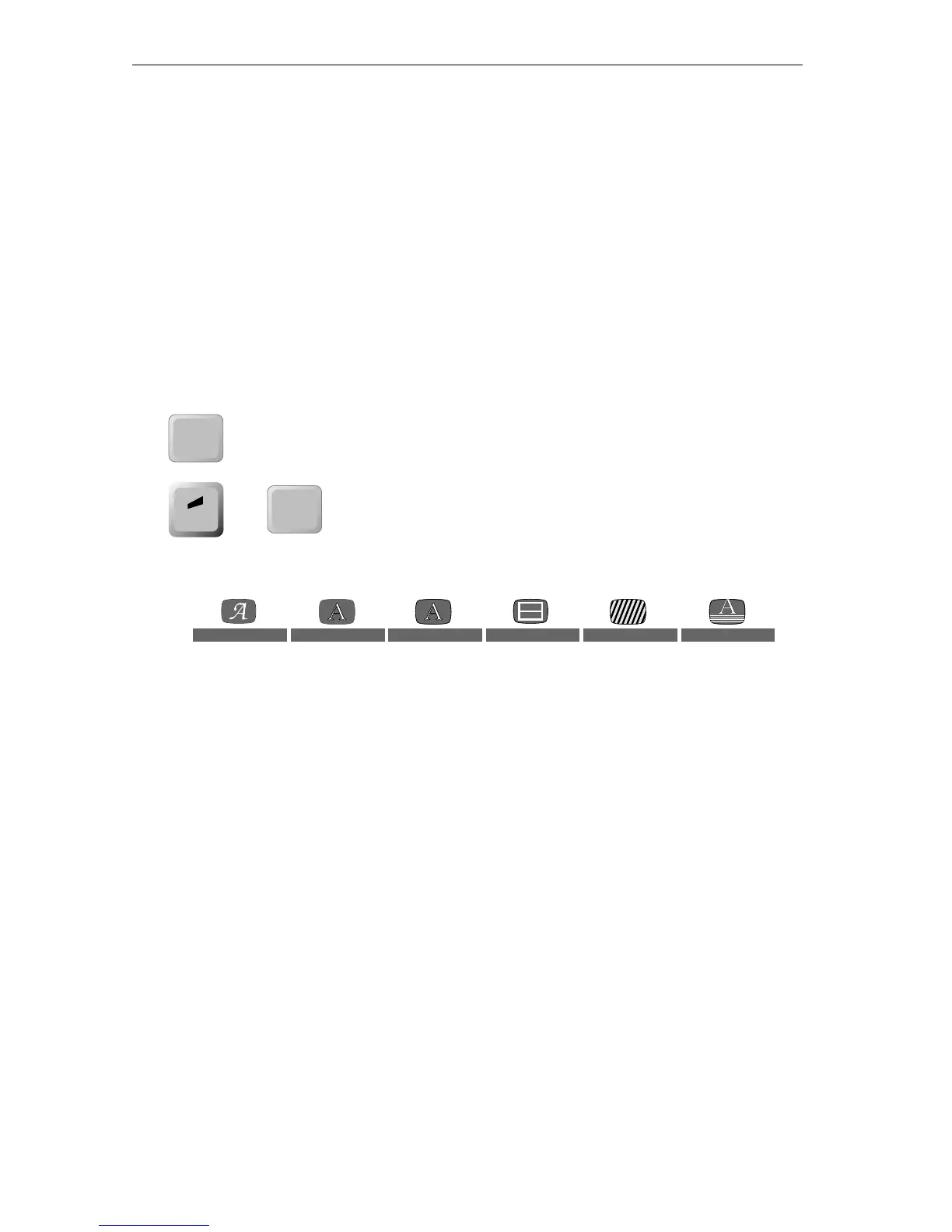
POWER DEMO — This key serves two separate
functions. Press to power the keyboard on and
off. To run the built-in demonstration of Personal
TitleMaker features, press
ACCENT+POWER DEMO.
See Appendix A, Personal TitleMaker Demo.
Menu Keys — The menu keys exist in six subgroups, as shown here.
Each menu key has associated with it two keyboard keys. For example,
the
FONT & SIZE and STYLE keys appear under the FONT menu key; the
COLOR and PATTERN keys appear under the LETTER menu key; and so
forth.
When you press a menu key a menu appears on the output device
screen. Most menus contain sub-menus. Use the items in the menus
and sub-menus to select fonts, font styles, borders, backgrounds, and
effects. See Chapter 8, Working with Menus.
Function Keys — Function keys serve many different purposes, such
as positioning titles on the screen, marking title text for copying or
moving, starting a new line in a title, moving the cursor on the editing
screen, and so forth.
Function keys exist in two groups; one on the left side of the keyboard
and another on the right. The two groups contain some of the same
keys, although each group also contains unique keys.
POWER
DEMO
accent
POWER
DEMO
+
FONT LETTER OUTLINE BORDERS BACKGROUND EFFECTS



 To Next Page