Personal TitleMaker User Guide
58
About Empty Projects
Keep in mind these general rules about projects:
• When you leave the Page Index Screen (such as when going to
the Editing Screen), Personal TitleMaker checks to see if there
are any empty projects. If a project is empty but the cursor is
positioned within the project, Personal TitleMaker does not delete
the project. However, if a project is empty, the cursor is not posi-
tioned within the project, and the project does not have a name,
Personal TitleMaker automatically deletes that project or
projects.
• Personal TitleMaker never automatically deletes a project that
contains titles or has a name assigned to it.
NAVIGATING BETWEEN PROJECTS
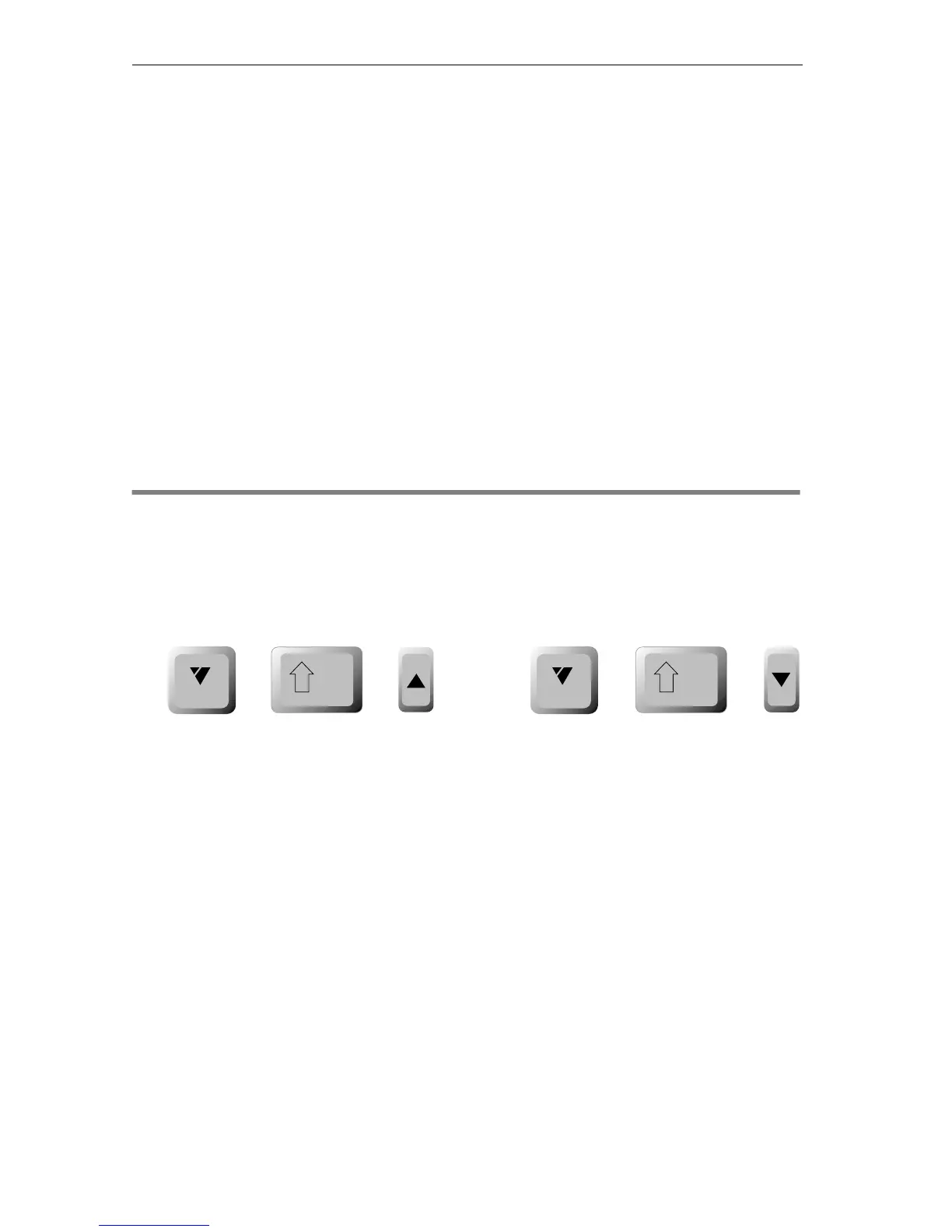
While working at either the Page Index or Editing Screen, press
CMD+SHIFT+UP ARROW or CMD+SHIFT+DOWN ARROW to jump from one
project to another.
While playing projects, you must switch to the Page Index or Editing
Screen before you can jump to other projects.
cmd
shift
cmd
shift
++ ++…or…



 To Next Page