Chapter 5 Working with Projects
57
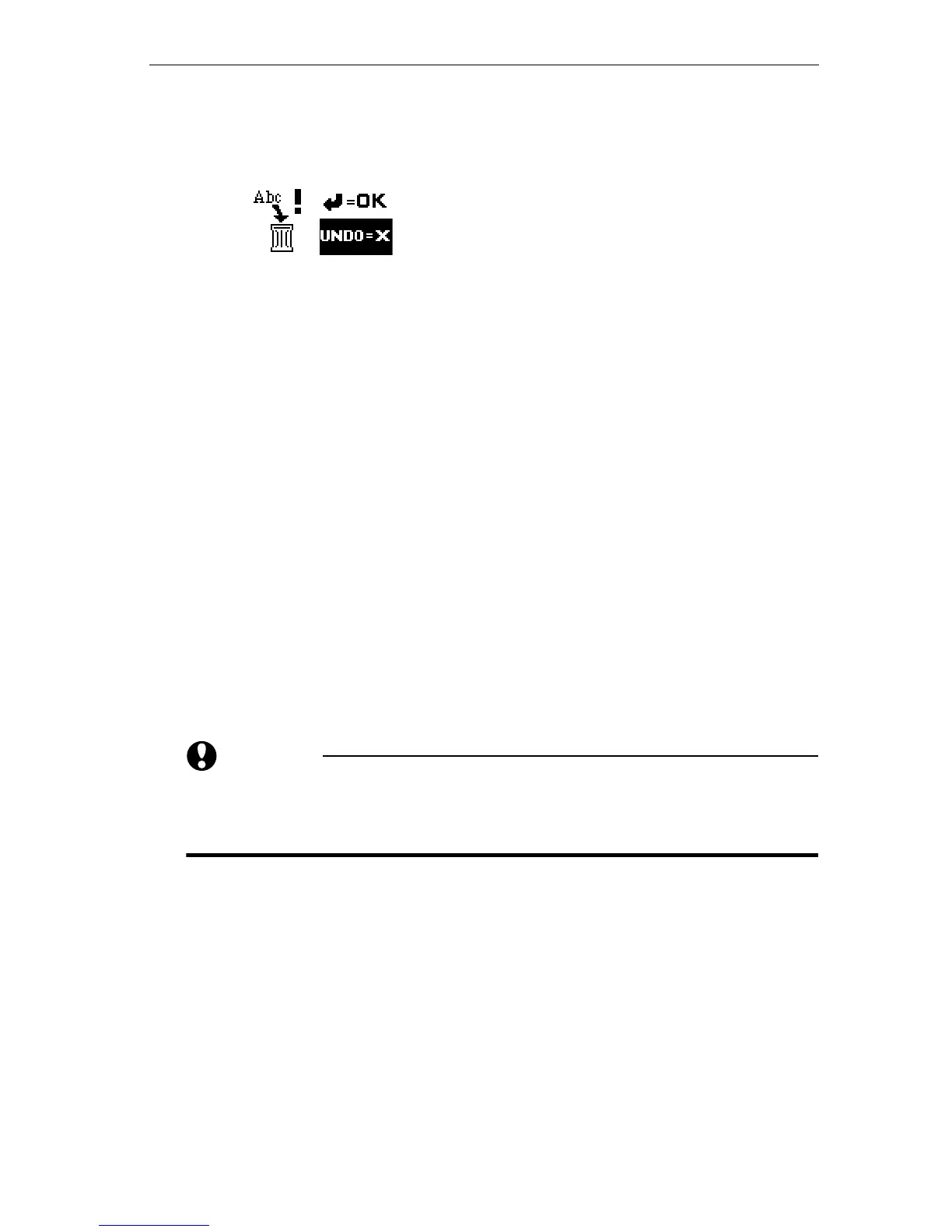
3 Press CMD+SHIFT+DELETE. This instructs Personal TitleMaker
to delete the current project. Personal TitleMaker displays a
graphic of a trash can and other symbols.
4 To delete the project, press
NEW LINE OK. If you don’t want to
delete the project, type the letter
X.
To empty a project:
1 If necessary, press
PAGE INDEX and locate the project you
want to empty on the Page Index Screen.
2 Use the
ARROW keys to move the cursor to any line in the
project you want to empty.
3 Press
CMD+MARK START, then press CMD+MARK END. This com-
bination of keys automatically marks all pages and titles in
the current project. Whatever action you do next affects
only the marked items.
4 Press
DELETE. This removes all marked items from the
project. Personal TitleMaker does not ask you to confirm
this action.
You now have an empty project.
CAUTION
If you leave the Page Index Screen at this point, and the
project you just emptied does not have a name assigned, Per-
sonal TitleMaker automatically deletes that project.
If you make sure the project you just emptied has a name assigned
before leaving the Page Index Screen, the project remains in Personal
TitleMaker’s memory. You can go back later and add new pages and
titles to the project.



 To Next Page