iDesign 72800115 Markoprint X4JET
Seite 112 von 177 GB
iDesign
Create a print image
No print images can be created on the Markoprint X4JET controller itself.
Print images can be created and processed with the iDesign software stored on the USB
stick. For this purpose, this must be installed on a commercially available PC (follow the
enclosed iDesign operating instructions).
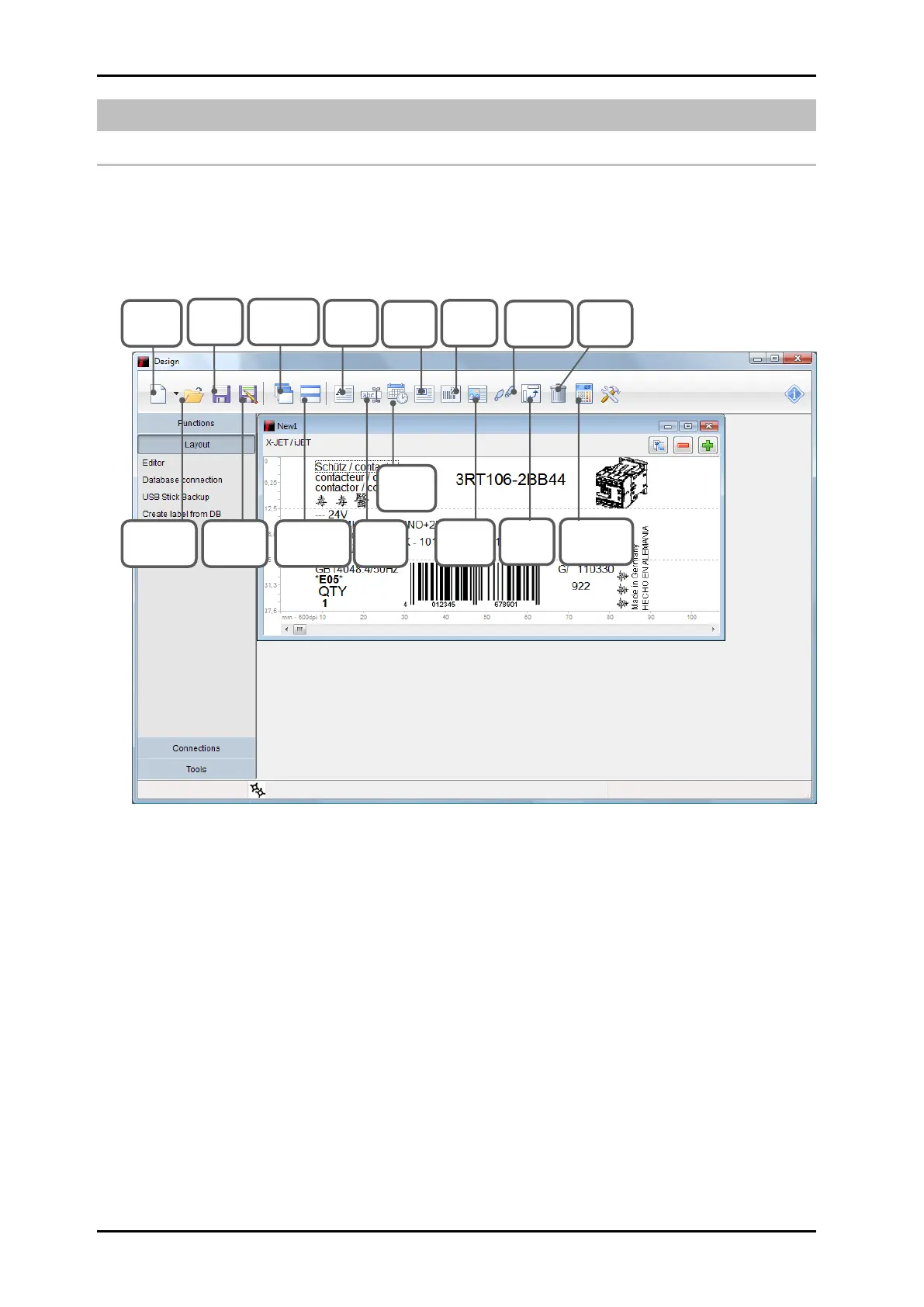
The diagram below shows the operating surface of the iDesign software.
Fig. 43: User interface iDesign
Arrangement
on top of
each other
Turn
selection
through
90°
Ink
consumption
calculator



 To Next Page