Operation 72800115 Markoprint X4JET
Seite 77 von 177 GB
iLOGIK
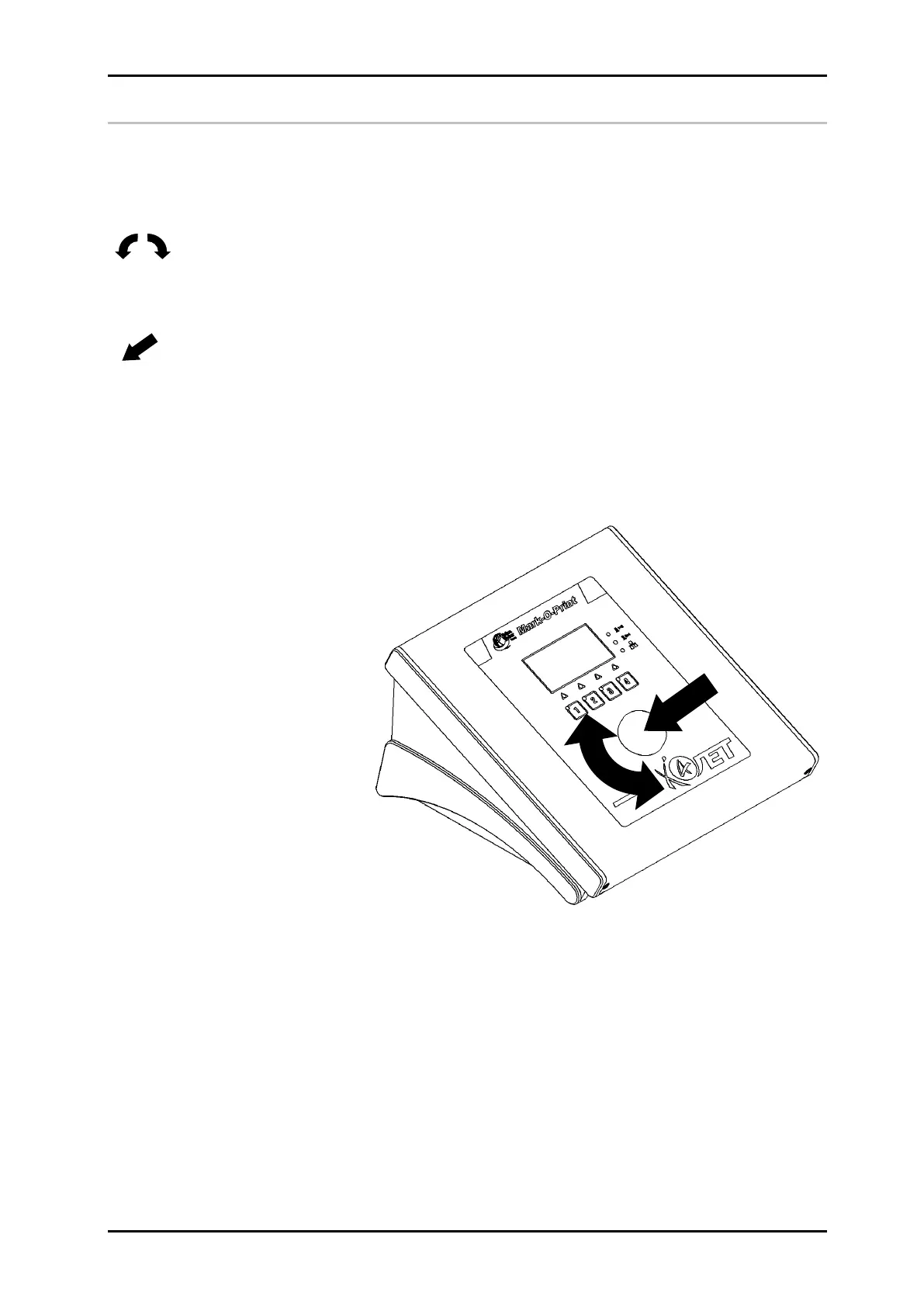
iLOGIK operation:
The iLOGIK is a turn and press switch which enables the operator to move within the
menu and make adjustments.
The menu functions are shown on a display located above the iLOGIK.
Turn:
Moving in the menu structure tree and changing set values and parameters after the selection
is made.
Push:
A short press on the iLOGIK calls a selected function and sets / actuates the previously set
value.
Longer pressing (> 1 sec.) of the iLOGIK enables the operator to jump back to the previous
menu level.
After two minutes without input, the unit automatically switches to status display. After a
further five minutes, the screen saver is activated. The display returns to status menu-1
by pressing or rotating the iLOGIK.
Fig. 37: Operating the iLOGIK



 To Next Page