Installation and initial operation 72800115 Markoprint X4JET
Seite 65 von 177 GB
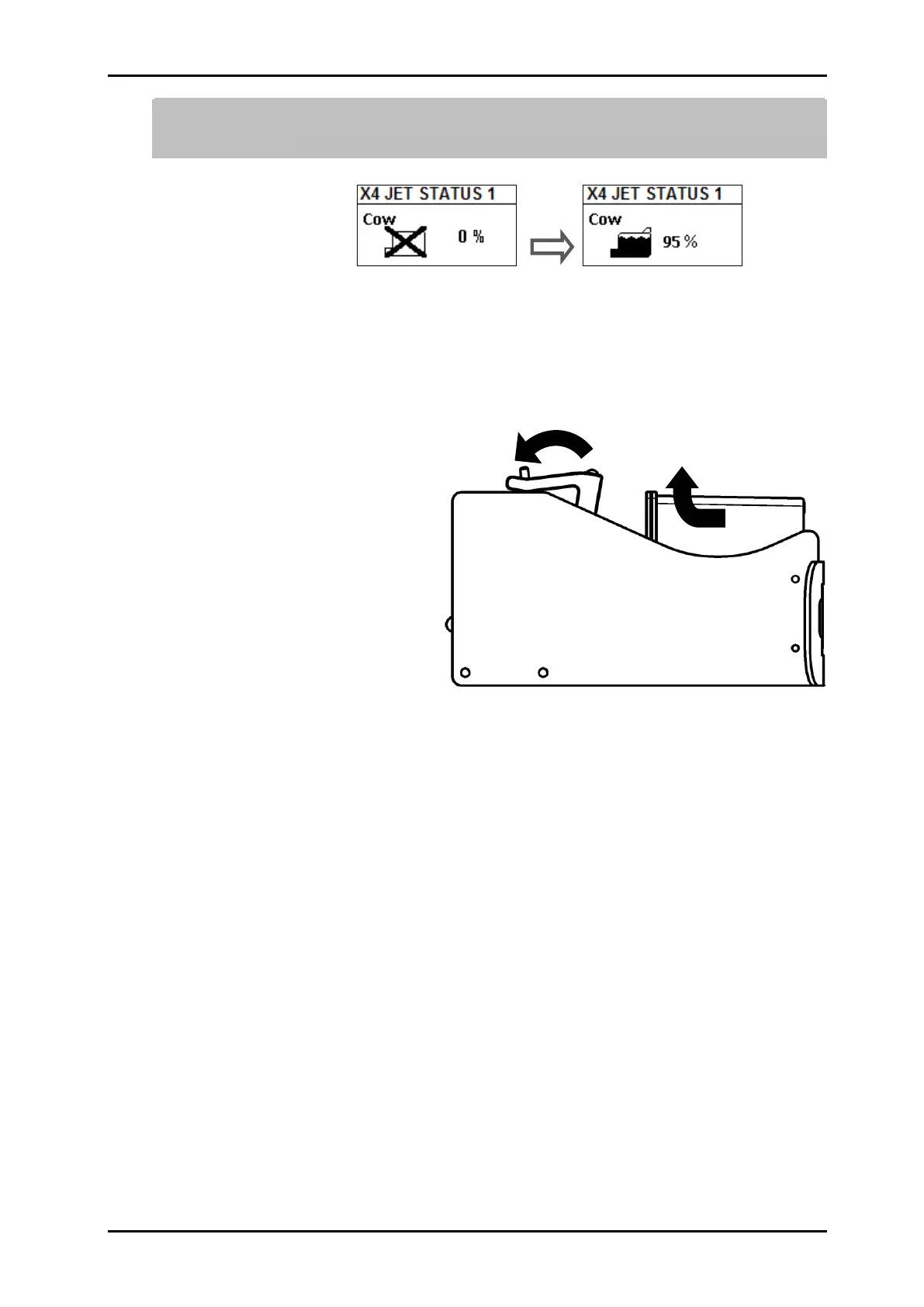
The correct place of an ink cartridge is also shown on the display below status
menu 1. The LED on the LX print head changes from red to green if the cartridge is
inserted correctly.
Fig. 32: Display change with correct inserted cartridge
Remove the LX ink cartridge from the print head:
1. Swing the clamp lever to open it.
2. Pull the ink cartridge in the direction of the clamp lever and remove it upwards.
Fig. 33:Remove LX ink cartridge



 To Next Page