Operation 72800115 Markoprint X4JET
Seite 85 von 177 GB
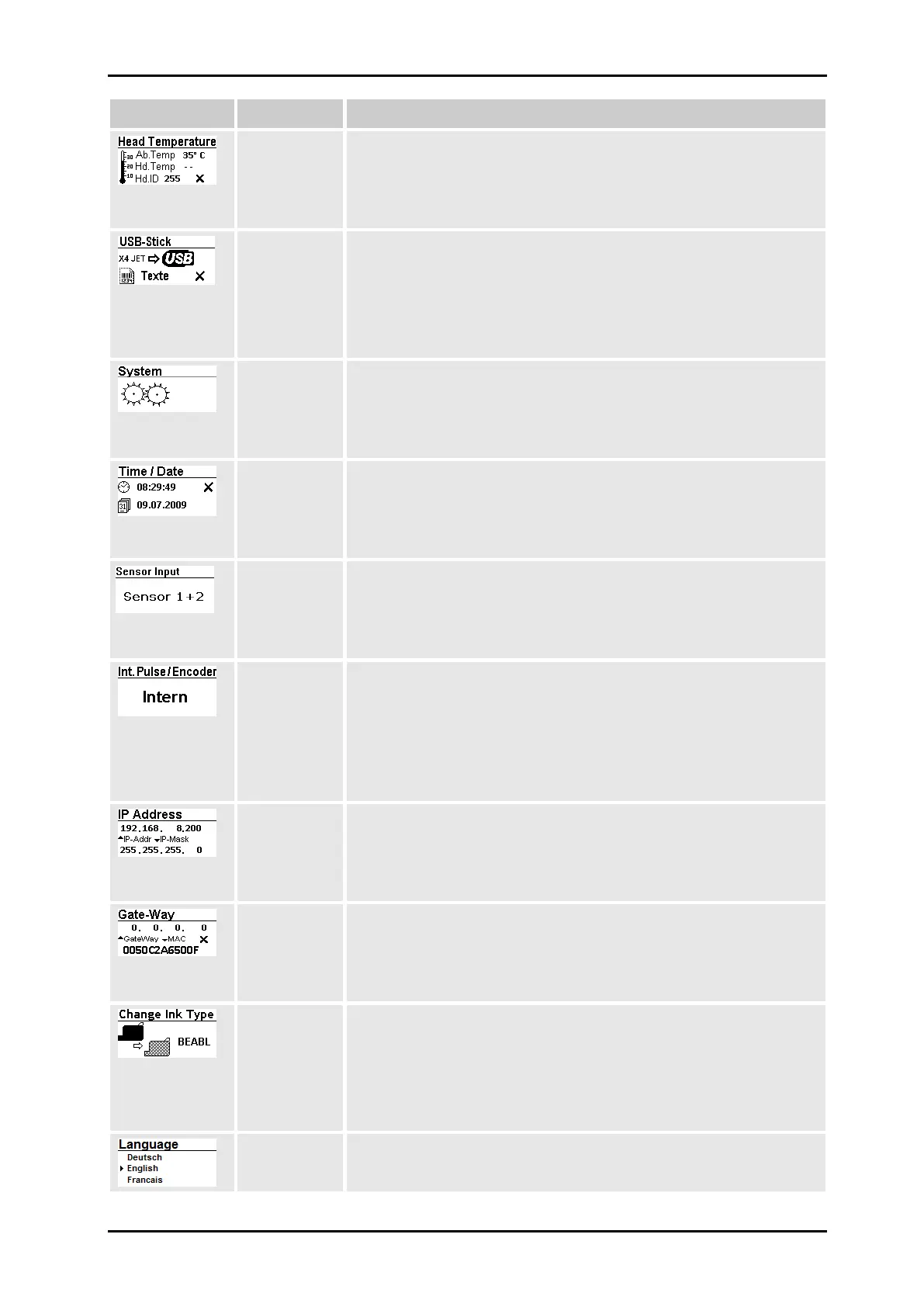
Indication of the temperatures and calibration of the warming
setting.
Chapter Warming, Page 99
NOTE: This menu item is only shown after connecting the
Markoprint X4JET-USB stick!
In this submenu it’s possible to load data from the USB stick
memory to the Markoprint X4JET memory and to load data from
the Markoprint X4JET memory to the USB stick memory.
Chapter Backup at USB stick, Page 101
System settings can be made in this menu.
Time and date are displayed in this menu and can be set here.
Chapter Time / Date, Page 101
The light barrier to be used is set in this submenu. It is internally
selected when the sensor integrated in the housing is used, and
Extern when an optionally available sensor is used.
Chapter Sensor Input, Page 102
The print speed must correspond to the conveyor belt speed. To
ensure this it can be set in the Encoder submenu how this is
predetermined. Intern means that the predetermined speed of the
conveyor belt is kept constant, and Extern means that the exact
transport speed is transmitted to the controller by the optionally
available encoder.
Chapter Sensor Input, Page 102
The IP address and IP mask are indicated in this menu.
Chapter IP address and IP mask, Page 104
Indication of Gateway and MAC address.
Chapter Gate-Way- and MAC address, Page 104
In this menu can be set up the used ink type. This effects an
automatically set up of all relevant parameters.
Depending on the application it’s necessary to fit the parameters.
The parameter is variable adjustable for print head 1+2 and 3+4
by pairs.
Chapter ink type, Page 105
In this menu can be set the desired menu language of the system.
Chapter Select language, page 105



 To Next Page