EasyManua.ls Logo

WEG CFW-09 - Page 102

WEG CFW-09
362 pages
Print Icon
To Next Page IconTo Next Page
To Previous Page IconTo Previous Page
Loading...
103
CHAPTER 5 - START-UP
T
y
pe
o
f
c
o
n
t
rol
P202 = Sensorless
OR
T
y
p
e
o
f
c
on
t
rol
P
20
2
=
E
n
c
o
d
e
r
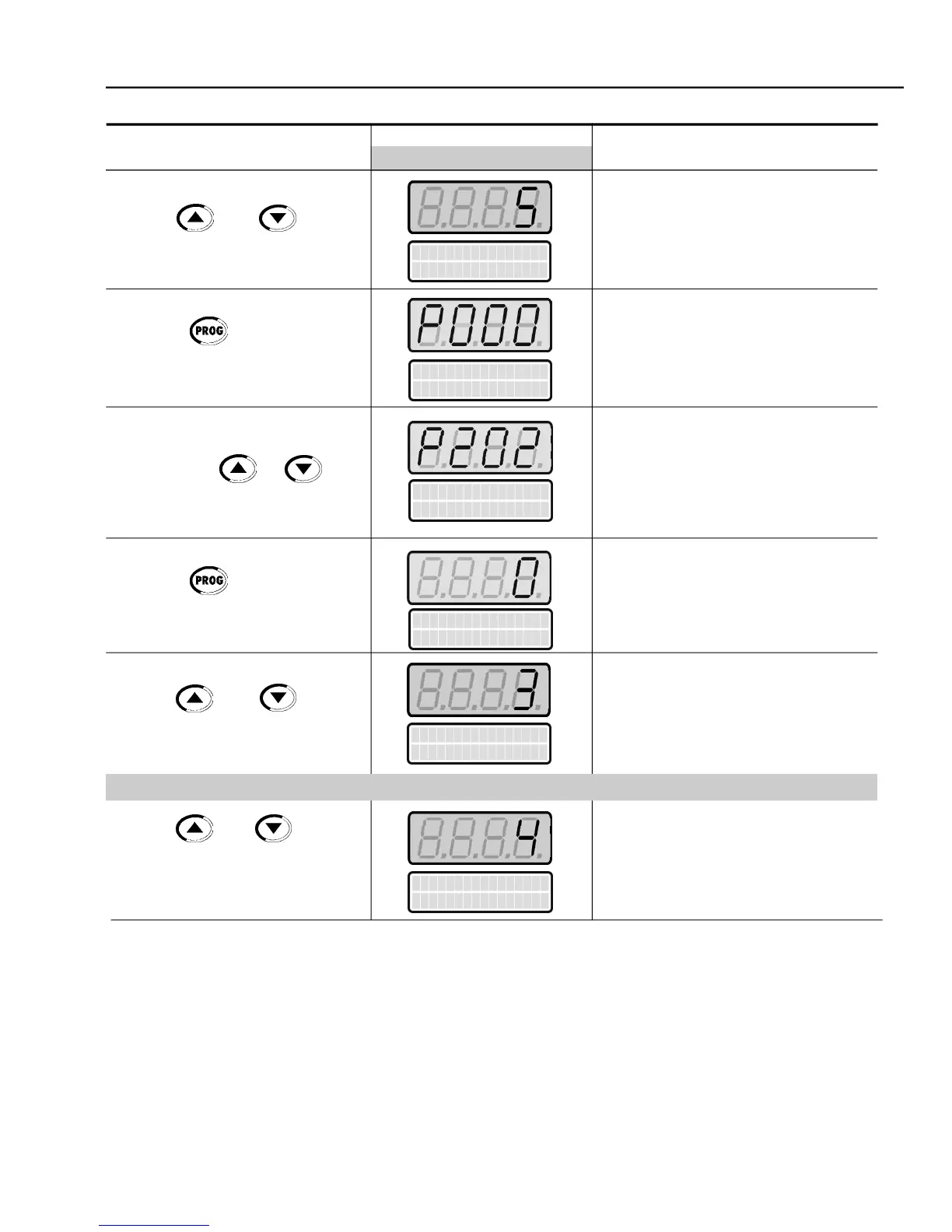
ACTION
LED DISPLAY
DESCRIPTION
LCD DISPLAY
Use the and keys to
select the type of control
(Sensorless)
Use the and keys to
select the type of control
(with
Encoder)
SelectedType of Control:
3 = Sensorless Vector
SelectedType of Control:
4 = Vector with Encoder
Password value (factory default = 5)
Exit the programming mode
Type of Control Selection:
0 = V/F 60 Hz
1 = V/F 50 Hz
2 = V/F Adjustable
3 = Sensorless Vector
4 = Vector with Encoder
5 = VVW
Enter the programmingmode
Use the and keys to
set the password value
Press the key to save the
programmed value and exit the
programming mode
Press the keys or until
P202 is reached
Press the key to enter the
programming mode
P
a
r
a
m
e
t
e
r
A
c
c
e
s
s
P
0
0
0 = 5
P
a
r
a
m
e
t
e
r
A
c
c
e
s
s
P
0
0
0 = 5
T
ype
o
f
c
o
n
t
rol
P
20
2
=
V
/
F
6
0
H
z
T
ype
o
f
c
o
n
t
rol
P
20
2
=
V
/
F
6
0
H
z

Table of Contents