CHAPTER 8 - CFW-09 OPTIONS AND ACCESSORIES
- LEDs for status indication of the DeviceNet network
The red fault indications mean hardware problems of the electronic board. The
reset is realized by switching OFF / ON the inverter. If the problem persists,
replace the electronic board.
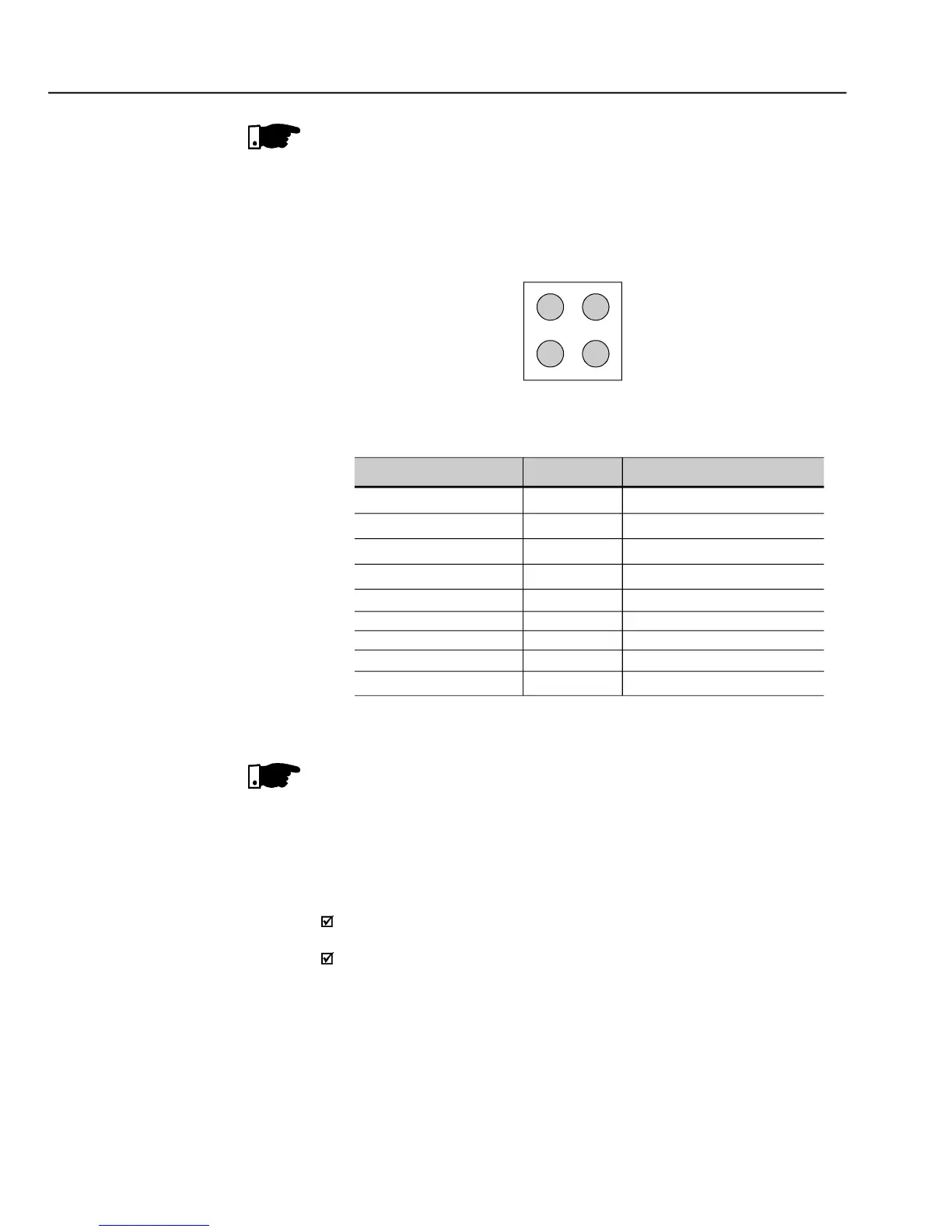
The electronic board is also fitted with other four bicolor LEDs placed at the right
bottom side, indicating the DeviceNet status according to figure 8.43 and table
Link operating, connected
Timeout of the connection
- Signaling LEDs indicating the DeviceNet status
Use of the DeviceNet /related CFW-09 Parameters. Refer to item 8.12.7.
The DeviceNet Drive Profile communication board has the purpose of making
availableat the producta communication interface for a DeviceNet network with
the following characteristics:
It makes it possible the parameterization of the inverter via the network, with
direct access to the parameters through messages sent by the master.
It follows theDevice Profilestandard forACand DC
ODVA(Open DeviceNet VendorAssociation), which defines a common set
that operate in a DeviceNet network.
With the DeviceNet Drive Profile interface the I/O data exchanged with the
DeviceNet network master present format and parameterization different from
the data exchanged byusing the normal DeviceNet board. For moreinformation
on the parameterization and operation of this interface, refer to the CFW-09
frequencyinverter DeviceNet Drive Profile Communication Manual.



 To Next Page