CHAPTER 4 - KEYPAD (HMI) OPERATION
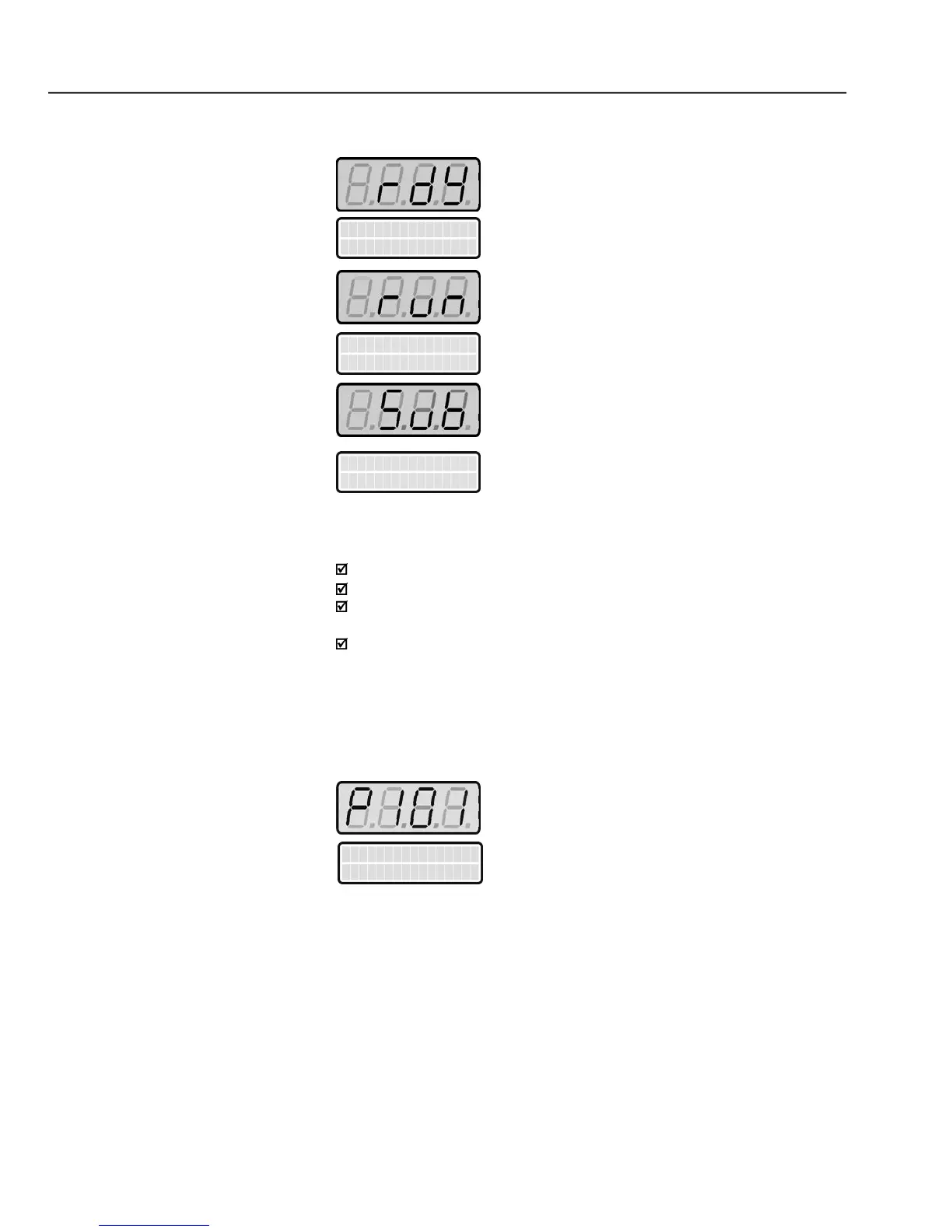
Inverter is READY to be started
Inverter has been started
Linevoltage in too low for inverter operation
The display flashes in the following conditions:
During the DC Injection braking;
Trying to change a parameter value when it is not allowed;
Inverter in a current overload condition (Refer to chapter 7 - Diagnostics
Inverter in Fault condition (Refer to chapter 7 - Diagnostics and
All CFW-09 settings are made through the parameters. The parameters are
shown on the display with the letter
Each parameter is associated to a numerical value (parameter content), that
corresponds to an option selected among those options that are availablefor
The values of the parameters definethe inverter programming or the value of
a variable (e.g. current, frequency, voltage). For inverter programming you
should change the parameter content(s).
To allow the reprogramming of any parameter value it is required to change
parameter P000 to thepassword value. The factorydefault password value is
5.Otherwise you canonlyread the parametervalues andnot reprogram them.
P000 description in chapter 6.



 To Next Page