Selected Motor Ventilation Type:
Exit the programming mode
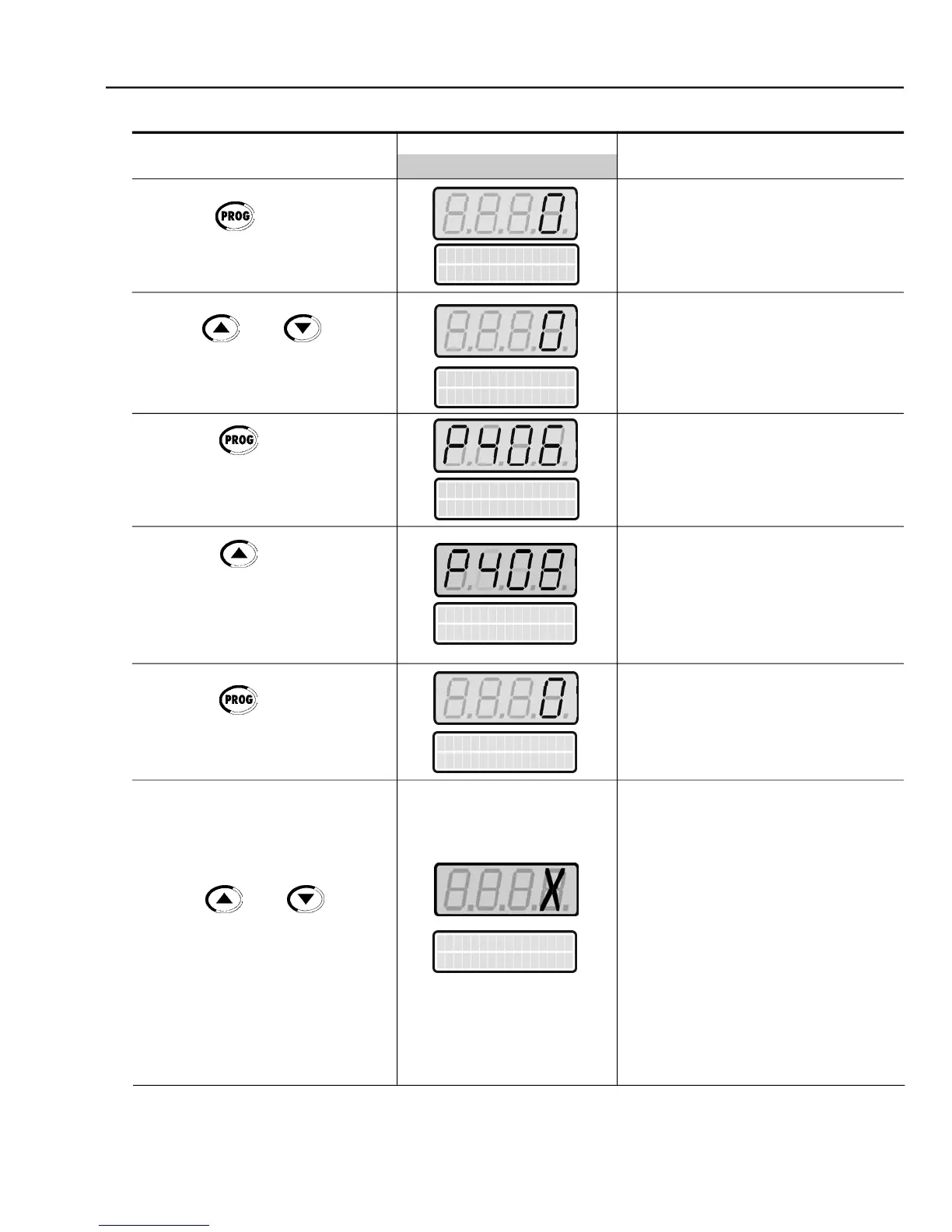
Self-tuning Mode Selection:
Enter the programmingmode
Onlyselect option 2(Run forIm) ifnoload
is coupled to the motor shaft. Otherwise,
select option 1 (No Rotation)
In addition to the options above, it is also
possible to estimatethe Tm (Mechanical
With the load coupled to the motor shaft,
select 3 (Run for Tm). The motor willonly
run when Tm is estimated. All other
parameters are estimated with the motor
at standstill. If only Tm estimation is
desired, select option 4 (Estimate Tm)
(Refer to P408 in chapter 6)
select the motor ventilation type
Press the key to save the
selected option and exit the
Press the key to go to the
Display shows during 3 s:
Press the key to enter the
select the desired Self-tuning mode
Enter the programmingmode
Press the key to enter the



 To Next Page