CHAPTER 6 - DETAILED PARAMETER DESCRIPTION
Indicate the percentage value of the analog outputs AO1 to AO4 with
respect to the full-scale value. The indicated values are obtained after
the multiplication by the gain. Refer to the description of parameters
It indicates the process variable in % (factory setting), used as the PID
The indicationunit canbe changed through P530,P531 and P532. The
scale can be changed through P528 and P529.
Refer to detailed description in item 6.5 - Special Function Parameters.
This parameter also allows to modifythe PID set point (see P525), when
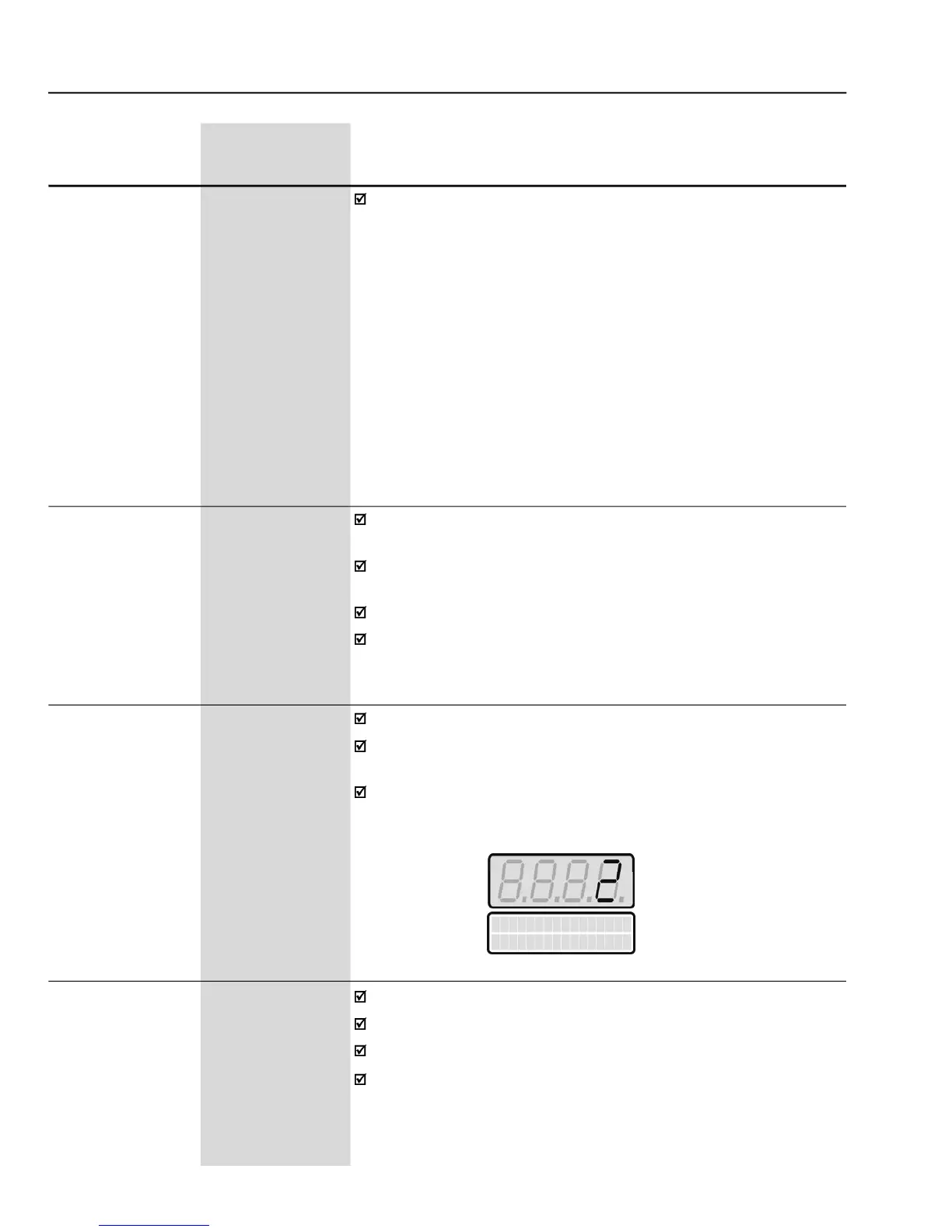
Indicates the total number of hours that the inverter was powered.
The LED Display shows the total number of hours that the inverter was
This value remains storedeven when the inverter is turned OFF.
Example: Indication of 22 hours powered.
Indicates the total number of hours that the inverter
If P204 is set to 3, the P043 is reset to zero.
This value remains stored even when inverter is turned OFF.


 To Next Page