ZEISS OPERATION Axio Imager 2
Operating the motorized microscope via the touchscreen of the TFT display
132 430000-7544-001 01/2016
Parfocality
In this section so-called parfocality alignment can be carried out for the objectives configured in the
objective nosepiece. The purpose of this function is to detect mechanical and optical tolerances between
the objective nosepiece and objectives in the Z-axis for each position, and to compensate these
reciprocally.
All IC2S objectives are aligned to a common parfocal length of 45 mm. Dependent upon the different
depths of the different objective magnifications and the mechanical tolerances of the objective nosepiece
in combination with the objective, the image may appear blurry when changing from one magnification
level to the next. Use the motorized focus drive to align and save the tolerances between all objectives.
The parfocality function is activated and deactivated using the On and Off buttons. Stored values remain
in the memory of the device after deactivation.
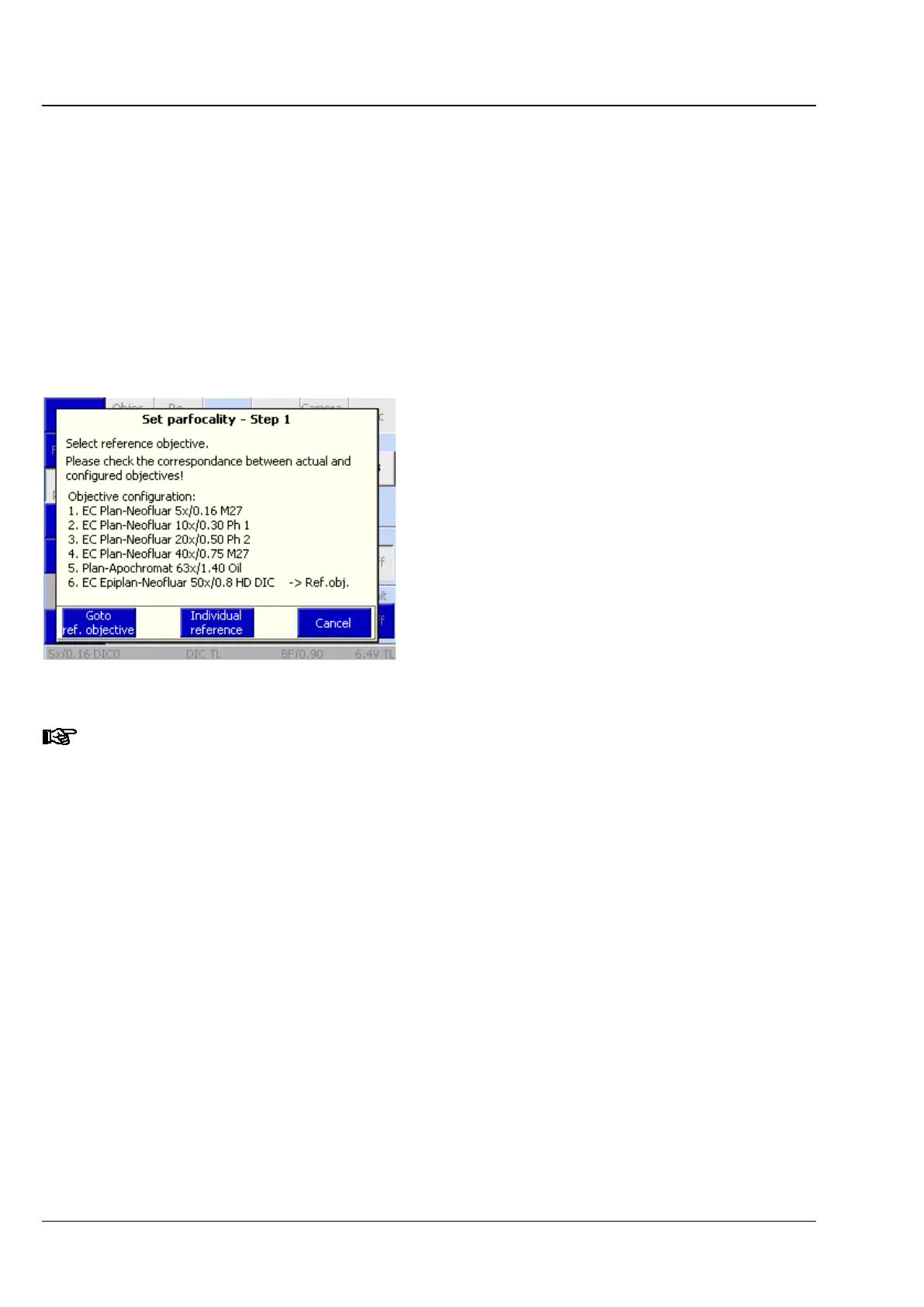
Use the Adjustment button to start the parfocality
alignment. On pressing this button, a wizard
appears to guide you through the procedure.
If a motorized mechanical stage or scanning stage
is connected to the microscope via CAN bus, a so-
called parcentricity alignment is also carried out
using the wizard. Here the tolerances in the x and
y coordinates of the individual objectives are
compensated and saved in a similar way to that
described above.
During simultaneous adjustment of focus and centricity, ensure that the axial position of the
specimen is not inadvertently changed because otherwise this value is saved as x / y offset
between two objectives. The parcentricity alignment is described in the section on the (4)
Stage tab.
All objectives must be focused successively. Start with all dry objectives, from the highest to the lowest
magnification. Then, proceed with all immersion objectives from the highest to the lowest magnification.
Press the Next Objective button to rotate the nosepiece to the next objective. After all objectives have
been focused, press the End button.
Fig. 139 Setting parfocality








 To Next Page