ZEISS OPERATION Axio Imager 2
Operating the motorized microscope via the touchscreen of the TFT display
142 430000-7544-001 01/2016
4.8.6.2 Extras page
From the Extras page you can access the Light
manager, Contrast manager, Oil stop, Dazzle
protection, Ethernet and Miscellaneous tabs.
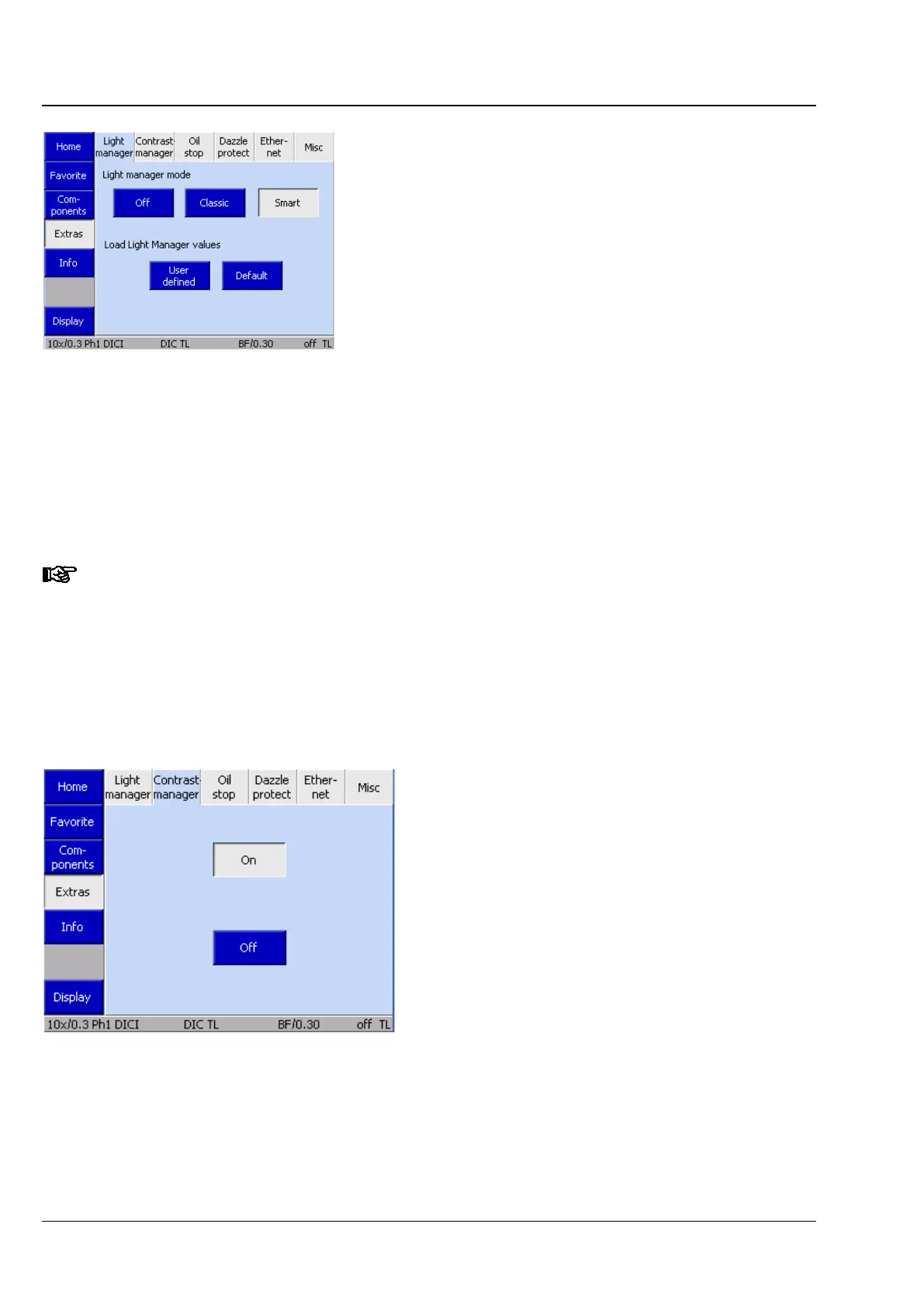
(1) Light manager tab
This tab allows the user to switch the light
manager on and off.
The light manager automatically adjusts the light
intensity. For its uses, see Section 4.6.
Buttons beneath Load light manager values:
The User-defined button loads the values last
saved via the LM set button.
Pressing the Default button restores the factory
settings.
New transmitted light and reflected light filter set combinations (neutral-
neutral-density filters) are offered for second-generation Axio Imager 2 units. These filters are
fully integrated into the light manager functions. For the sake of clarity
configuration program writes those filters directly into the filter wheel, without the user having
to do so through the TFT. This is also an ACR-
enabled component. This means that any
equipment mounted on it is automatically read out by the microscope during initialization. For
this reason, a filter wheel of this type can be installed on every stand without having to be
reconfigured.
(2) Contrast manager tab
This tab switches the contrast manager globally
ON and OFF. The contrast manager can be
switched off here if contrast-related motorized
components are not to be moved.
Fig. 161 Microscope -> Config -> Extras ->
Light manager
Fig. 162 Microscope -> Config -> Extras ->
Contrast manager








 To Next Page