ZEISS OPERATION Axio Imager 2
Operating the motorized microscope via the touchscreen of the TFT display
146 430000-7544-001 01/2016
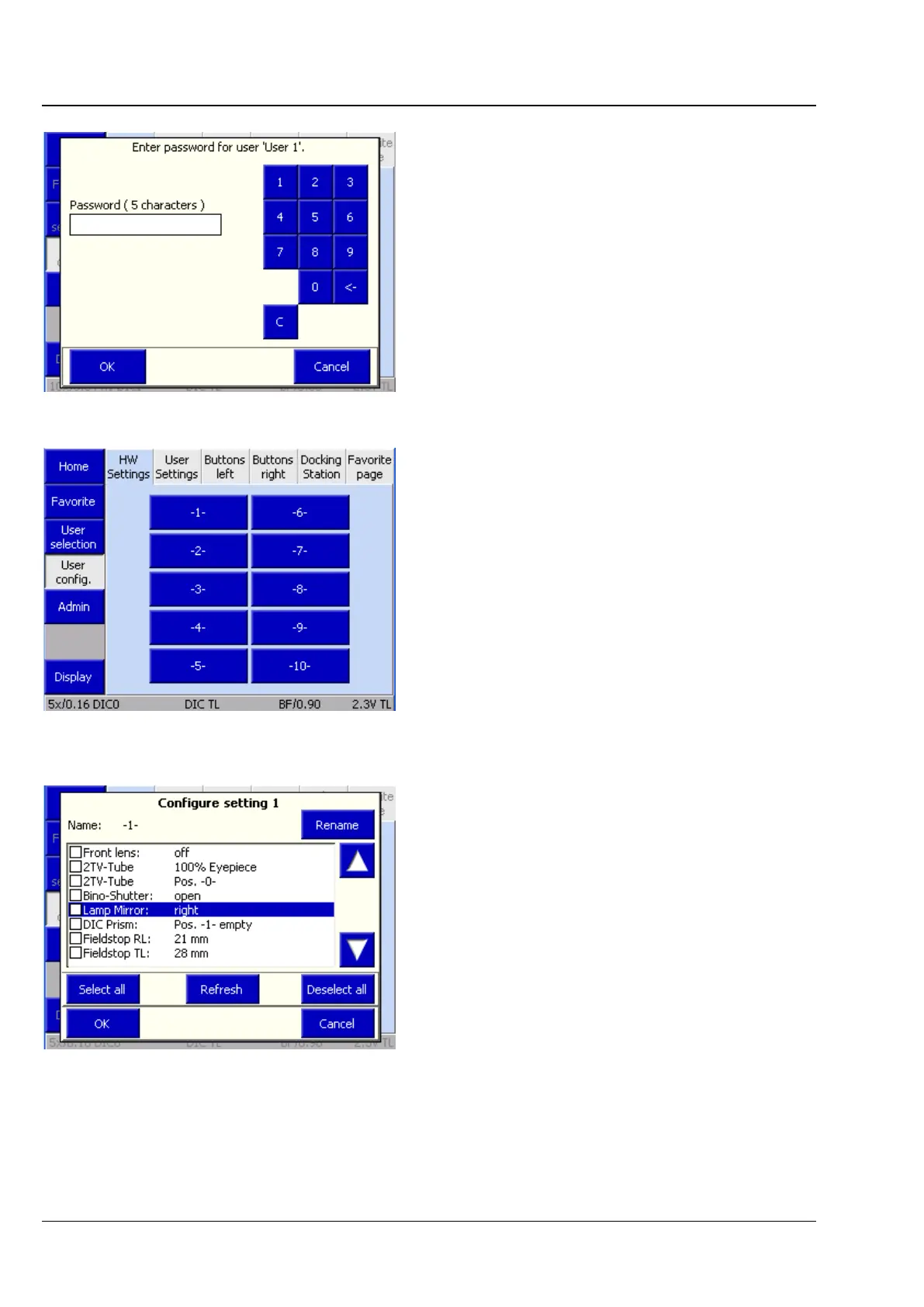
4.8.7.2 User configuration page
User-defined configurations can be created and
saved on this page. This page is password-
protected.
Once the user password has been entered, the
configuration of the user chosen on the User
selection page can be changed.
The following tabs are available for user
configuration:
− HW Settings Hardware settings
− Settings Change password
− Buttons on left Left drive knob
− Buttons on right Right drive knob
− Docking station buttons
− Favorites page Select favorites page
(1) HW Settings tab
As many as ten hardware settings can be assigned
to each user. Each setting may consist of a
combination of controllable microscope
components. The components available appear in
a selection list.
• Click on the desired components.
Clicking on a component will save its current
status for the setting. If a different value is to be
saved, it must be changed using the buttons on
the stand or via the TFT before it can be saved.
• To adopt the new value, press the Update
button afterwards.
Fig. 169 Password query
Fig. 170 Microscope -> User -> User
configuration -> HW Settings
Fig. 171 HW Settings list








 To Next Page