Instructions for Use 10 Data Management
2660021169042 Rev. A 2018-03 10.3 Patient Data
2660021169042 Rev. A 2018-03 157 / 246
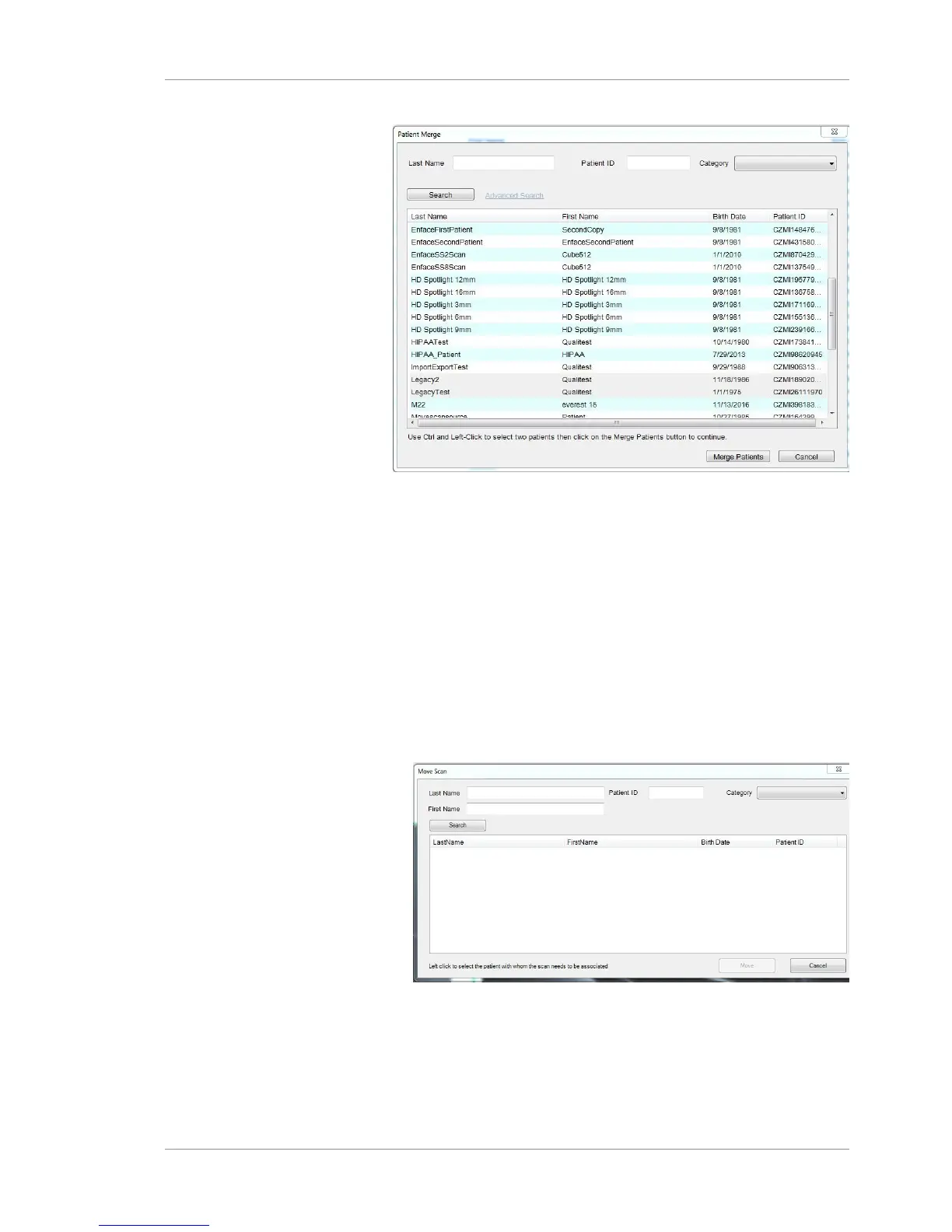
Figure37: The Merge Patient window
2. Select the 2 patient records by holding down <Ctrl> and left-
clicking the patient records.
3. Select Merge Patients.
The patient records are now combined for the patient under the
identifier selected.
10.3.3 Move Scan
If a scan was acquired using an incorrect patient record, you can
move the scan data to the correct patient using Move Scan.
Prerequisite þ A scan is selected in analyze mode.
Action u Select Edit > Move Scan.
ð The Move Scan window opens.
u Click Search to find and select the patient scan.
u Select Move to move the scan into the correct patient record.













 To Next Page