3 System Overview Instructions for Use
2660021169042 Rev. A 2018-033.2 Software Overview
40 / 246 2660021169042 Rev. A 2018-03
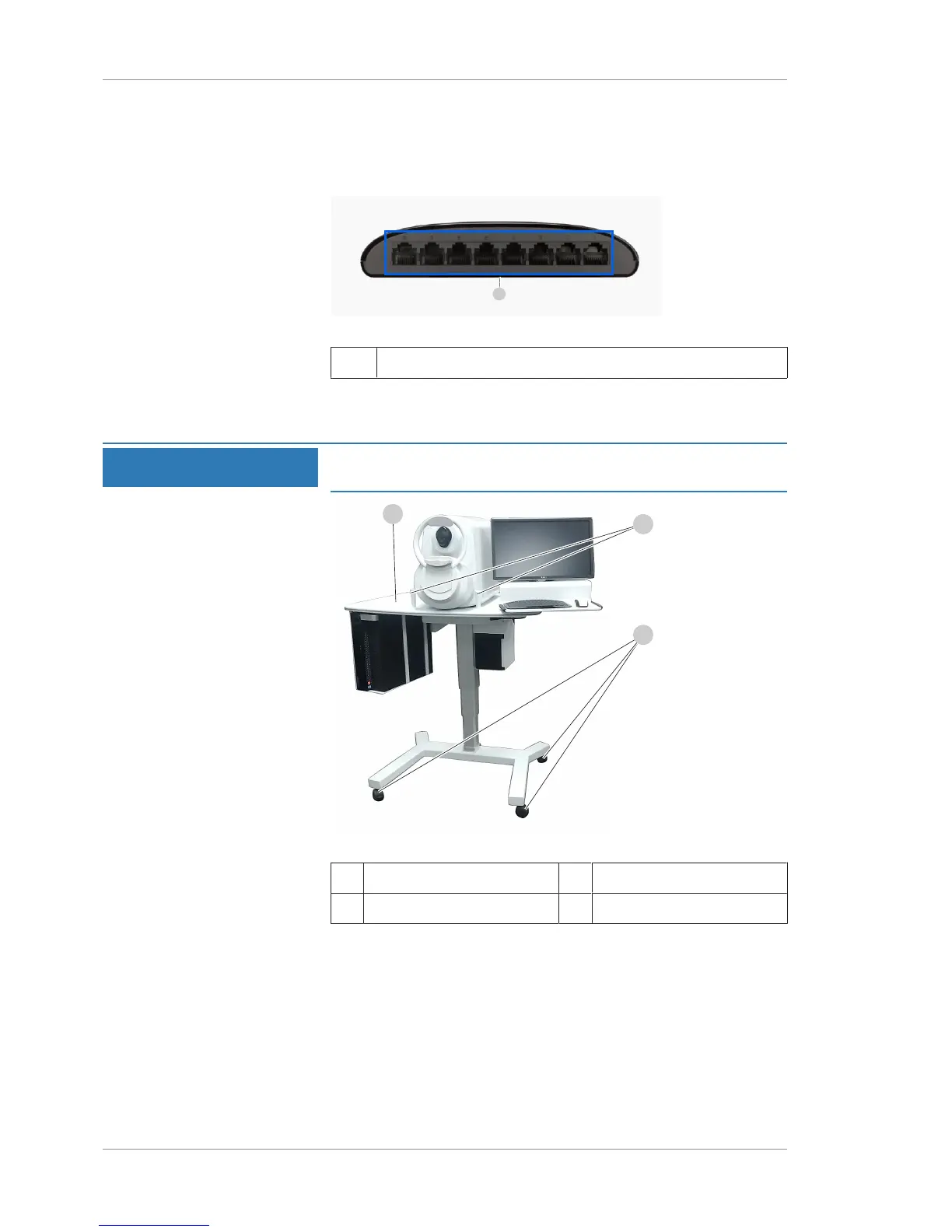
3.1.5 Network Switch
The network switch is provided to allow access to your institution's
network (see Networking [}175]).
Figure7: Network Switch (Back)
1 Ethernet Ports
3.1.6 Power Table
NOTE
Cables that connect components are routed under the table.
You do not need to disconnect or reconnect these cables.
Figure8: Power Table
1 Power Table 2 Patient Handles
3 Locking Casters
3.2 Software Overview
PLEX® Elite 9000 software has four screen types:
• Find Existing Patient Screen [}74]
• Acquire Angio, Cube, and HD 51 Scans Screen [}83]
• Check Scan Quality [}97]
• Analysis and Report Screen Elements [}108]













 To Next Page