Instructions for Use 8 Operation
2660021169042 Rev. A 2018-03 8.2 Select the Patient
2660021169042 Rev. A 2018-03 77 / 246
8.2.2 Select from Today's Patients
8.2.2.1 View Today's Patients Screen
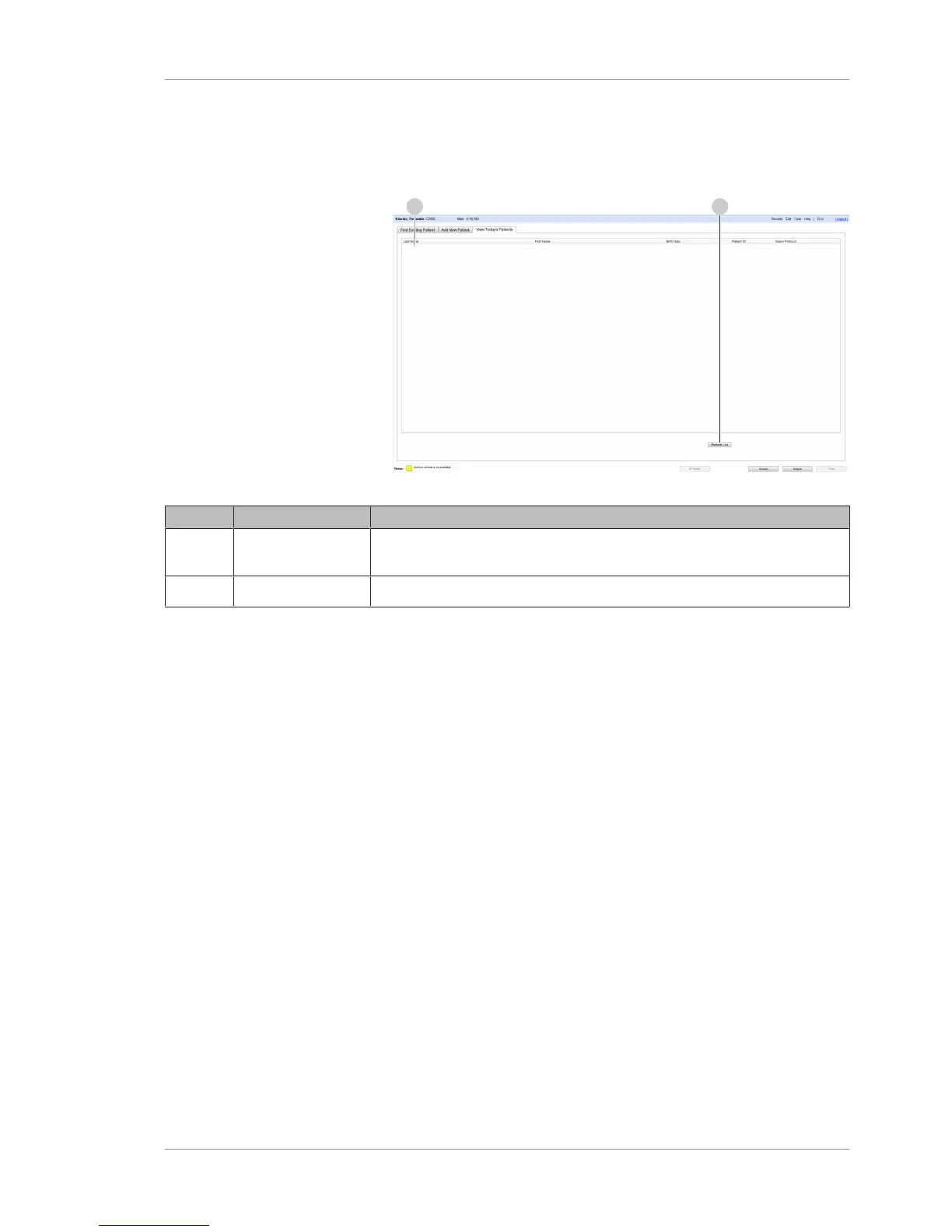
Figure18: View Today's Patients Tab
Pos. Name Explanation
1 Results Lists patient information for patients scheduled for a PLEX® Elite 9000
exam today (from the electronic medical record system).
2 Refresh List Synchronizes with the electronic medical record system and updates the list.
8.2.2.2 Viewing Today's Patients
The View Today's Patients tab lists:
• Patients added today (Adding a New Patient [}160])
• Patients that were scanned earlier today
• DICOM patients scheduled for a scan today.
To view today's patients:
Prerequisite þ You are logged in to the PLEX® Elite 9000 instrument or a
review station and the Patient screen is open: (Logging In as
Operator or Data Analyst [}73]).
Action 1. Select the View Today's Patients tab.













 To Next Page