3 System Overview Instructions for Use
2660021169042 Rev. A 2018-033.2 Software Overview
46 / 246 2660021169042 Rev. A 2018-03
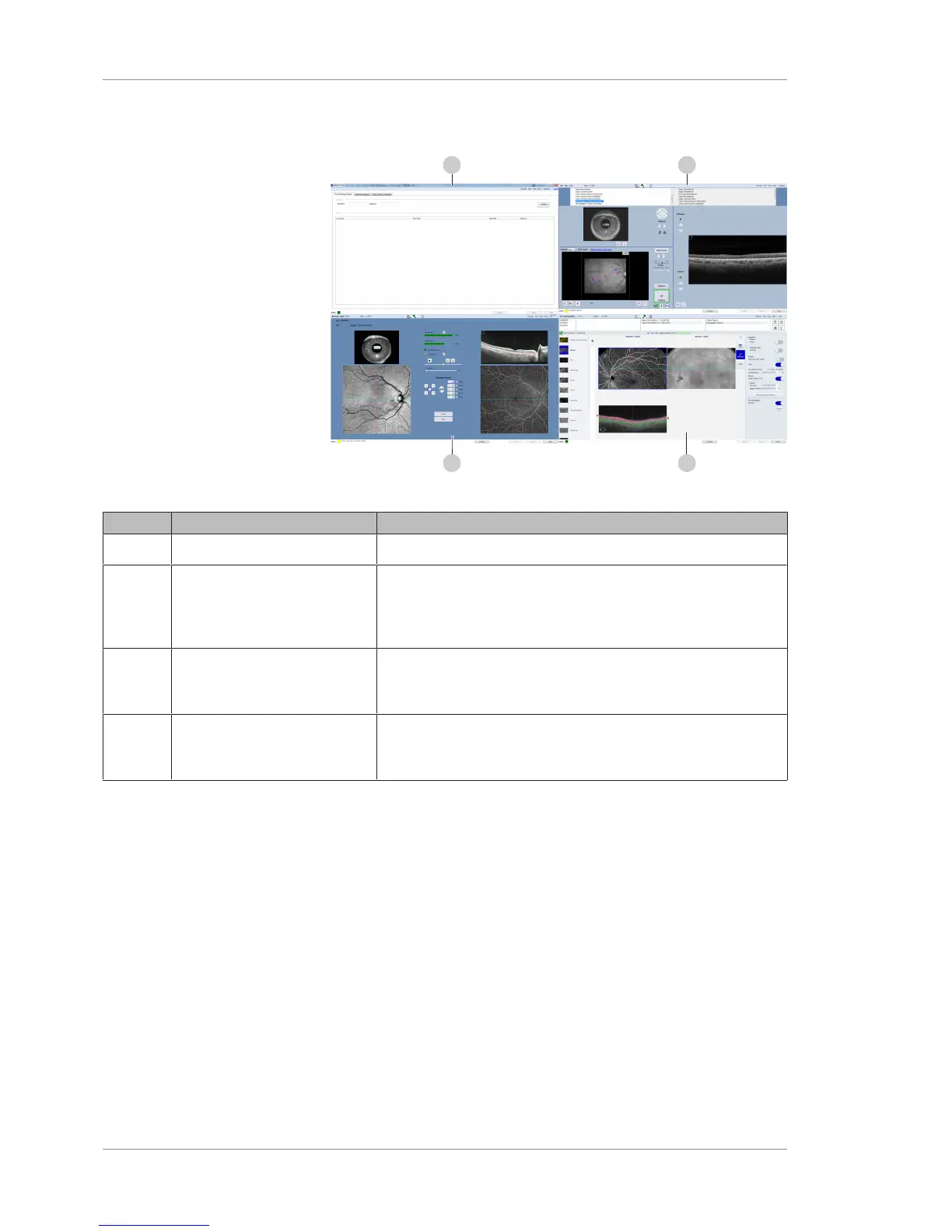
3.2.4 Basic Screens
Figure15: Basic Screen Examples
Pos. Name Explanation
1 Patient ID Screen
Select or add a patient (see Find Existing Patient Screen [}74]).
2 Acquire Screen (Instrument Only) Acquire scans for the selected patient (see
Acquire Angio, Cube, and HD 51 Scans Screen [}83] Acquire
HD Spotlight Screen [}88], and Acquire Montage Screen
[}92]).
3 Quality Check Screen (Instrument Only) Assess the scan's quality and decide whether
to save or retake the scan (see Quality Check Screen (Angio)
[}98] and Quality Check Screen (Montage) [}100]).
4 Analysis and Reports Screen (For saved scans; Instrument or Review Station) Review, adjust,
annotate, and assess scan results (see Analysis and Report
Screen Elements [}108]).













 To Next Page