Instructions for Use 3 System Overview
2660021169042 Rev. A 2018-03 3.2 Software Overview
2660021169042 Rev. A 2018-03 45 / 246
3.2.3.1 Navigation Buttons
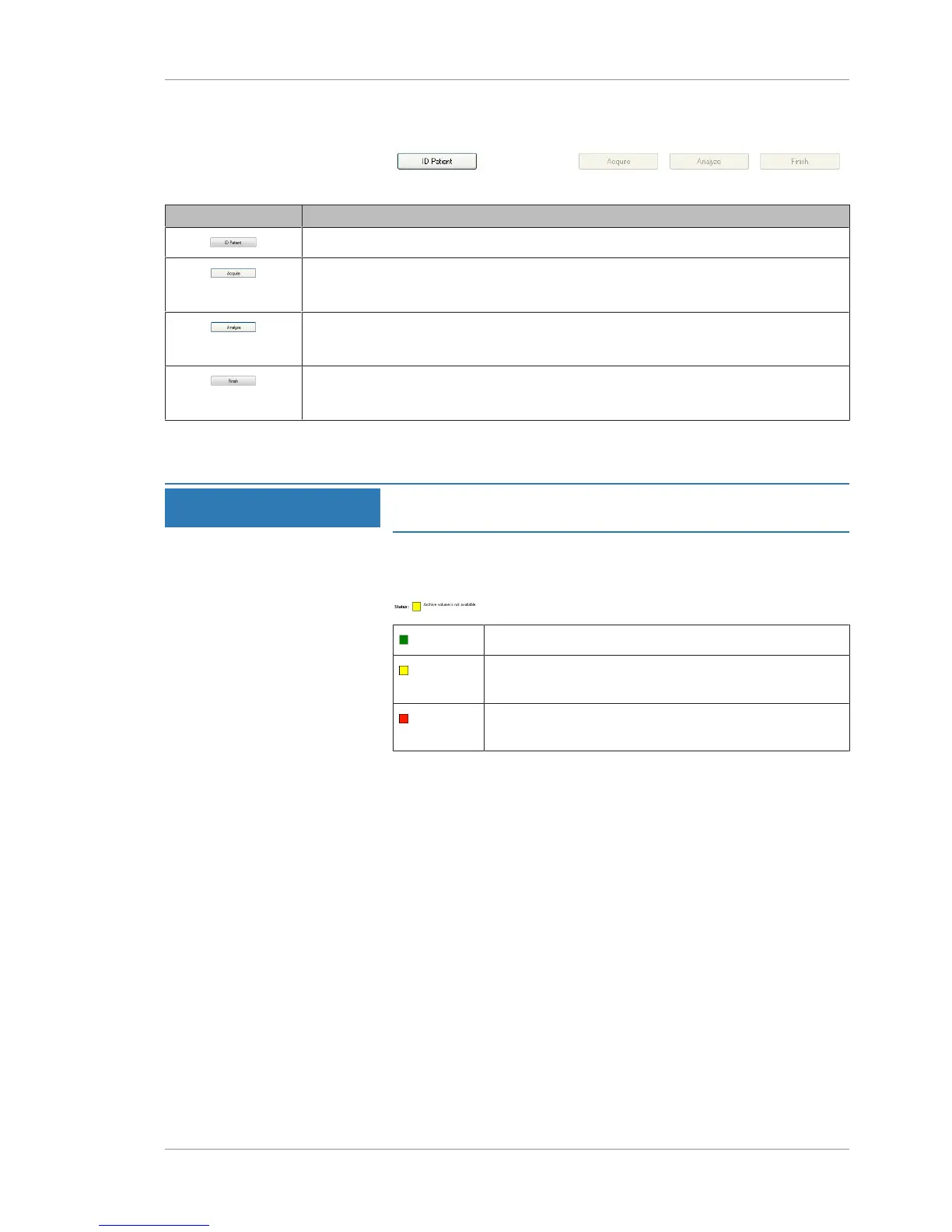
Figure14: Navigation Buttons
Button Description
Opens ID Patient mode.
Opens Acquisition mode.
NOTE!This button is only active when a patient is selected.
Opens Analysis mode.
NOTE!This button is only active when a patient with saved scans is selected.
Exits the current mode and opens the prior mode.
NOTE!This button is only active in Acquire or Analyze modes.
3.2.3.2 Navigation Status
NOTE
Mouse over the status indicator and popup text will explain
the current status.
Status (bottom left) displays a single green–yellow–red indicator
along with a brief message about the instrument, hard drive, or
NAS. For example:
OK or normal: The instrument is functioning normally.
Warning: The instrument is operational but one or more
problems exist.
Critical: One or more serious problems exists that
restricts use of the instrument.
For more information about status, refer to: Status Messages
[}208].













 To Next Page