3 System Overview Instructions for Use
2660021169042 Rev. A 2018-033.2 Software Overview
44 / 246 2660021169042 Rev. A 2018-03
Option Description Enabled in User Type(s)
Options >
Categories\
Create, edit, or delete categories for patient records. Patient ID Mode Operator
Admin
Options >
Institution Edit
Enables you to customize your PLEX® Elite 9000 and
reports generated from it by adding or editing the
Institution Name, ID Issuer, and optional logo
graphic.
All modes Admin
Options >
Equipment
Edit
Enables the Admin to identify the PLEX® Elite 9000
by a name assigned by the institution.
All modes Admin
Options >
Users
Enables you to create, edit, or delete staff as users
and designate their user privileges.
All modes Admin
Options >
Select
Database
Enables you to switch between different instrument
databases.
Review
Software
Operator
Admin
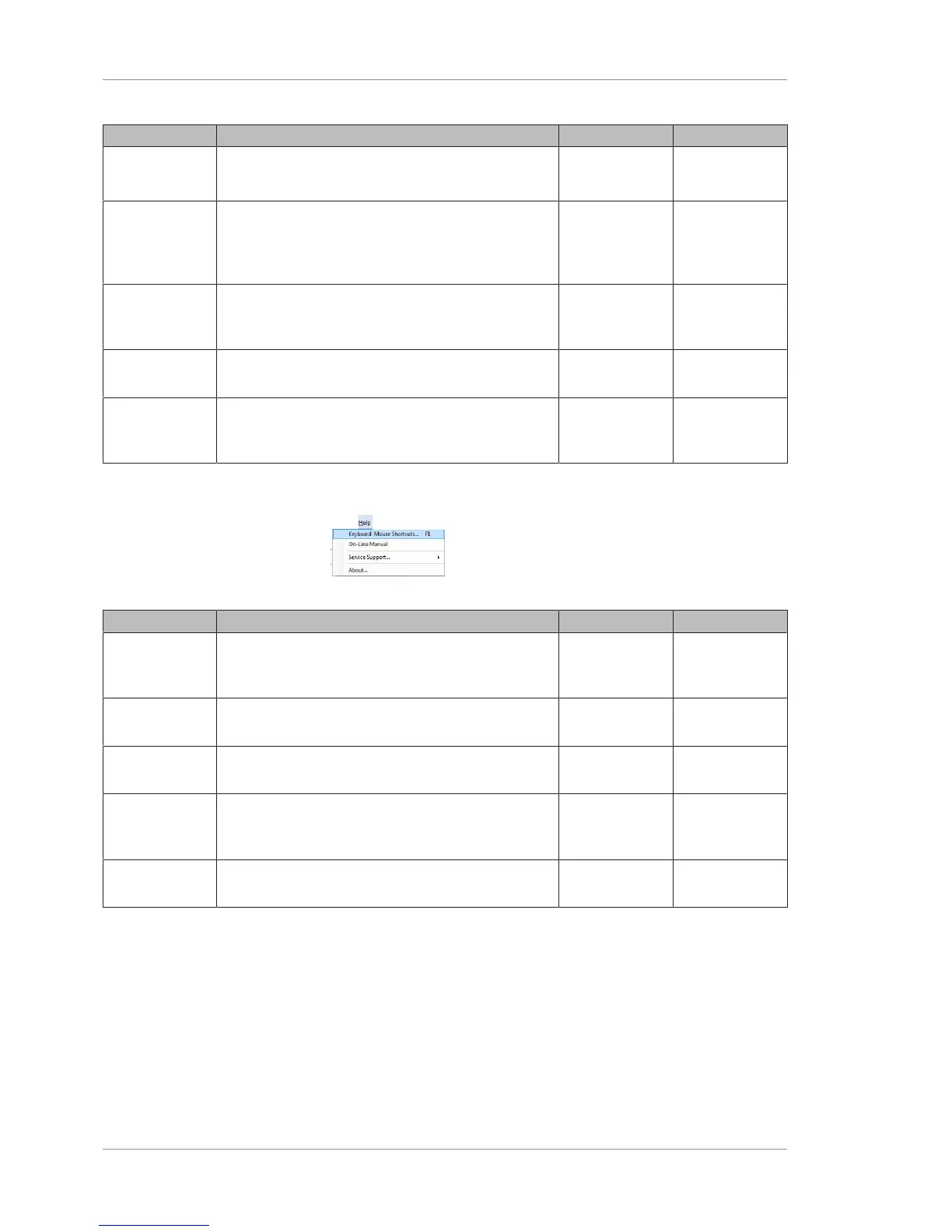
3.2.2.4 Help Menu
Figure13: Help Menu
Option Description Enabled in User Type(s)
Keyboard
Mouse
Shortcuts
Displays a categorized listing of keyboard shortcut
keys and mouse functions.
All modes All Users
On-line
Manual
Opens the PLEX® Elite 9000 User Manual PDF. All modes All Users
License Regis-
tration
Register a license. All modes All Users
Service
Support
Enables you to select the TeleService web link for
remote online servicing of the instrument, and save a
Log file for troubleshooting.
All modes All Users
About Displays the About dialog, which provides software
version information.
All modes All Users
3.2.3 Navigation
A navigation bar at the bottom that shows the current status of the
instrument and buttons to change modes.













 To Next Page