10 Data Management Instructions for Use
2660021169042 Rev. A 2018-0310.6 Create, View and Export a Montage
170 / 246 2660021169042 Rev. A 2018-03
ð The montage series have a dash before the number (for
example, -3). The sequential numbers correspond to the
scan position in the montage.
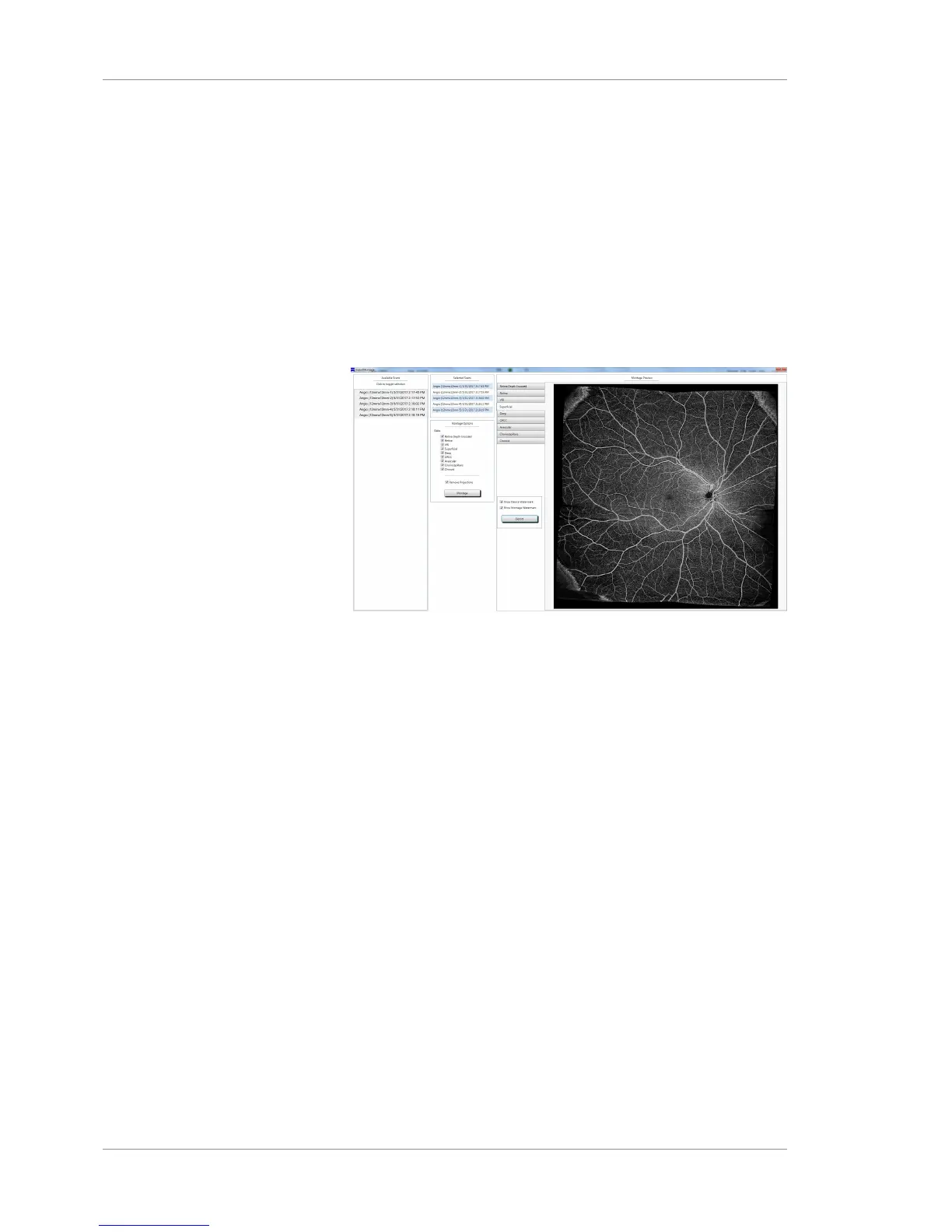
2. Click on the scans to use for the montage.
ð The scans appear in the Selected Scans panel.
ð You must select 2 or more scans to create a montage.
3. Check the preset slabs you want to include.
4. To filter out projections, checkRemove Projections.
5. Click Montage.
ð The montage is generated and displayed on the screen.
6. To view the montage in full-screen mode, double click the
montage image.
7. To return to normal preview, click the X.
10.6.3 Export a Montage
All slabs chosen in the Montage Options window will be exported
as individual bitmap (BMP) images. Exporting the montage image
adds a device watermark and montage watermark in the lower
right-hand corner of the image(s) by default.
Action 1. To not use a watermark for the image(s), uncheck either or
both watermark types: Show Device Watermark or Show
Montage Watermark.
2. Click Export and a Browse for Folder dialog box opens, as
shown in following figure:













 To Next Page