Instructions for Use 8 Operation
2660021169042 Rev. A 2018-03 8.6 Check Scan Quality
2660021169042 Rev. A 2018-03 97 / 246
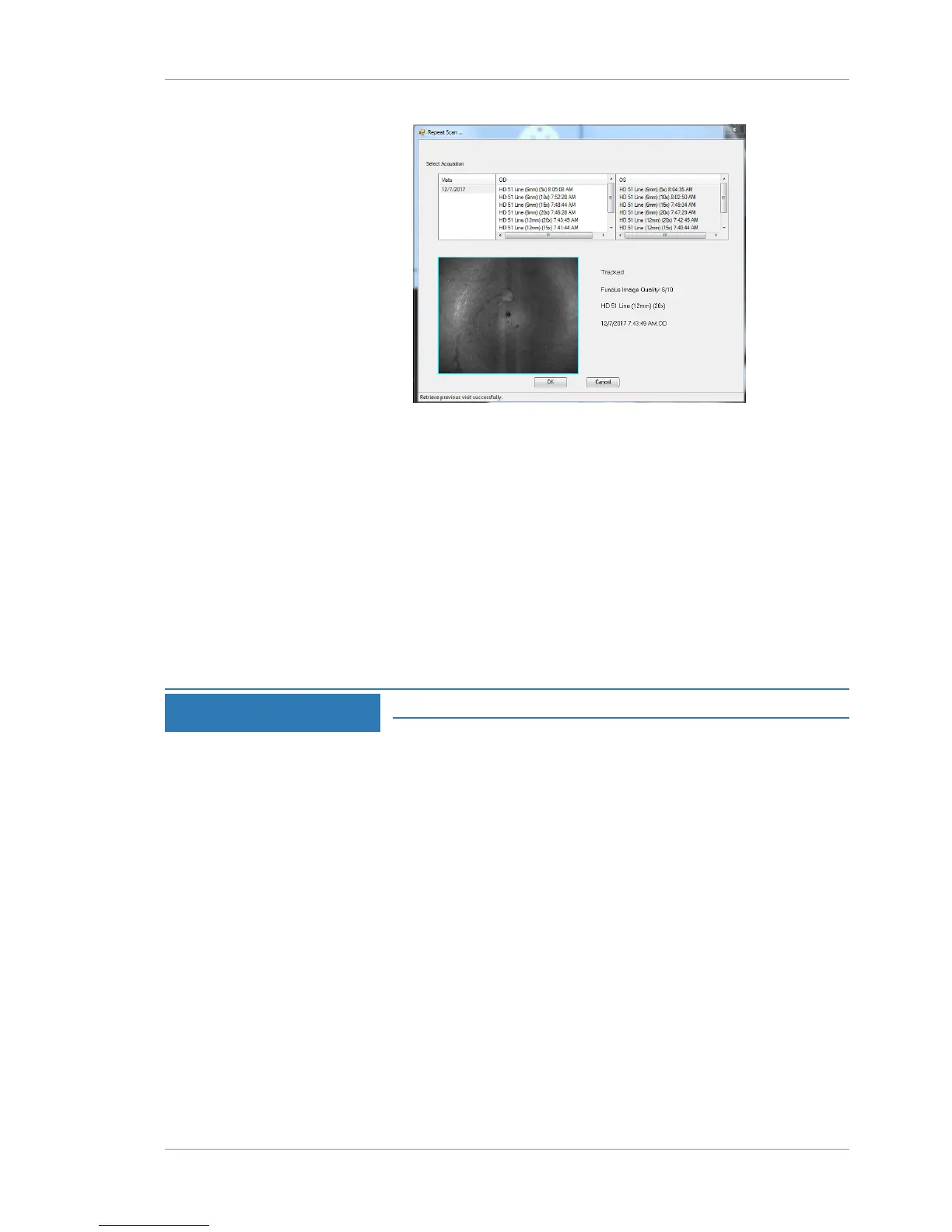
2. To view the details of a prior scan, select it.
3. Select the scan with the settings you want to repeat.
4. Click OK.
ð If the prior scan used FastTrac, the current scan also sets
FastTrac (2) on.
5. If you want the current scan to track with the prior scan, click
track to prior (3).
6. Click Capture (4).
7. Check Scan Quality [}97].
8.6 Check Scan Quality
NOTE
Quality Check displays captured scans, not live data.
Quality Check allows the operator to view captured scans to ensure
that they meet acceptance criteria before saving them for analysis.
The Quality Check controls vary by scan type.
• For individual scans, Quality Check opens after scan capture.
• For montage scans, Quality Check opens after capturing all
component scans or when you click Done.
Carefully review all scans. When checking scan quality, you can
make some adjustments to enhance images. Accept only the scans
that fulfill quality requirements for analysis. If needed, retake scans
that do not meet quality standards.













 To Next Page