Instructions for Use 8 Operation
2660021169042 Rev. A 2018-03 8.1 User Login/Logout
2660021169042 Rev. A 2018-03 73 / 246
8 Operation
8.1 User Login/Logout
8.1.1 Logging In as Operator or Data Analyst
You are prompted to log in:
• After system startup
• After application logout
For information about the features available for operators, data
analysts and administrators, refer to: User Types [}62].
To log in as operator or data analyst:
Prerequisite
þ PLEX® Elite 9000 is on: System Startup [}55]
þ The administrator created your user account: Adding a New
User [}62].
Action 1. Open the PLEX® Elite 9000 application.
2. Select your user name from the list.
NOTE
Passwords are case–sensitive.
3. Type your password and click OK.
4. The ID Patient screen opens.
8.1.2 Logging Out
NOTE
Inactivity causes the instrument to go into "sleep" mode.
You can set the time limit that triggers sleep mode and a password
to wake the instrument.
You can also set hibernate or hybrid options.
u Refer to: Setting Preferences [}67].
Logging out locks the PLEX® Elite 9000 and prevents unauthorized
access.
To log out:
Prerequisite
þ Patient ID screen is open Select the Patient [}74]
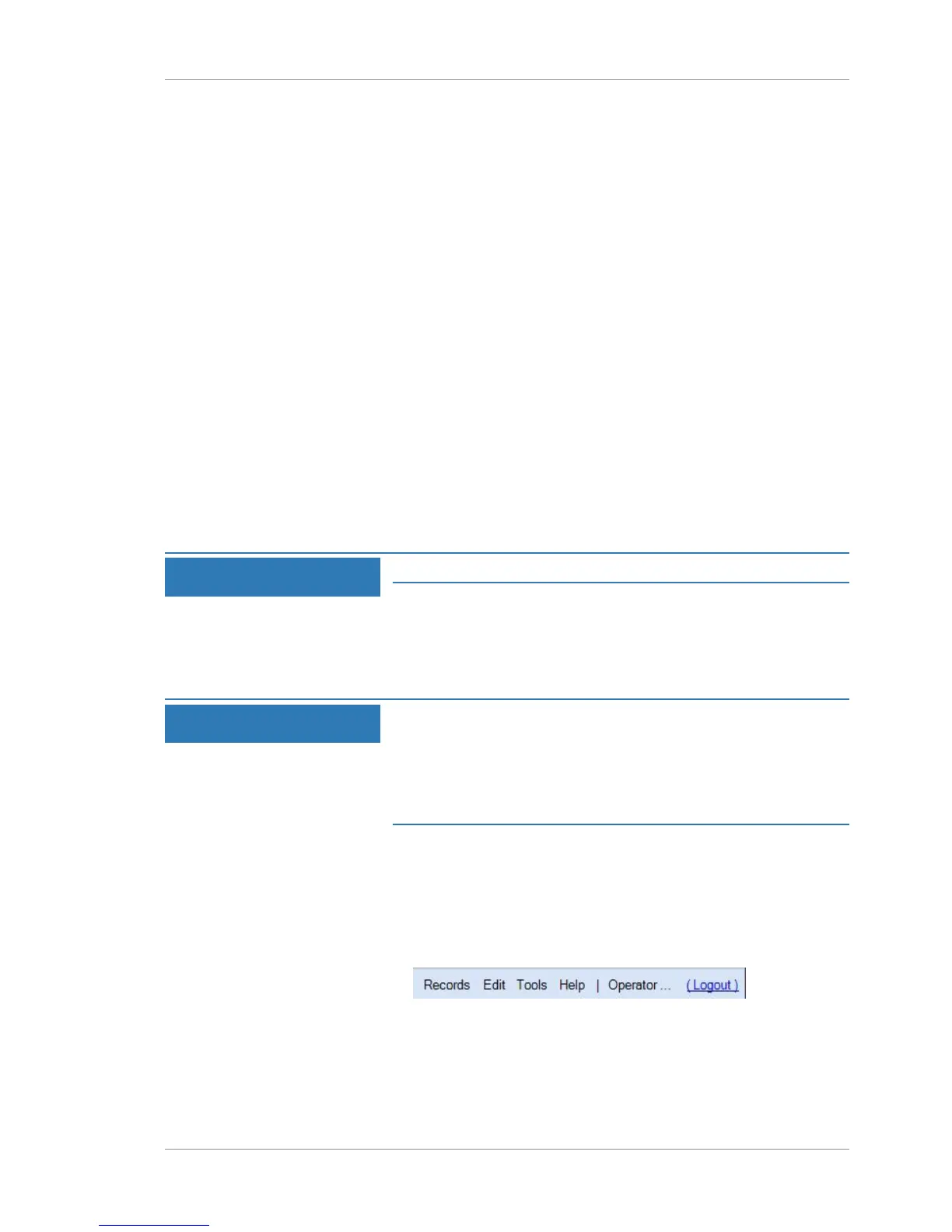
Action 1. Select Logout.
Result ü The login screen opens.













 To Next Page