4 Installation Instructions for Use
2660021169042 Rev. A 2018-034.3 Install Review Station Software
48 / 246 2660021169042 Rev. A 2018-03
4.3 Install Review Station Software
NOTE
Attempting to install PLEX® Elite 9000 software directly
onto the instrument
could result in instability and incorrectly captured data.
u Unless otherwise instructed by an authorized ZEISS Represen-
tative, do not attempt to install software on your PLEX® Elite
9000.
NOTE
These instructions are provided only for installing PLEX®
Elite 9000 Review software on a separate PC or laptop.
Installing Review software on a separate PC or laptop will
give you access to the Analysis/Review portion of the full
PLEX® Elite 9000 application.
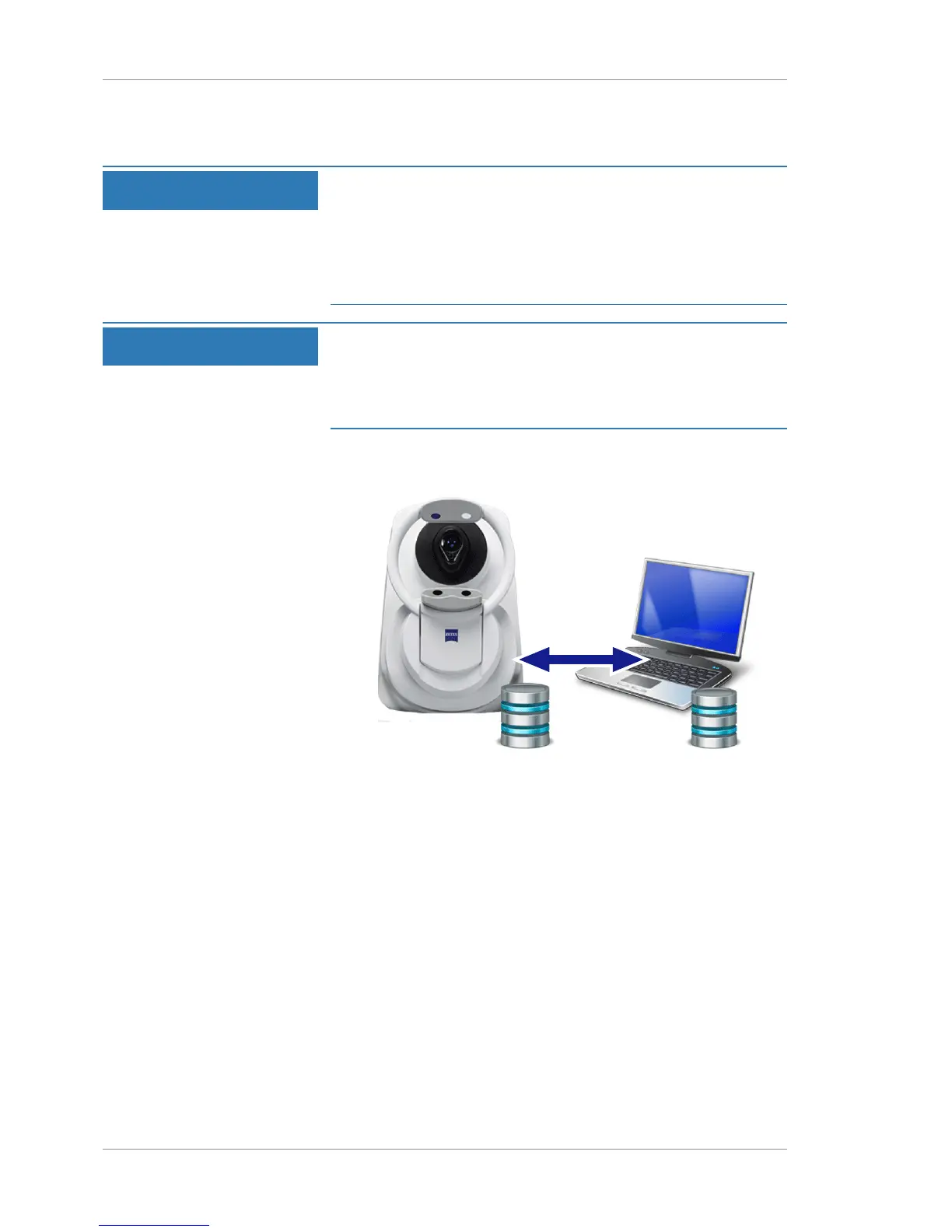
A Review Station is a laptop or PC that analysts can use to access,
edit, and create reports for scans.













 To Next Page