8 Operation Instructions for Use
2660021169042 Rev. A 2018-038.3 Prepare the Patient
78 / 246 2660021169042 Rev. A 2018-03
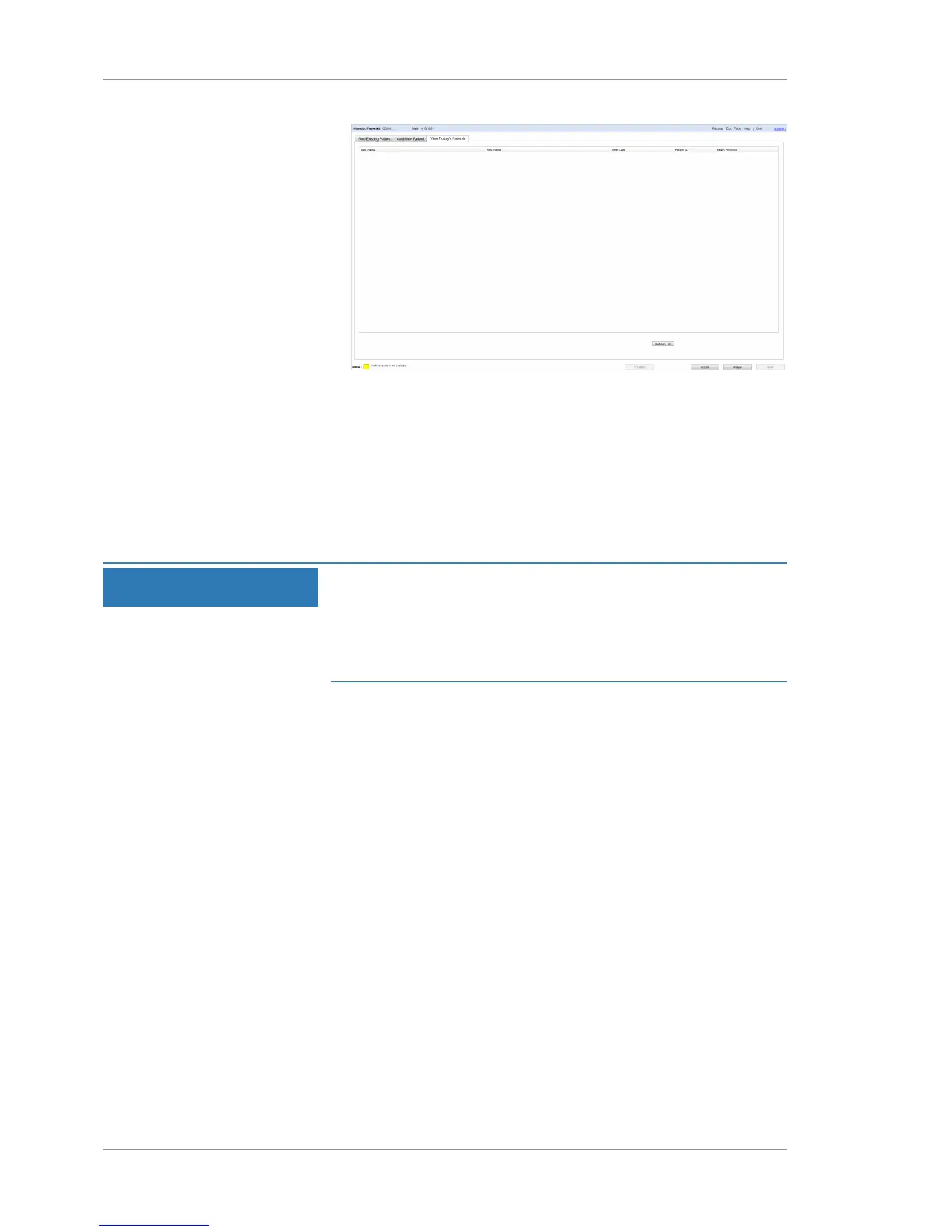
2. To refresh this list, click Refresh List.
3. Select a patient's name.
4. To acquire a scan for this patient, click Acquire.
8.3 Prepare the Patient
8.3.1 Dilating the Patient's Eyes (Optional)
NOTE
You do not need to dilate the patient's eye(s) for scans using
this instrument.
Dilation can affect images and repeated scans.
u If the patient's eye is dilated at the time of the scan, dilate the
patient's eye for all subsequent scans.
The minimum pupil size for the PLEX® Elite 9000 is 2 mm, which
can usually be achieved without dilation. For optimal repeata-
bility, image the patient the same way at every visit.
Pupil size can influence:
• Repeat scan results
• Images indirectly (by allowing more variability in how the OCT
beam enters the eye)
8.3.2 Guiding the Patient through the Scan Procedure
Do not allow the instrument to come into contact with the
patient's eye.
The subject's exam experience is normally brief and comfortable.
An experienced operator can acquire several scans from each eye
within a few minutes.
NOTE!It may be necessary to tape the patient’s eyelids to
get an unobstructed scan.
The patient chinrest automatically moves into position. Make sure
the patient's head is away from the headrest when the chinrest is
moving.













 To Next Page