Instructions for Use 3 System Overview
2660021169042 Rev. A 2018-03 3.2 Software Overview
2660021169042 Rev. A 2018-03 41 / 246
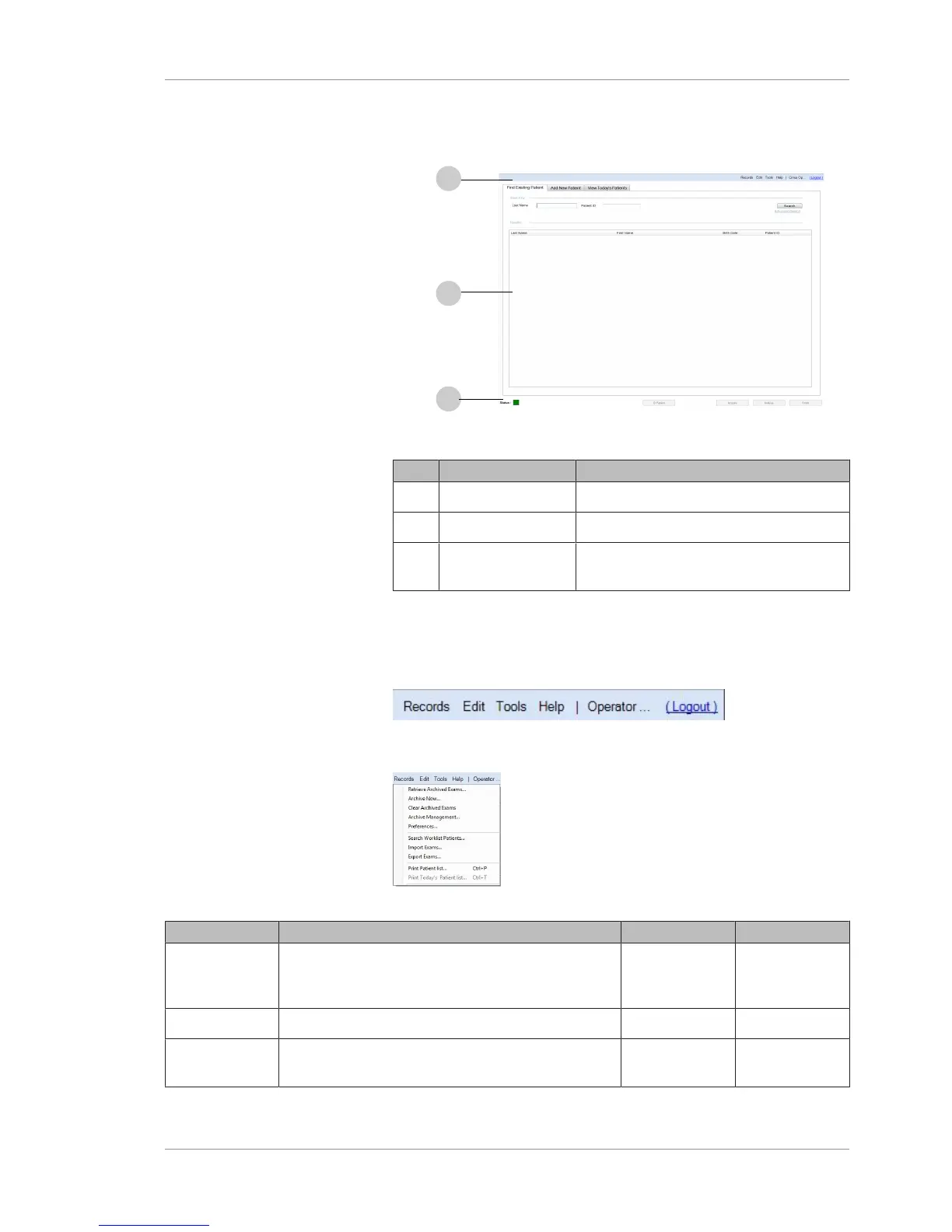
3.2.1 Screen Layout
Figure9: Screen Layout
Pos. Name Explanation
1 Toolbar Menus common to all screens
2 Work Area Varies depending on mode and function
3 Navigation Bar Status indicator and mode selection
common to all screens
3.2.2 Toolbar
Each PLEX® Elite 9000 screen has context-specific menus and
options.
3.2.2.1 Records Menu
Figure10: Records Menu
Option Description Enabled in User Type(s)
Retrieve
Archived
Exams
Patient ID Mode Operator
Archive Now Patient ID Mode Operator
Clear Archived
Exams
Patient ID Mode Operator













 To Next Page