Instructions for Use 9 Analyzing Exam Data and Creating Reports
2660021169042 Rev. A 2018-03 9.8 Editing Segmentation Results
2660021169042 Rev. A 2018-03 151 / 246
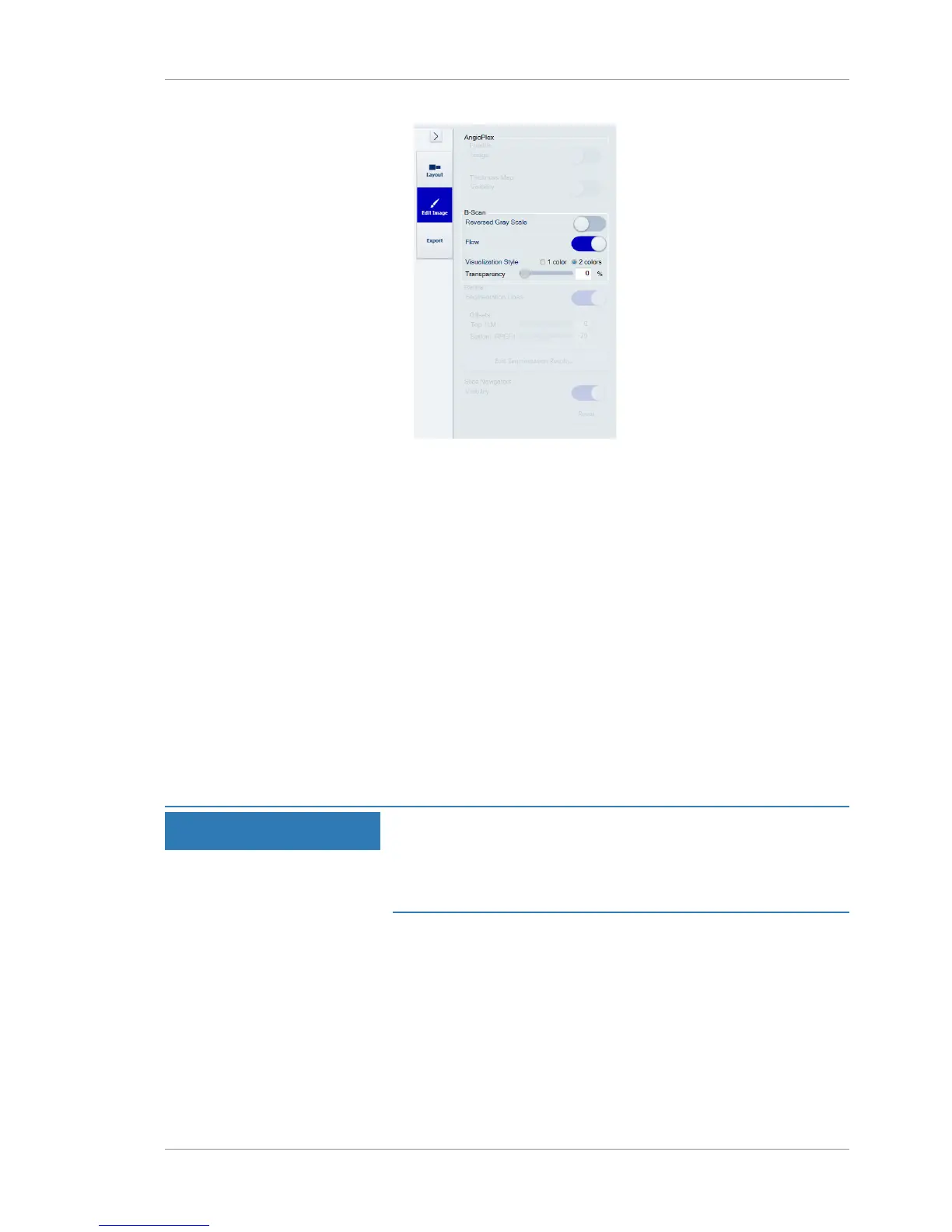
2. To show the B-Scan in reverse gray scale, slide Reversed Gray
Scale on.
3. To hide the B-Scan in normal gray scale, slide Reversed Gray
Scale off.
4. To show the flow in the B-Scan, slide Flow on.
5. To hide the flow in the B-Scan, slide Flow off.
6. To show a 1 color B-Scan, select 1 color on.
7. To show a 2 color B-Scan, select 2 color on.
8. To increase the transparency level of the B-Scan, move the
Transparency slider right.
9. To decrease the transparency level of the B-Scan, move the
Transparency slider left.
9.8 Editing Segmentation Results
NOTE
You cannot switch bottom and top layers.
Blue indicates the top layer.
Red indicates the bottom layer.
u
To edit segmentation results:
Prerequisite þ Logged in to review station (or instrument): Logging In as
Operator or Data Analyst [}73]
þ The scan report or analysis is open: Opening a Report or
Analysis [}120]
Action 1. Select the Edit Image options.













 To Next Page