13 Maintenance and Repair Instructions for Use
2660021169042 Rev. A 2018-0313.3 Performance Verification Check
190 / 246 2660021169042 Rev. A 2018-03
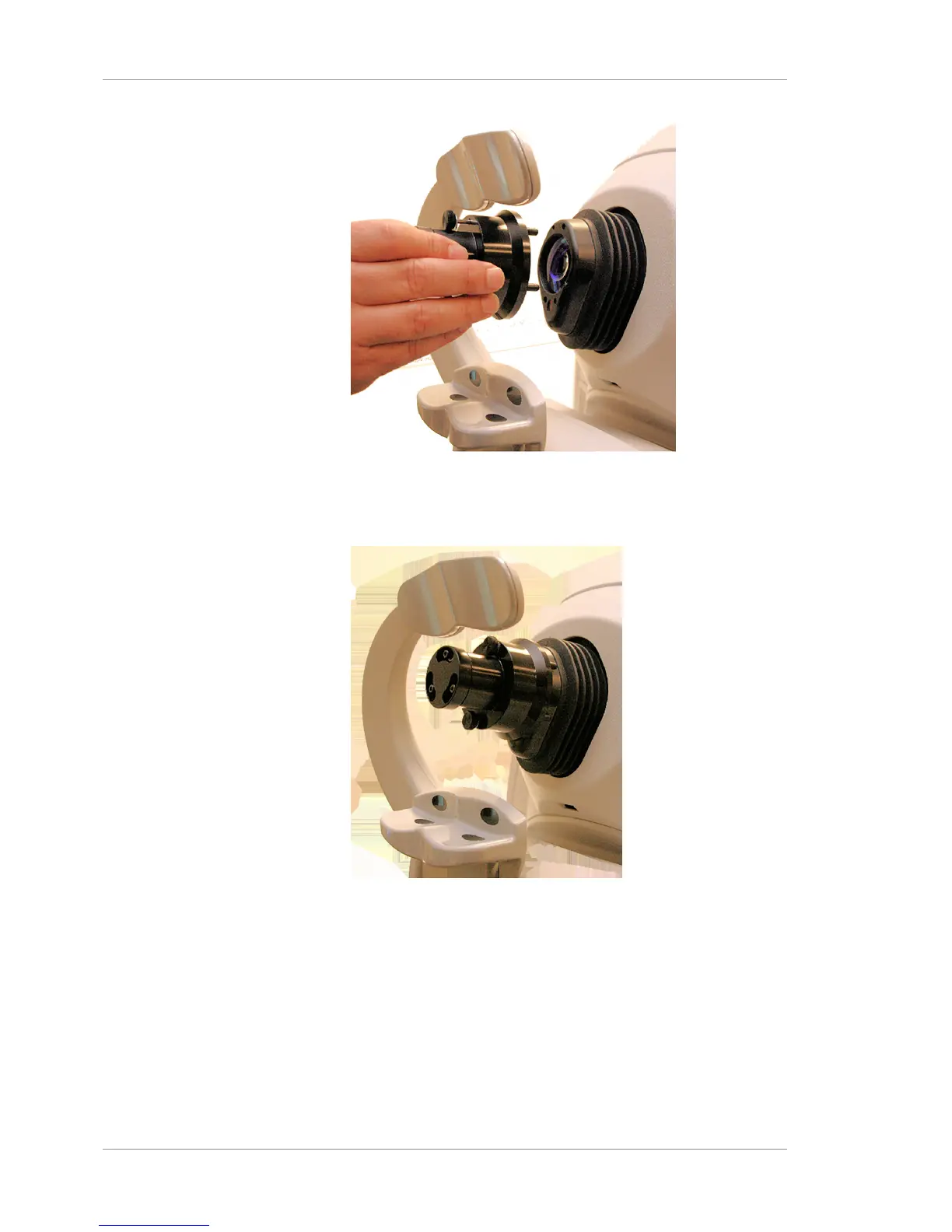
2. CAUTION!Make sure that both screws are tight before
releasing the tool, to avoid dropping it. Using only your
fingers, turn the screws clockwise, on the top and bottom to
secure the tool in place.
13.3.1.1 Run The Performance Verification
To run the Performance Check:
Action 1. NOTE!You cannot edit or delete the Performance Verifi-
cation patient record. In the ID Patient Screen, select the
patient name Performance Verification
2. Click Acquire. The Acquire Screen appears.
3. Go to Tools > Tracking and de-select it, if it is selected.
4. Go to Tools > Auto Repeat and de-select it, if it is selected.













 To Next Page