Instructions for Use 11 Networking
2660021169042 Rev. A 2018-03 11.1 Network Capabilities
2660021169042 Rev. A 2018-03 175 / 246
11 Networking
CAUTION!
It is strongly recommended that you allow a knowledgeable
IT professional to assist you with network configuration and
software installation.
NOTE
ZEISS does not provide technical support for the use of third
party hardware or software.
CAUTION!
Installation of any unapproved software, including drivers
could degrade the performance of the instrument and/or lead to
corrupted diagnostic or therapeutic information and may void the
instrument warranty.
When connected to the Internet, the instrument may be vulnerable
to serious security risks, including viruses and worms that could
disable your system or adversely affect its performance.
Internet connectivity enables third-party software, software drivers
and updates to be downloaded to your system, either automatically
or intentionally.
u Do not download or install any unapproved software or drivers.
NOTE
Do not perform a virus scan while acquiring exam data.
NOTE
These instructions assume that a TCP/IP network is already
installed in your institution. If you are unsure of your
network status or if you want to set up a network, consult a
networking professional.
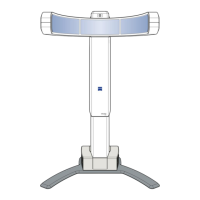
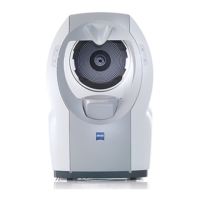
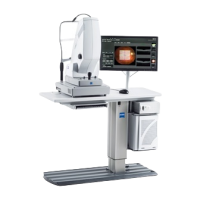
The PLEX® Elite 9000 is installed as part of a stand-alone network
that includes the instrument, a PC Tower, a Network Switch, and
system NAS. Data that is collected at the instrument is stored in the
system NAS.
You can also add the PLEX® Elite 9000 to an office network if you
need additional connectivity to equipment or devices. For example:
• If the PLEX® Elite 9000 storage becomes full and you want to
add another NAS (or other large-capacity storage device).
• If a user with Review Software on their laptop wants to access
local data on the PLEX® Elite 9000 (or data archives on a
networked file server).
11.1 Network Capabilities
The PLEX® Elite 9000 is designed for network data transfer.
Software supports the following networks and network activities:




 To Next Page