Instructions for Use 6 Configuring Software
2660021169042 Rev. A 2018-03 6.2 Managing Patient Categories
2660021169042 Rev. A 2018-03 65 / 246
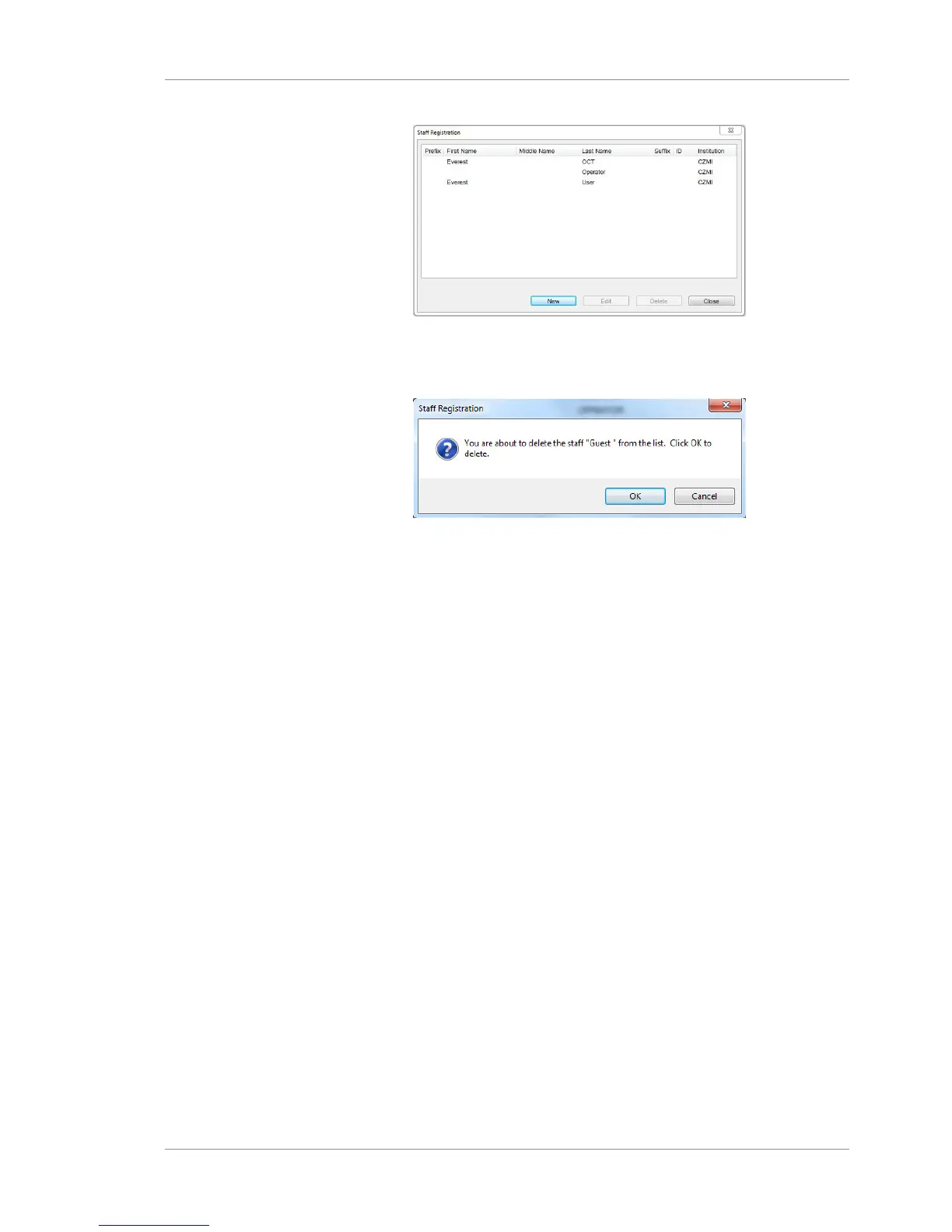
2. Select the user you want to delete.
3. Click Delete.
ð A confirmation opens.
4. Click OK.
6.2 Managing Patient Categories
You can create custom categories for patient records. Then you can
use categories to identify a group of patients that fit into your
category (or combination of categories) using Advanced Search
[}75].
6.2.1 About Patient Categories
Some institutions create patient categories to apply to their
patients. Your institution can create custom categories that are
helpful to your clinicians. Your administrator can add new
categories, edit them or delete them.
For example, an institution could create categories to distinguish
the patient's age group like this:
• Child (under 12)
• Teen (12-19)
• Adult 20-45
• Adult 45-60
• Adult 60-80
• Adult 80+
Classification categories can help when a patient is diagnosed with
a specific problem.
You can apply categories to a patient's record when you create it,
then change or delete categories that no longer apply.













 To Next Page