Instructions for Use 4 Installation
2660021169042 Rev. A 2018-03 4.3 Install Review Station Software
2660021169042 Rev. A 2018-03 49 / 246
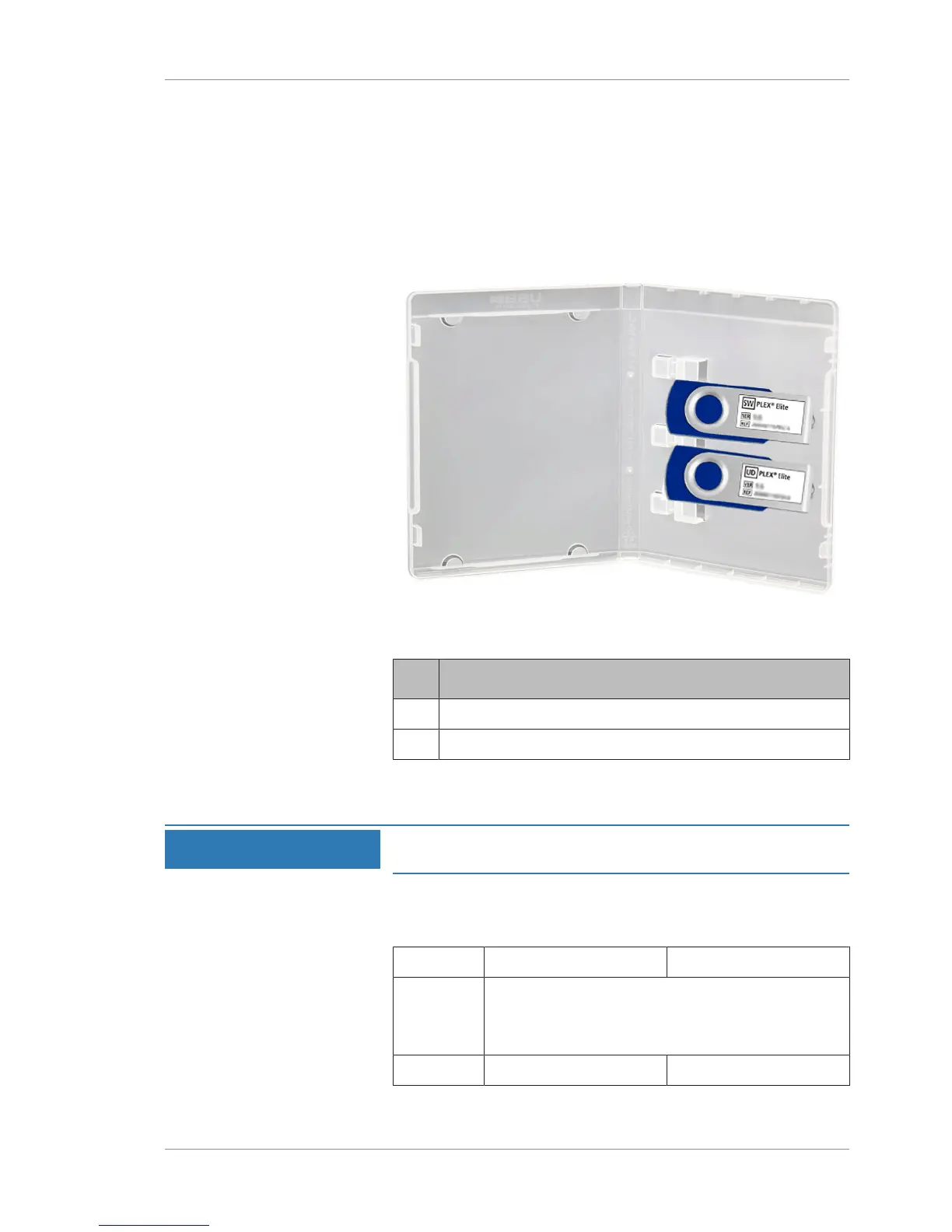
4.3.1 Software and Document Media
PLEX® Elite 9000 comes with a USB case that contains two flash
drives.
USB
Label
Content
SW Software to install on review stations.
UD User Documentation.
4.3.2 Review Station Requirements
NOTE
These instructions are provided for Review Station software
installation only.
If you plan to run PLEX® Elite 9000 software on a Review Station,
the laptop or PC must fulfill the following minimum system require-
ments.
Minimum Recommended
Operating
System
Windows 10
Windows 8.1, 64-bit
Windows 7 SP1, 64-bit
CPU Core i5 family Core i7 family













 To Next Page