Instructions for Use 9 Analyzing Exam Data and Creating Reports
2660021169042 Rev. A 2018-03 9.5 Using Presets
2660021169042 Rev. A 2018-03 149 / 246
9.5.5 Creating Custom Presets
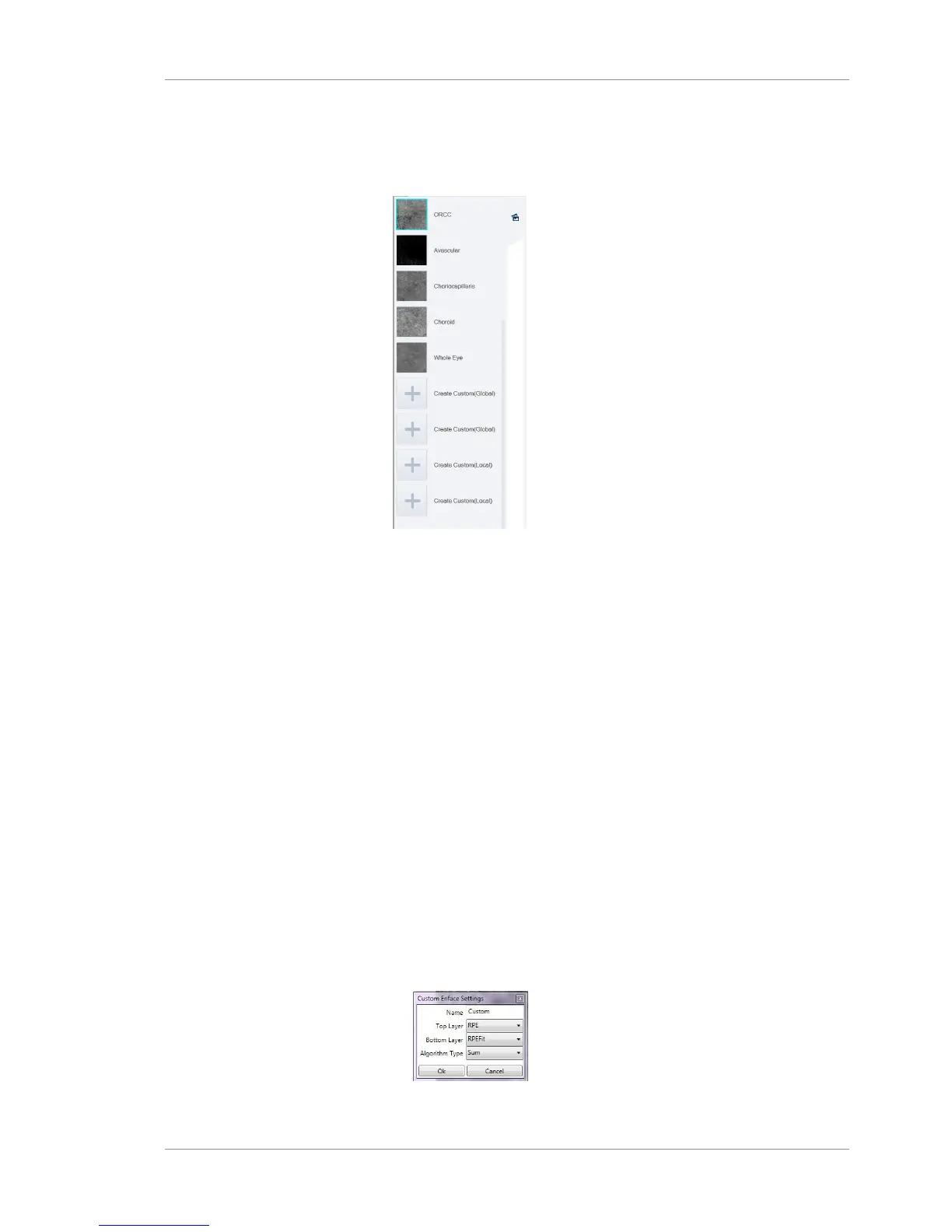
There are four presets reserved for you to define your own custom
presets.
You can create one or two of each type of custom perset:
• Create Custom(Local): for an individual patient.
• Create Custom(Global): for all patients.
The algorithm you select determines how to calculate the bound-
aries:
• Sum computes the summation of all flow pixel values for each
A-line (axial direction) between the layers.
• Max computes the average of the highest 5 flow pixel values
for each A-line (axial direction) between layers.
To Create a Custom Preset:
Prerequisite þ Logged in to review station (or instrument): Logging In as
Operator or Data Analyst [}73]
þ The scan report or analysis is open: Opening a Report or
Analysis [}120]
Action 1. To create a preset you can use for all patients, click on an
unused preset labeled Create Custom (Global).
2. To create a preset for this patient, click on an unused preset
labeled Create Custom (Local).
ð Custom Enface Settings opens.
3. For Name, type a name for the preset.













 To Next Page