9 Analyzing Exam Data and Creating Reports Instructions for Use
2660021169042 Rev. A 2018-039.5 Using Presets
148 / 246 2660021169042 Rev. A 2018-03
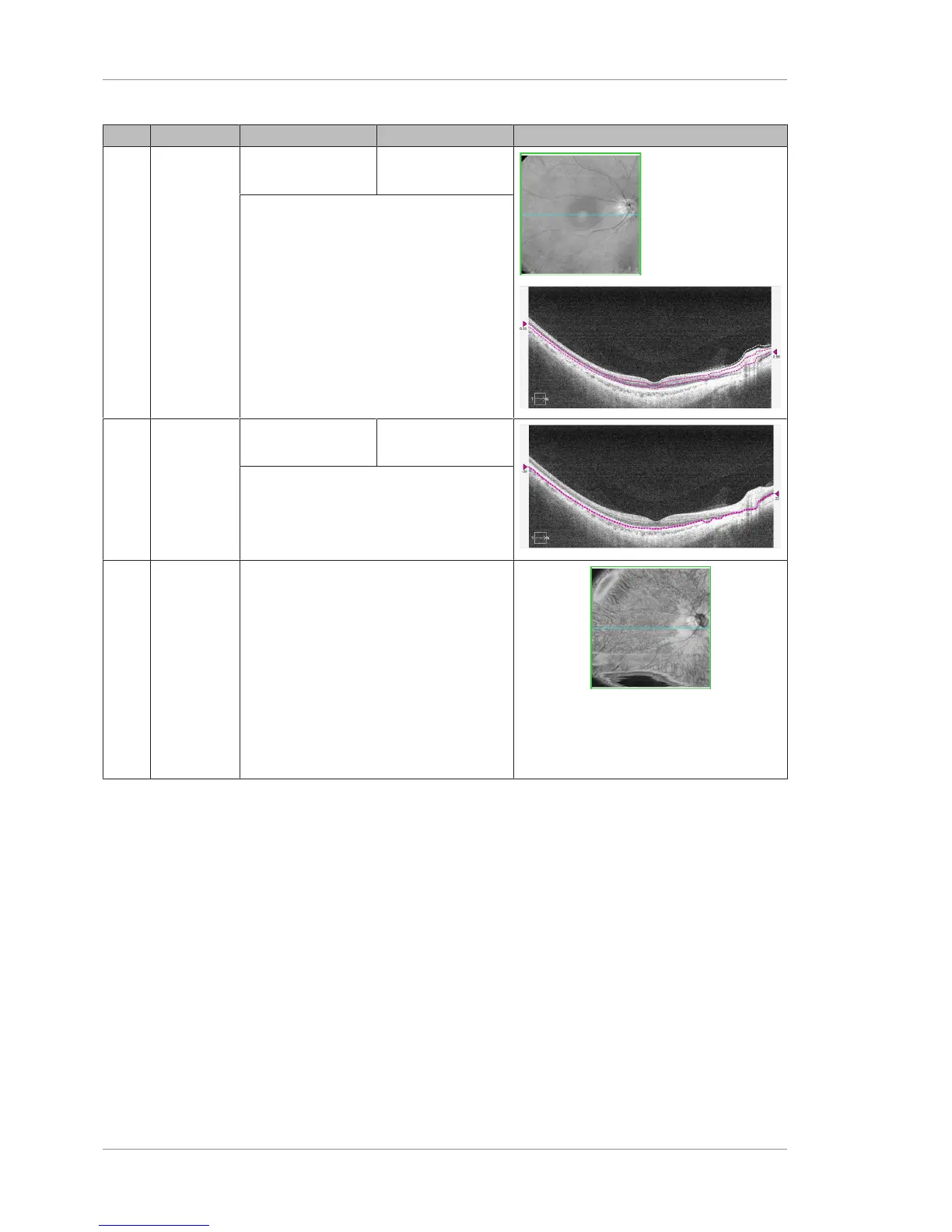
Pos Name Inner Boundary Outer Boundary Example
4 Mid-Retina
Central 1/3
of retinal
thickness
based on
the ILM and
RPE layers
72 μm below the
RPE-Fit layer
72 μm below the
RPE-Fit layer
Follows the RPE contour and is elevated
slightly to put it at the level of the IS/OS –
Ellipsoid Zone.
128 μm below the RPE-Fit layer
5 IS/OS
Ellipsoid
Highlights
disruptions
to the IS/OS
– Ellipsoid
Zone
44 μm above the
RPE layer
22 μm above the
RPE layer
Follows the RPE contour and is elevated
slightly to put it at the level of the IS/OS –
Ellipsoid Zone.
6 Choroid
Vessels
appear as
dark areas.
Areas of
RPE distur-
bance such
as GA may
appear as
bright
areas.
Below the RPE-Fit, at the general level of
Haller's Layer, deep in the choroid.
Since choroid thickness can vary from
patient to patient, this level may need to
be adjusted.
Table22: En Face and Cube Report Presets and Boundaries













 To Next Page