10 Data Management Instructions for Use
2660021169042 Rev. A 2018-0310.3 Patient Data
160 / 246 2660021169042 Rev. A 2018-03
Pos. Symbol Name Explanation
7 Suffix & Prefix
8 Comments Allows you to add comments to the
patient record.
9 Add/Remove Categories Allows you to apply categories to the
patient record (see: About Patient
Categories [}65]).
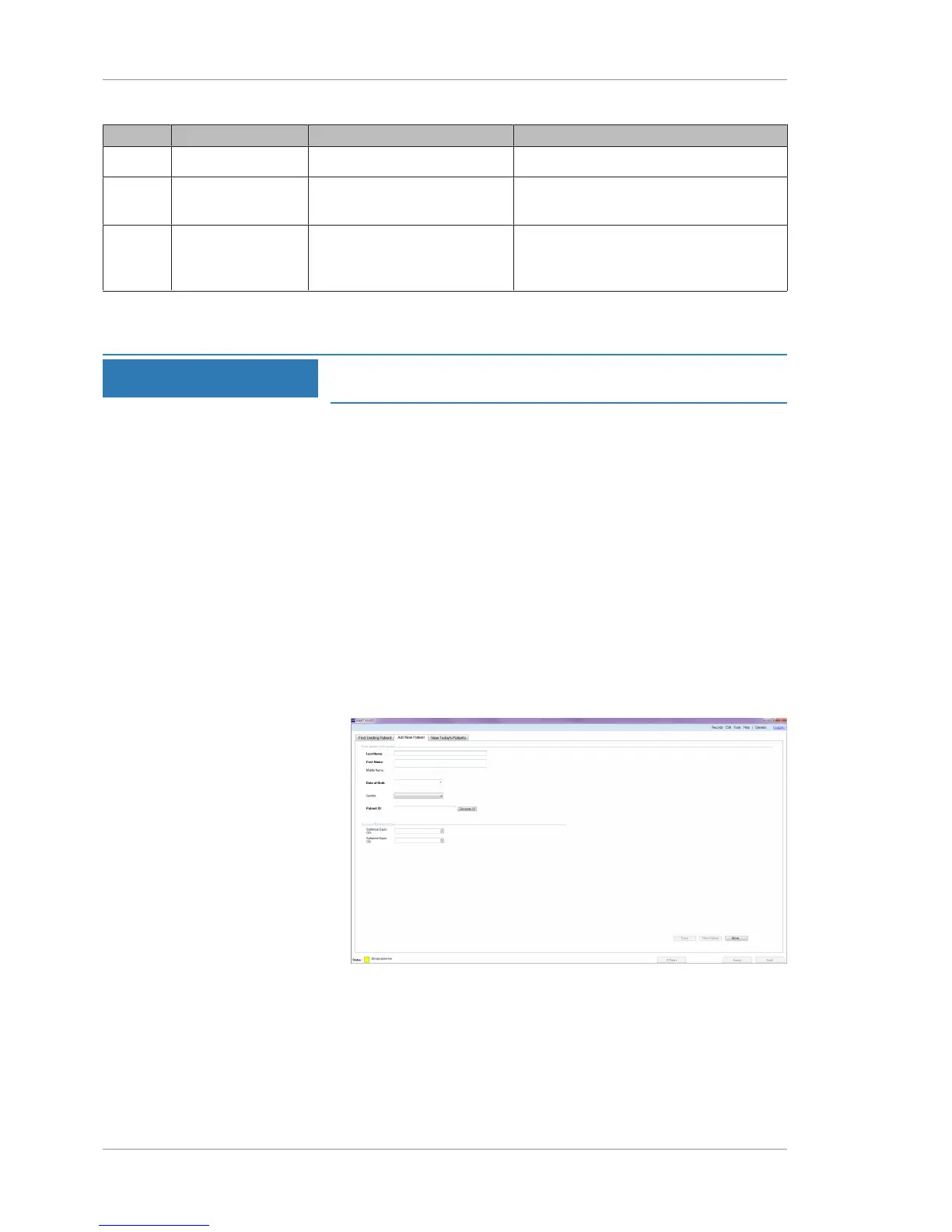
10.3.7.2 Adding a New Patient
NOTE
If you include refractive error information in the patient's
record, it can save time when you acquire their scans.
When you add a new patient, you can enter their refractive error.
The PLEX® Elite 9000 uses this information to determine the scan
focus.
Each patient must have a unique patient ID for PLEX® Elite 9000 to
save acquired images in their record. Your institution can use its
own patient ID numbering system or have generate unique patient
ID numbers.
Patient ID numbers that PLEX® Elite 9000 generates start with
CZMI.
To add a new patient:
Prerequisite þ You are logged in to the PLEX® Elite 9000 instrument or a
review station and the Patient screen is open: (Logging In as
Operator or Data Analyst [}73]).
Action 1. Select the Add New Patient tab.
2. Type the patient's Last Name and First Name.
3. If applicable, type the patient's Middle Name and Suffix (Jr.,
Sr., etc.) or Prefix (Mr., Ms., Mrs., etc.).
4. Type the patient's Date of Birth.
5. Select the patient’s Gender.






 To Next Page