10 Data Management Instructions for Use
2660021169042 Rev. A 2018-0310.3 Patient Data
162 / 246 2660021169042 Rev. A 2018-03
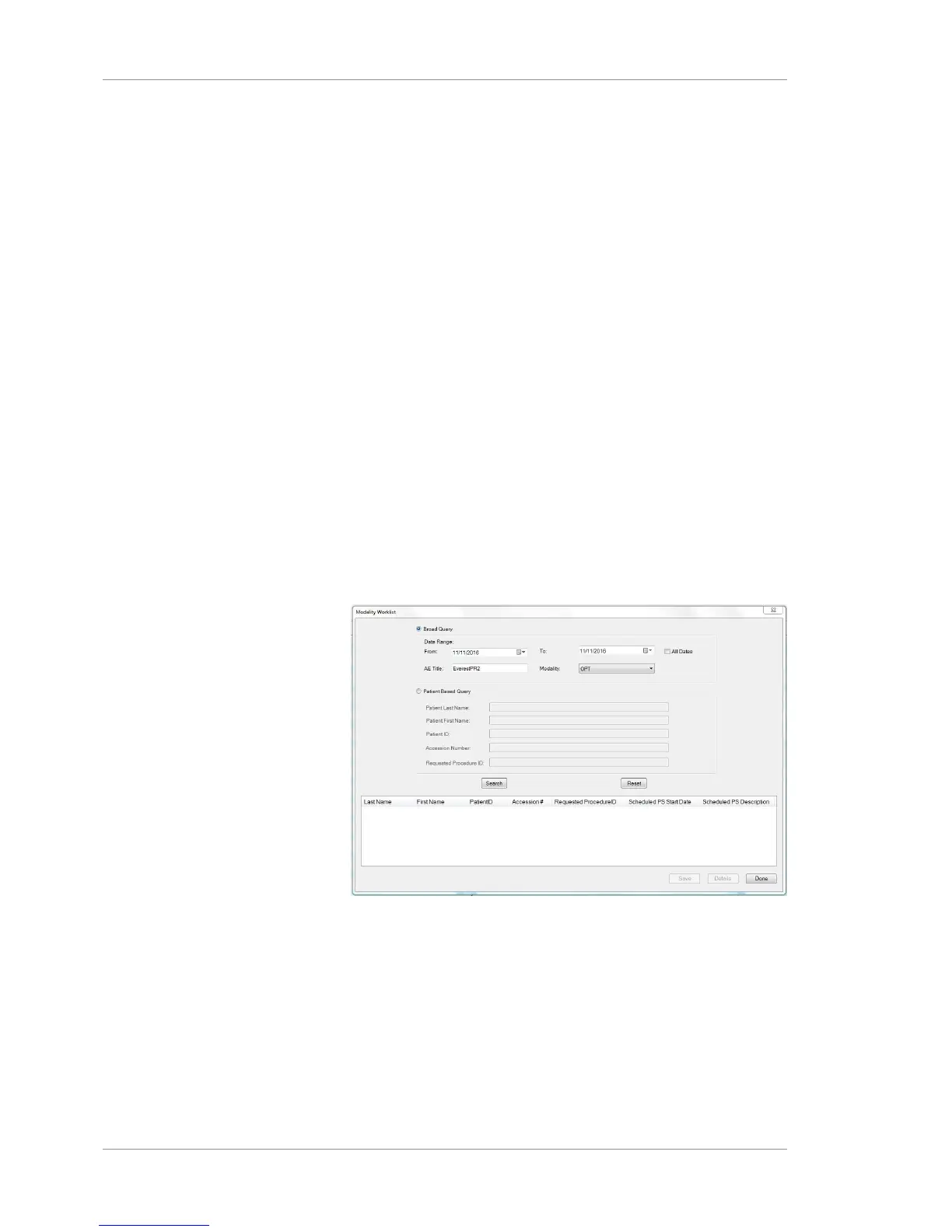
• Modality:
– IOD
– OP
– OPT
– OPT IOD
– OP IOD
A Patient Based Query allows searches using the following para-
meters:
• First Name
• Last Name
• Patient ID
• Accession Number (Determined from the Analysis screen
when the mouse cursor is over an exam date in the upper left
corner)
• Requested Procedure ID
You can set a preference that automatically searches the DICOM
archive for patients scheduled for a scan today (see Enabling
Automatic Worklist Search (DICOM) [}68]).
Prerequisite
þ Logging In as Operator or Data Analyst [}73].
Action u Select Records > Search Worklist Patients.
u To use broad search parameters, select Broad Query and
indicate what parameter(s) you want the search to include.
u To use patient information parameters, select Patient Based
Query and indicate what parameter(s) you want the search to
include.
u Click Search.
ð The list populates with all patient records that fit the para-
meters you indicated.













 To Next Page