Instructions for Use 11 Networking
2660021169042 Rev. A 2018-03 11.4 Adding a Network Storage Device
2660021169042 Rev. A 2018-03 181 / 246
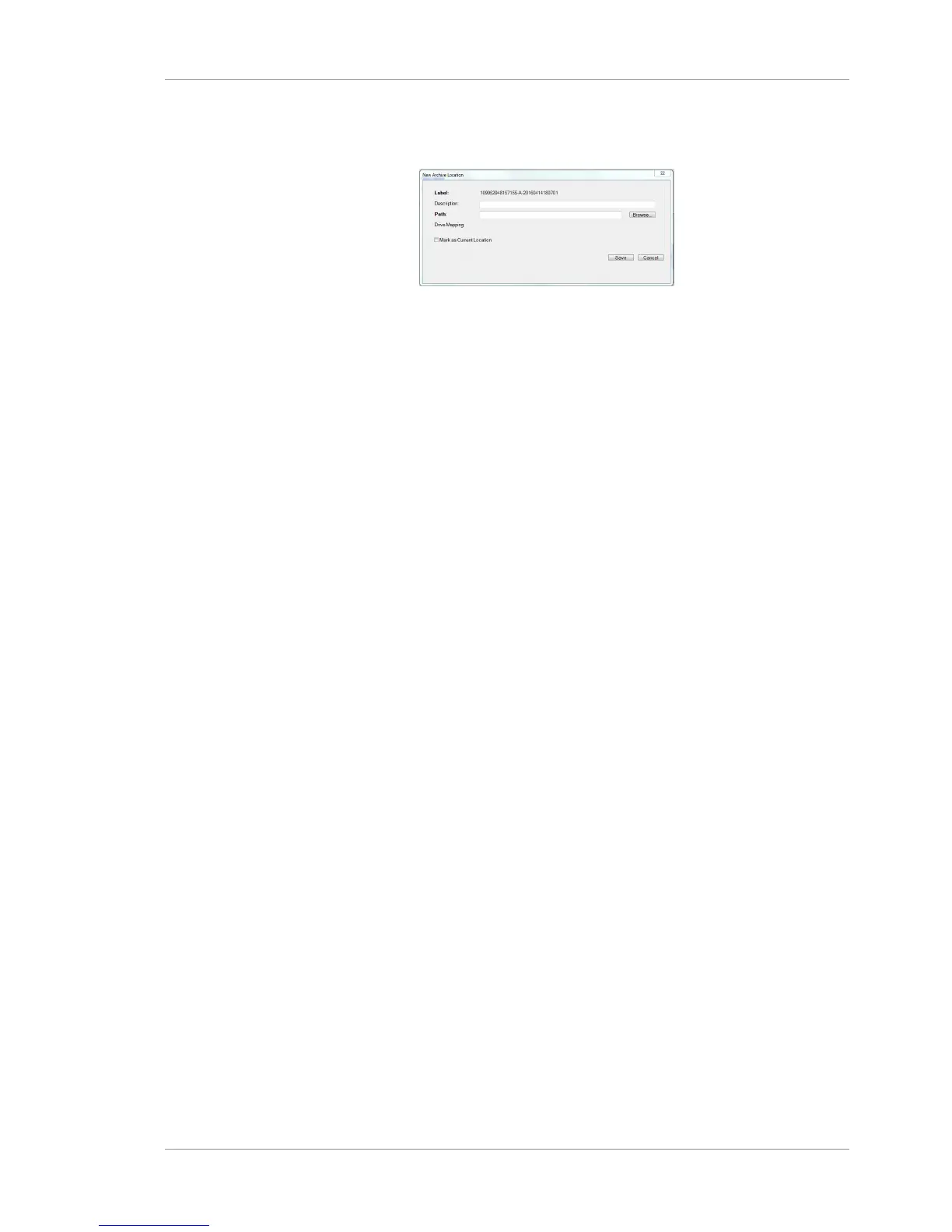
u On the instrument select Records > Archive Management >
Archive Locations > New Archive Location.
u Type the path of the Network File Server.
For the external NAS supplied with the instrument, the path is
\\kilinas\archives.


 To Next Page
 Loading...










