5 Startup and Shutdown Instructions for Use
2660021169042 Rev. A 2018-035.2 System Shutdown
56 / 246 2660021169042 Rev. A 2018-03
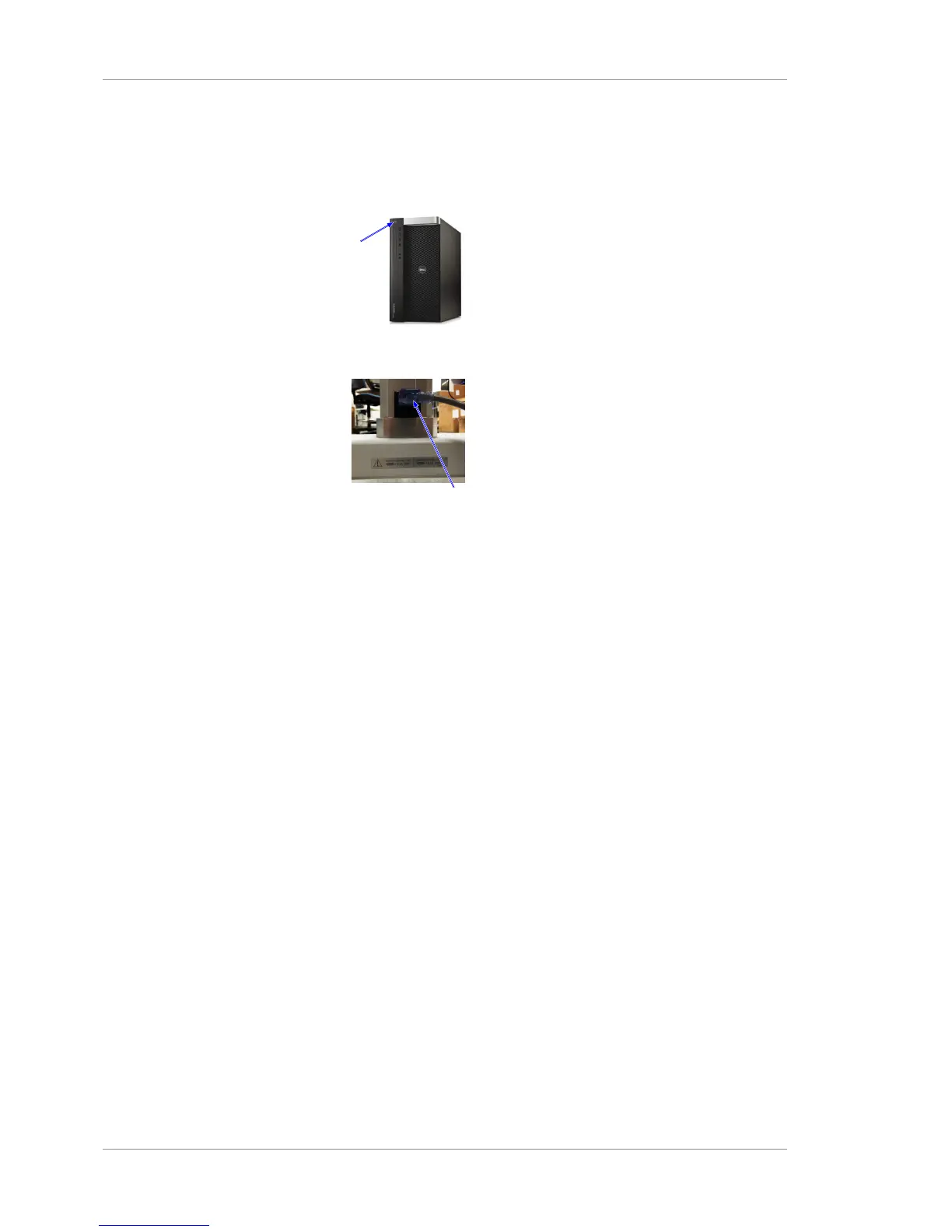
To turn off the PLEX® Elite 9000, press the PC power button. It is
not necessary to turn off the instrument or any other system
components or peripherals.
Action 1. Turn off PC power.
2. To remove power to all system components, unplug the power
table.













 To Next Page