Instructions for Use 8 Operation
2660021169042 Rev. A 2018-03 8.6 Check Scan Quality
2660021169042 Rev. A 2018-03 99 / 246
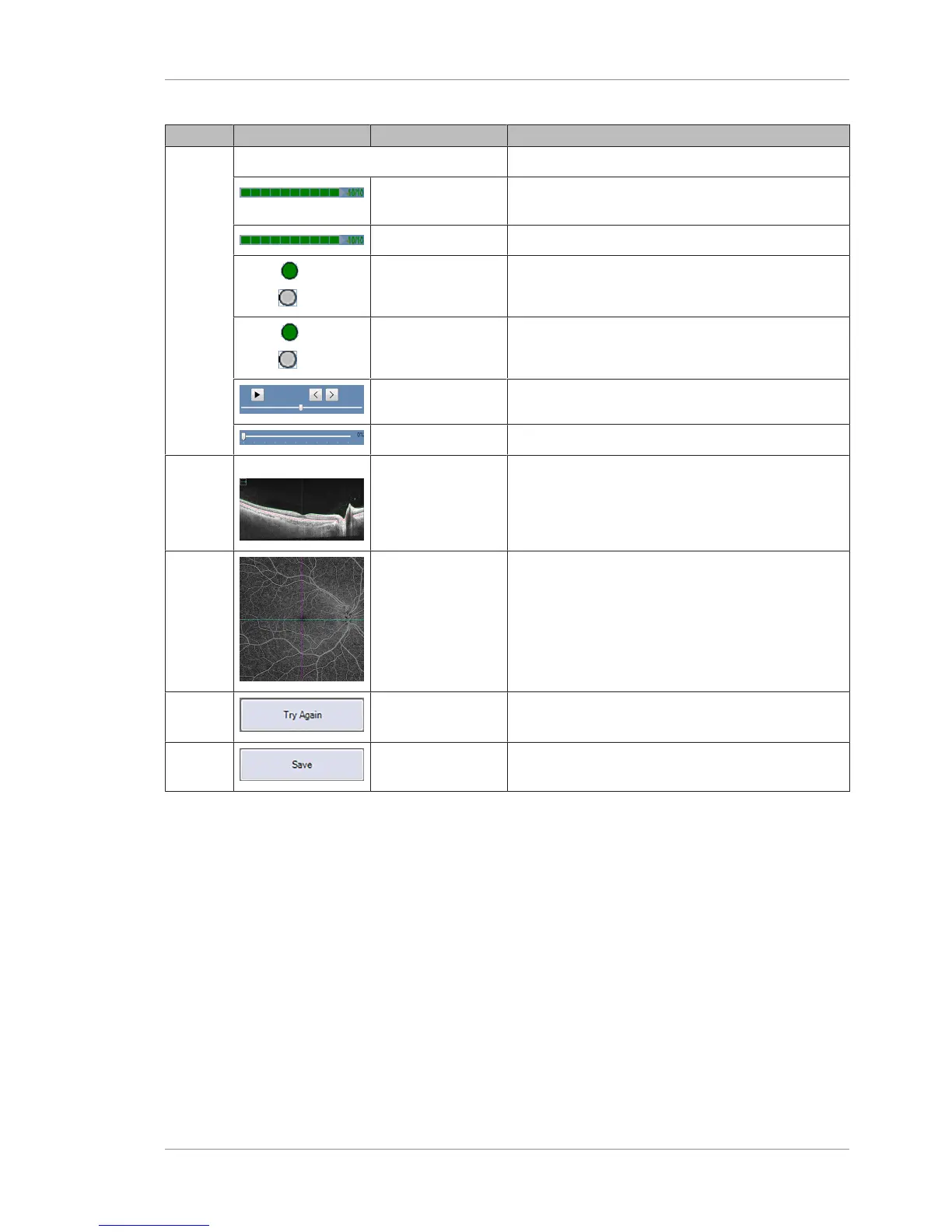
Pos. Symbol Name Explanation
6 Scan Details
Signal Strength Indicates the structure image strength of the scan
(%).
Fundus Image Indicates the fundus image strength of the scan (%).
ON
OFF
Tracked During
Scan
Indicates whether FastTrac was on or off during the
scan.
ON
OFF
Tracked to Prior Indicates whether the scan is set to track to a prior
exam.
Play, Previous, Next Scrolls through the cube as a movie.
Transparency Slider Indicates the transparency level (%) of the scan.
7 - Fast B-Scan Current horizontal slice through retina (fast B‑Scan)
corresponding to the blue slice navigator position.
8 Slow B-Scan AngioPLEX™ Flow Enface image of the retina with
blue and magenta slice navigators.
9 Try Again Returns to the acquire screen to retake the scan
(without saving).
10 Save Saves the scan (for scans that pass the quality checks.













 To Next Page