Page 100 February 2020 – TD 266 OPERATING MANUAL – ZPulse® DCS 4420/4830/4520/4930
The output from example two is showing:
• Product Number
• Serial Number
• Abs Speed
• Direction
• North
• East
• Heading
• Tilt X
• Tilt Y
• Sp Std
• Strength
• Ping Count
• Abs Tilt
• Max Tilt
• Std Tilt
Example 3: Enable settings in User Maintenance
//Press Enter to start communicating with the sensor.
//press Enter
Stop
//Wait for ack #. Repeat if necessary
Set Passkey(1000)
Set Mode(Smart Sensor Terminal)
//wait for ack #
Set Enable Text(Yes)
//wait for ack #
Set Activation X-axis(1+3)
//wait for ack #
Set Activation Y-axis(2+4)
//wait for ack #
Set Enable Spike Filter(Yes)
//wait for ack #
Set Enable Axis Strength(Yes)
//wait for ack #
Set Enable Transducer Strength(Yes)
//wait for ack #
Save
// wait for ack #
Reset
// the sensor will restart with new settings
Comments example 3:
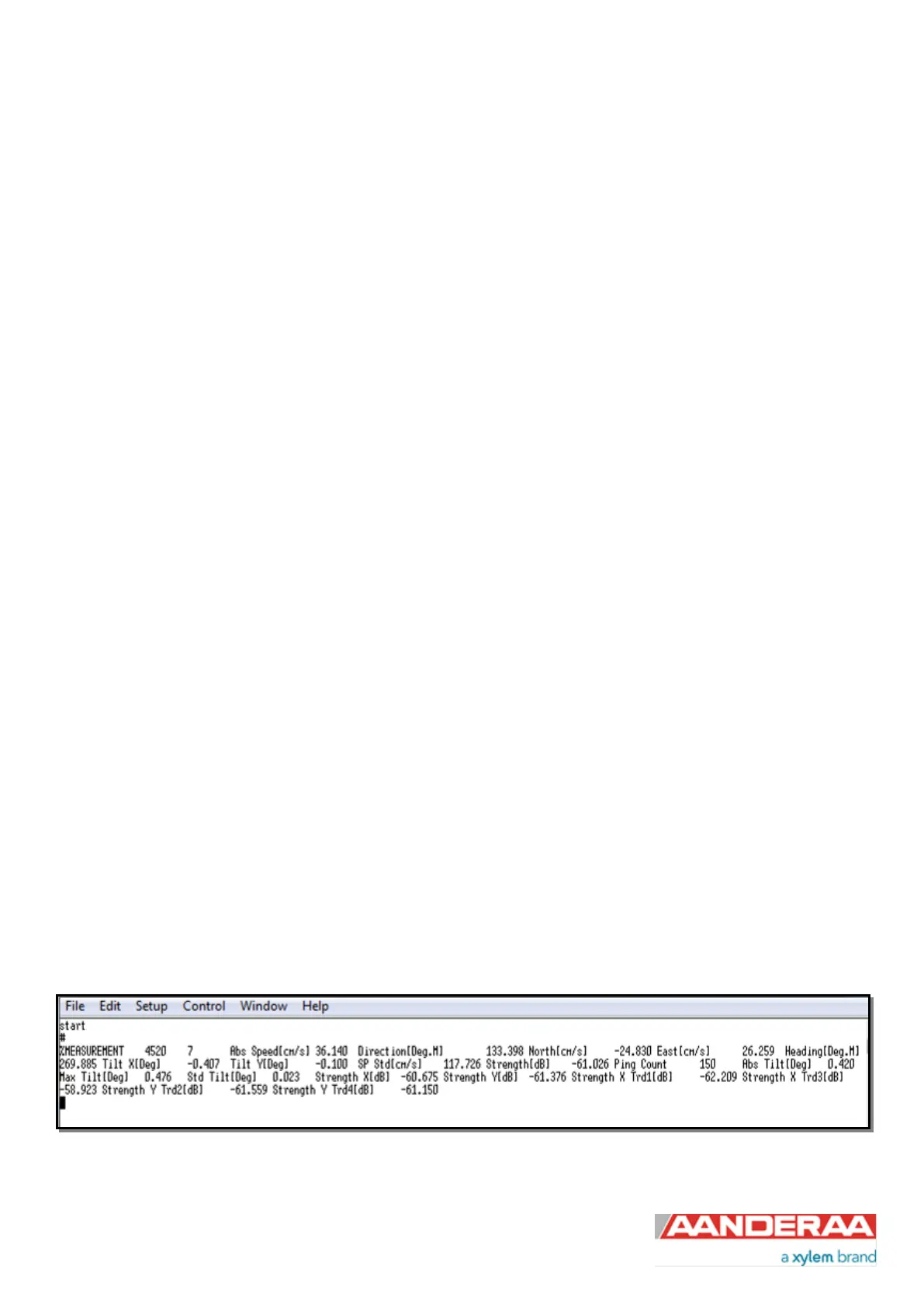
The sensor always outputs some information which is not possible to disable. In this example only 1 cell is enabled just
to show the shortest possible output first, see Figure 6-12.
Figure 6-12: Typical output from example 3



 To Next Page