3: Management & Configuration
Period mode
This controls which periods are included in the generated reports. Three modes of operation are available. Note that this
setting affects both local and remote history buckets.
z All available periods: All the periods that are available on the devices are used to generate the reports, up to a
fixed maximum number of periods.
z New periods since last file transfer: All the periods that have been generated since the previous report has
been generated. If the Include periods from previous incomplete transfers option is selected, the periods
contained in a report that couldn't be properly generated or sent to the server will also be included.
z Fixed number of periods: All the periods available up to the user-specified number of periods. Note that the
number of periods to use can be set separately for local and remote reports.
Options
This allows controlling options on how the reports are generated.
z Include disabled objects: When checked, all manage objects will be included in the reports. If unchecked, only
objects which state is enabled will be included.
z Include periods from previous incomplete transfers: When checked, the periods contained in a report that
couldn't be properly generated or sent to the server will also be included in the current report. If unchecked,
only the periods since the previous schedule event will be included.
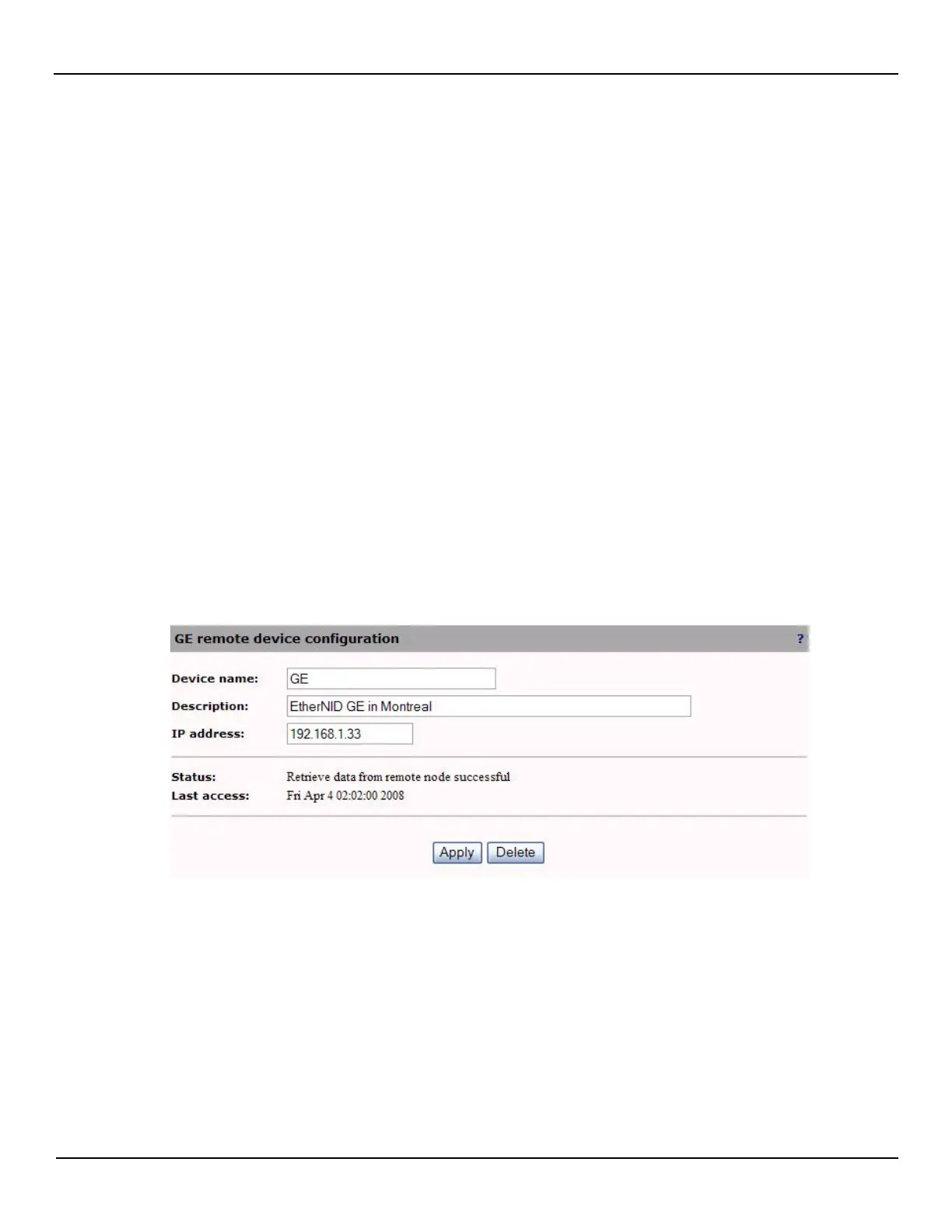
NOTE: The status of the Remote devices can be obtained by clicking on the Remote device name in the Remote device
configuration window (Only available on MetroNID TE / TE-R /TE-S models)



 To Next Page