3. Maintenance of the Laser Oscillator Section
159
ML-2050A/2051A/2150A
Chapter 1 How to Perform Maintenance
Introduction Part
Installation and
Preparation Part
Operating Part Maintenance Part Appendixes
Making an Incident Beam Adjustment of the Optical Fiber
Since this laser adopts a high-precision optical ber, no adjustment is required when
the fiber is mounted or dismounted once an incident beam adjustment is finished.
However, after a laser oscillation adjustment or optical adjustment is made or after
the beamsplitter, input unit, YAG rod, or laser chamber is removed, or after the φ0.2
mm optical ber is replaced, an incident beam adjustment must be made.
⇒
For the incident beam adjusting method, contact us for information.
<Note>
Use an optical fiber specially intended for incident beam adjustment. If any
other type of optical fiber is used, the optical axis of incident beam may be
dislocated in installing, detaching or replacing the fiber, which will result in
damage to the end of the ber.
Cleaning the Optical Part of the Output Unit
When the lens of the output unit becomes dirty, perform cleaning.
Item required
Air blow, screw ring spanner (NRS-50) (*), ethanol, and lens cleaning paper
*: This item may not be required depending on the output unit in use.
⇒
For maintenance of the optical part, do not use any material or apparatus other
than the above mentioned ones.
⇒
Handle the optical parts with care, because, unlike machined parts, the optical
parts cannot be used if they are cut or burnt.
⇒
For performing maintenance of the optical part of the input unit, contact us for
information.
When Foreign Particles or Dust Sticks
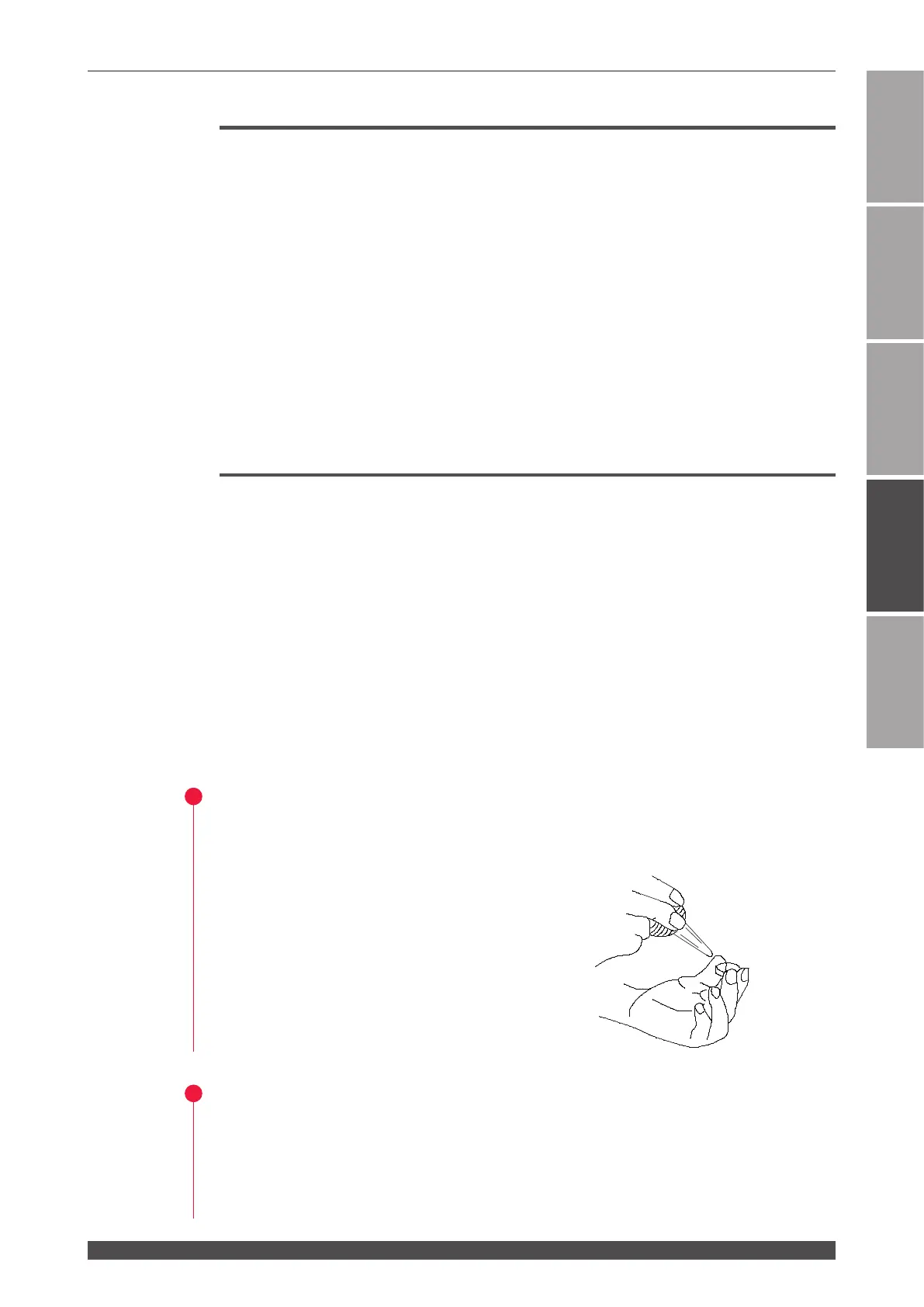
(1) Hold the optical part horizontally by the sides.
(2) Blow o any dirt and dust with an air blow.
For Blur or Other Dirt
(1) Hold the optical part horizontally by the sides.
(2) Place a drop of ethanol on the center of the cleaning paper.


 To Next Page