1. Setting Welding Schedules
65
ML-2050A/2051A/2150A
Chapter 2 Various Settings
Introduction Part
Installation and
Preparation Part
Operating Part Maintenance Part Appendixes
Setting the Output Status (STATUS Screen)
In the following, the method of setting the STATUS screen is explained. On this
screen, check the displayed control method and the set the branch shutter at
the output destination to OPEN. Set or reset the number of laser light outputs.
⇒
For details of setting items, refer to "Welding Schedule Setting Screen" on page 56.
Checking the Control Method
(1) Press the MENU key to display the STATUS screen.
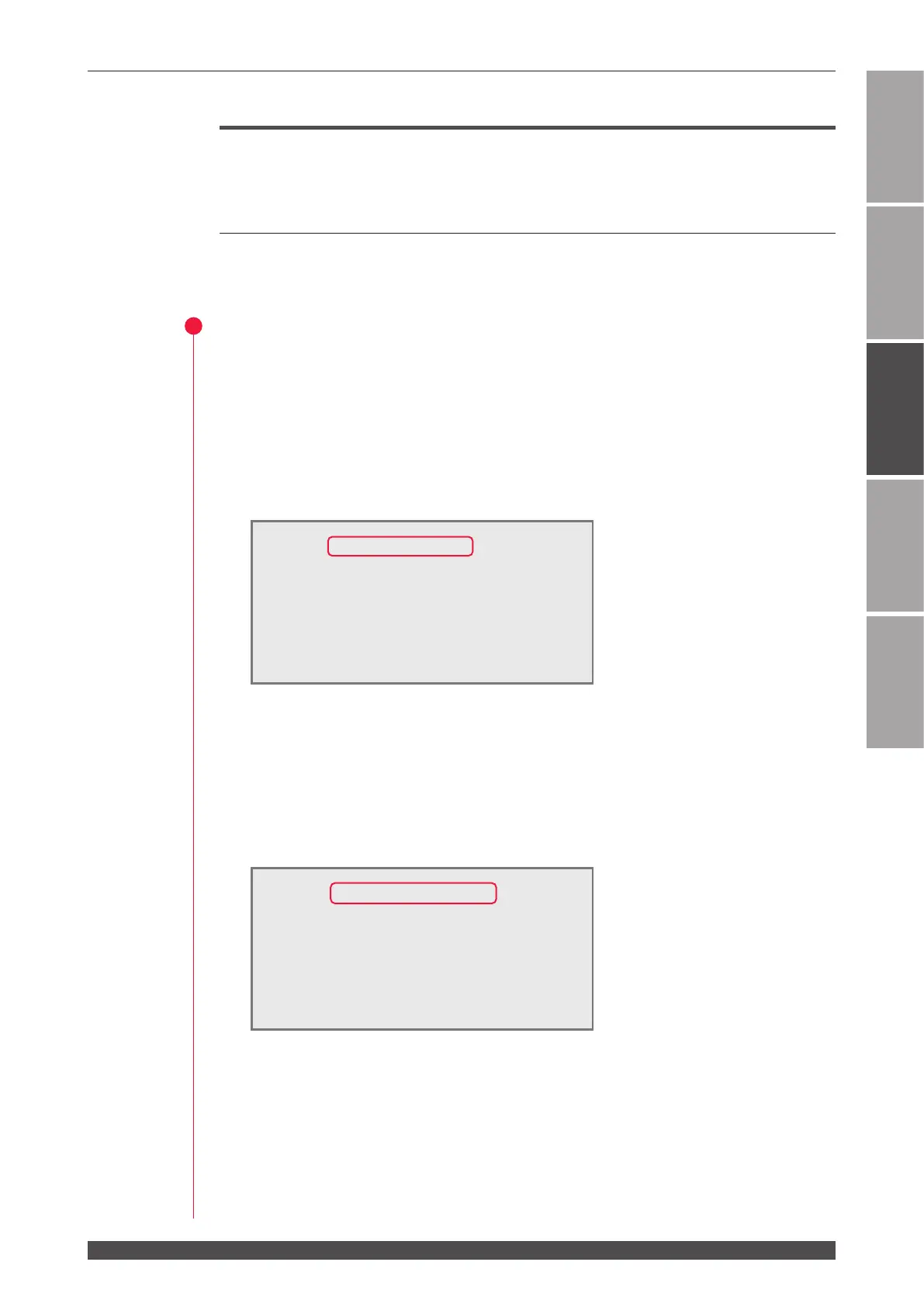
Control by Control Panel (PANEL CONTROL)
When the laser is independently used or when the power supply of the PLC or
personal computer connected to the laser is OFF, control is exerted from the control
panel and "PANEL CONTROL" is displayed in "-STATUS."
Control by External Input Signal (EXTERNAL CONTROL)
Connect the main unit to the PLC or the like and turn ON pin No.23 (control switching)
of the EXT.I/O (1) connector. Then, the control method is switched over to the
control by external input/output signals (EXTERNAL CONTROL) and "EXTERNAL
CONTROL" is displayed in "-STATUS."
-STATUS [EXTERNAL CONTROL] WATER 28˚C
BEAM-1:OFF RESET SELECT PRESET
BEAM-2:OFF
"
SHOT 123456789 123456789
BEAM-3:OFF
"
GOOD
123 45 678 9 123 45 678 9
FIBER:[SI] ø1.0mm
HV:OFF POSI.BLINK:OFF POSITION:OFF
-STATUS [PANEL CONTROL]
WATER 28˚C
BEAM-1:OFF RESET SELECT PRESET
BEAM-2:OFF
"
SHOT 123456789 123456789
BEAM-3:OFF
"
GOOD
123 45 678 9 123 45 678 9
FIBER:[SI] ø1.0mm
HV:OFF POSI.BLINK:OFF POSITION:OFF



 To Next Page