76
ML-2050A/2051A/2150A
1. Setting Welding Schedules
Switching the Pulse Width Setting Range (INITIAL Screen)
In the following, the method of switching the pulse width setting range for laser
light (laser output time ms) is explained.
Usually, this setting permits switching the pulse width of 0.1 ms step over to 0.02
ms step, so that more minute welding work can be performed.
1
Displaying the INITIAL Screen
(1) Turn OFF the CONTROL keyswitch and then turn ON the MAIN POWER switch
while pressing the MENU key.
⇒
Hold down the MENU key until the SELF-CHECK > screen appears.
The power supply is turned ON and the POWER lamp comes on. Then, the
SELF-CHECK > screen appears.
After completion of the self-check, the INITIAL screen appears.
⇒
Unless the CONTROL keyswitch is OFF, the INITIAL screen is not displayed.
2
Switching the Pulse Width Setting Range
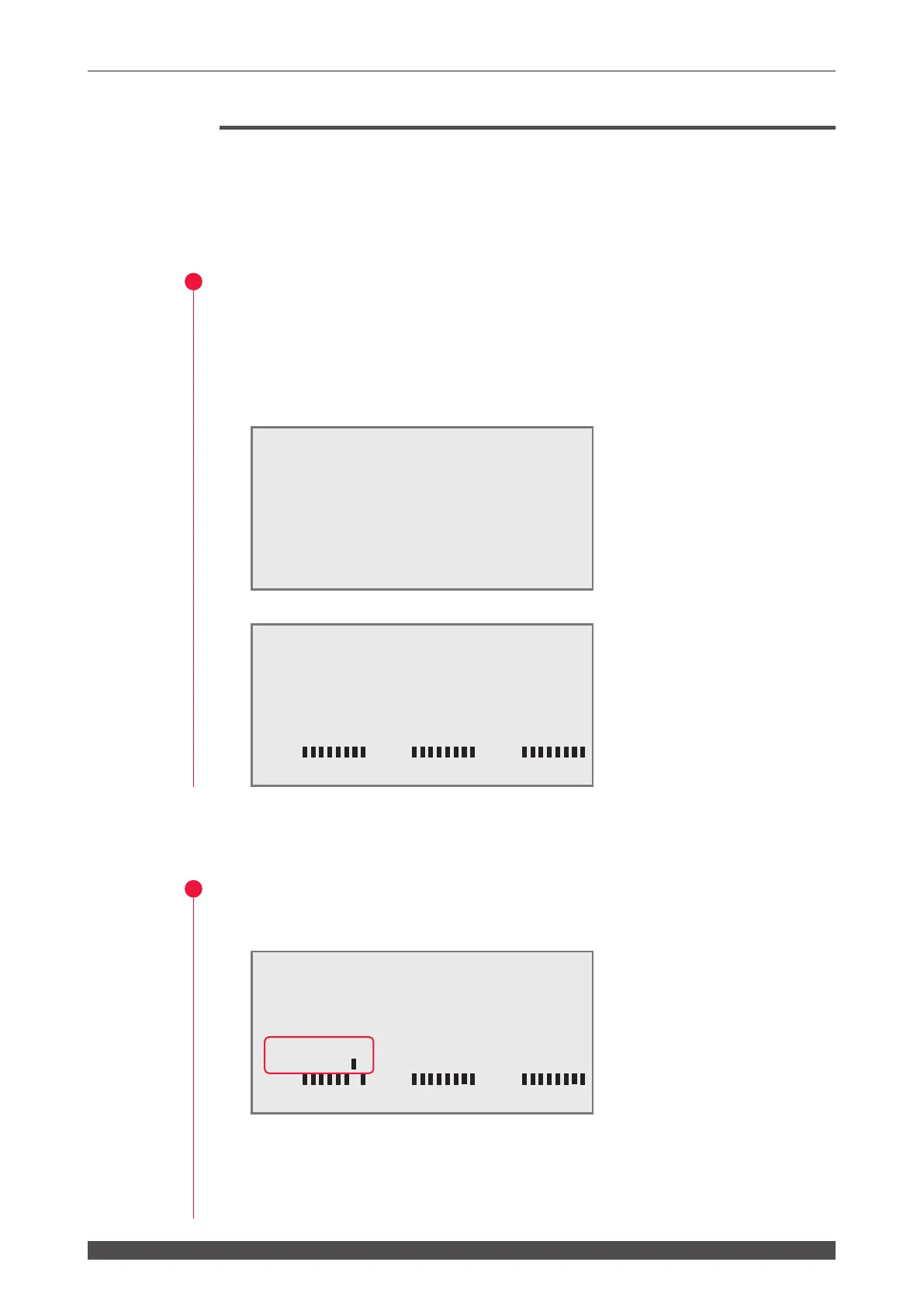
(1) Move the cursor to "7" of "SW1" and press the ON key.
WATER 28˚C
AUTO-START
SELF-CHECK >
INITIALIZE:OFF WATER 28˚C
NETWORK #00
TEMP CONT 30˚C ALARM L20˚C H40˚C
POSITION AUTO OFF 60min
SW1-12345678 SW2-12345678 SW3-12345678
ON ON ON
OFF
OFF
OFF
INITIALIZE:OFF WATER 28˚C
NETWORK #00
TEMP CONT 30˚C ALARM L20˚C H40˚C
POSITION AUTO OFF 60min
SW1-12345678 SW2-12345678 SW3-12345678
ON
ON ON
OFF
OFF
OFF



 To Next Page