66
ML-2050A/2051A/2150A
1. Setting Welding Schedules
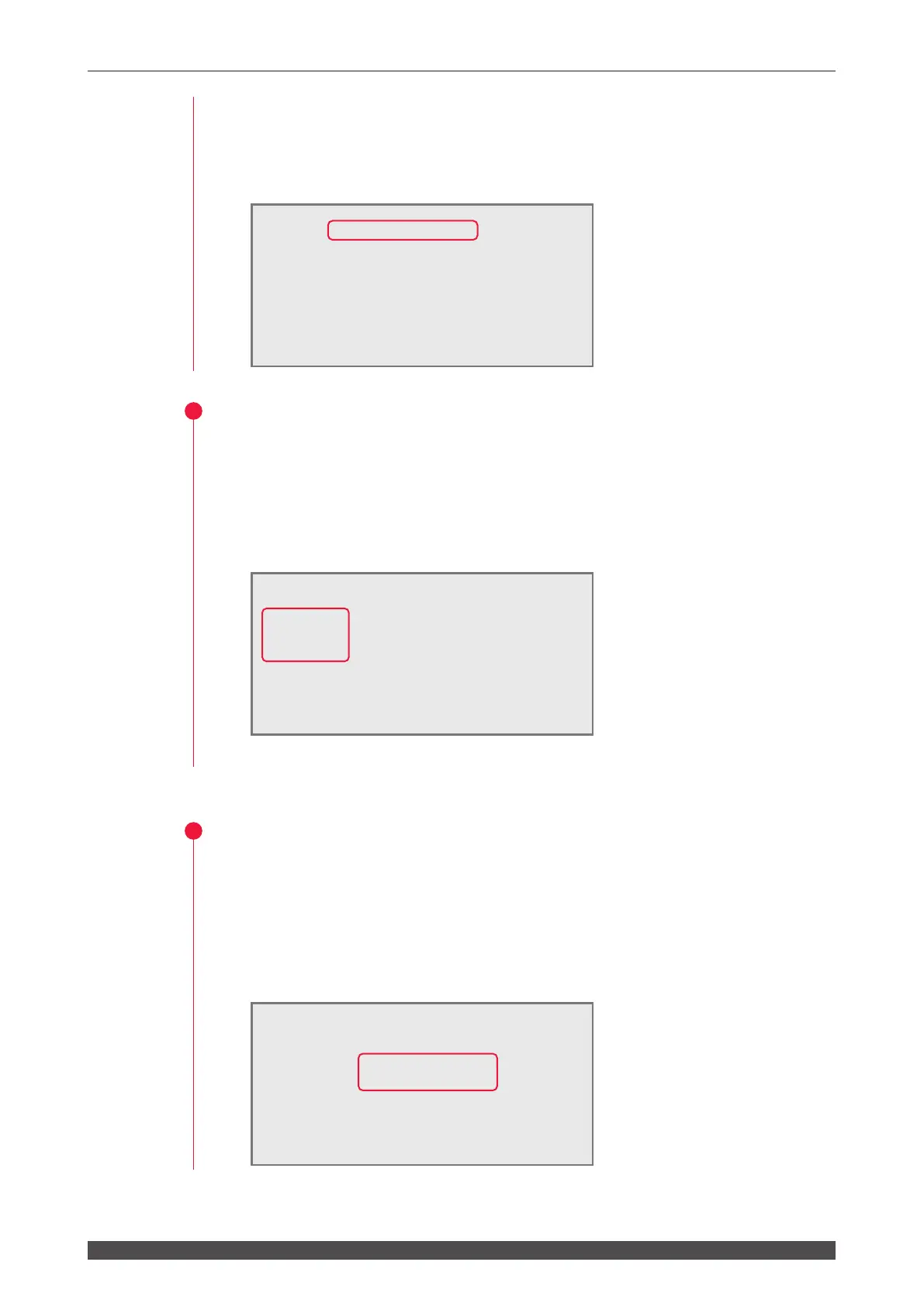
Control by External Communication Control (RS-485 CONTROL)
When a command to set a control method is sent from the personal computer
connected to the main unit, external communication control is selected and "RS-485
CONTROL" is displayed in "-STATUS" on the STATUS screen.
Setting the Opening/Closing Status of the Branch Shutter
To exert control from the control panel, set the opening/closing status of the branch
shutter on the STATUS screen. "BEAM-1" to "BEAM-3" correspond to branch
shutters 1 to 3. When the opening/closing status is set to ON, the corresponding
branch shutter is opened to output laser light.
(1) Move the cursor to "BEAM-1" to "BEAM-3" and press the ON or OFF key to set
the opening/closing status of the branch shutter.
(2) Press the ENTER key.
Resetting the Number of Laser Light Outputs
Reset the numeric values of "SHOT COUNT" (total number of laser light outputs)
and "GOOD COUNT" (appropriate number of laser light outputs) displayed on the
POWER MONITOR screen.
(1) Move the cursor to "→" of "→SHOT" or "→GOOD" of RESET SELECT, and
press the ENTER key.
The numeric value is reset and "000000000" is displayed.
-STATUS [PANEL CONTROL]
WATER 28˚C
BEAM-1:ON RESET SELECT PRESET
BEAM-2:ON
"
SHOT 123456789 123456789
BEAM-3:ON
"
GOOD
123 45 678 9 123 45 678 9
FIBER:[SI] ø1.0mm
HV:OFF POSI.BLINK:OFF POSITION:OFF
-STATUS [RS-485 CONTROL]
WATER 28˚C
BEAM-1:OFF RESET SELECT PRESET
BEAM-2:OFF
"
SHOT 000000000 123456789
BEAM-3:OFF
"
GOOD
000000000 123456789
FIBER:[SI] ø1.0mm
HV:OFF POSI.BLINK:OFF POSITION:OFF
-STATUS [RS-485 CONTROL]
WATER 28˚C
BEAM-1:OFF RESET SELECT PRESET
BEAM-2:OFF
"
SHOT 123456789 123456789
BEAM-3:OFF
"
GOOD
123 45 678 9 123 45 678 9
FIBER:[SI] ø1.0mm
HV:OFF POSI.BLINK:OFF POSITION:OFF



 To Next Page