1. Setting Welding Schedules
67
ML-2050A/2051A/2150A
Chapter 2 Various Settings
Introduction Part
Installation and
Preparation Part
Operating Part Maintenance Part Appendixes
Setting the Count-notication Function
When "SHOT COUNT" (total number of laser light outputs) and "GOOD COUNT"
(appropriate number of laser light outputs) that are displayed on the POWER
MONITOR screen reaches the set number, a message is displayed. This function will
be of assistance for maintenance or manufacturing control.
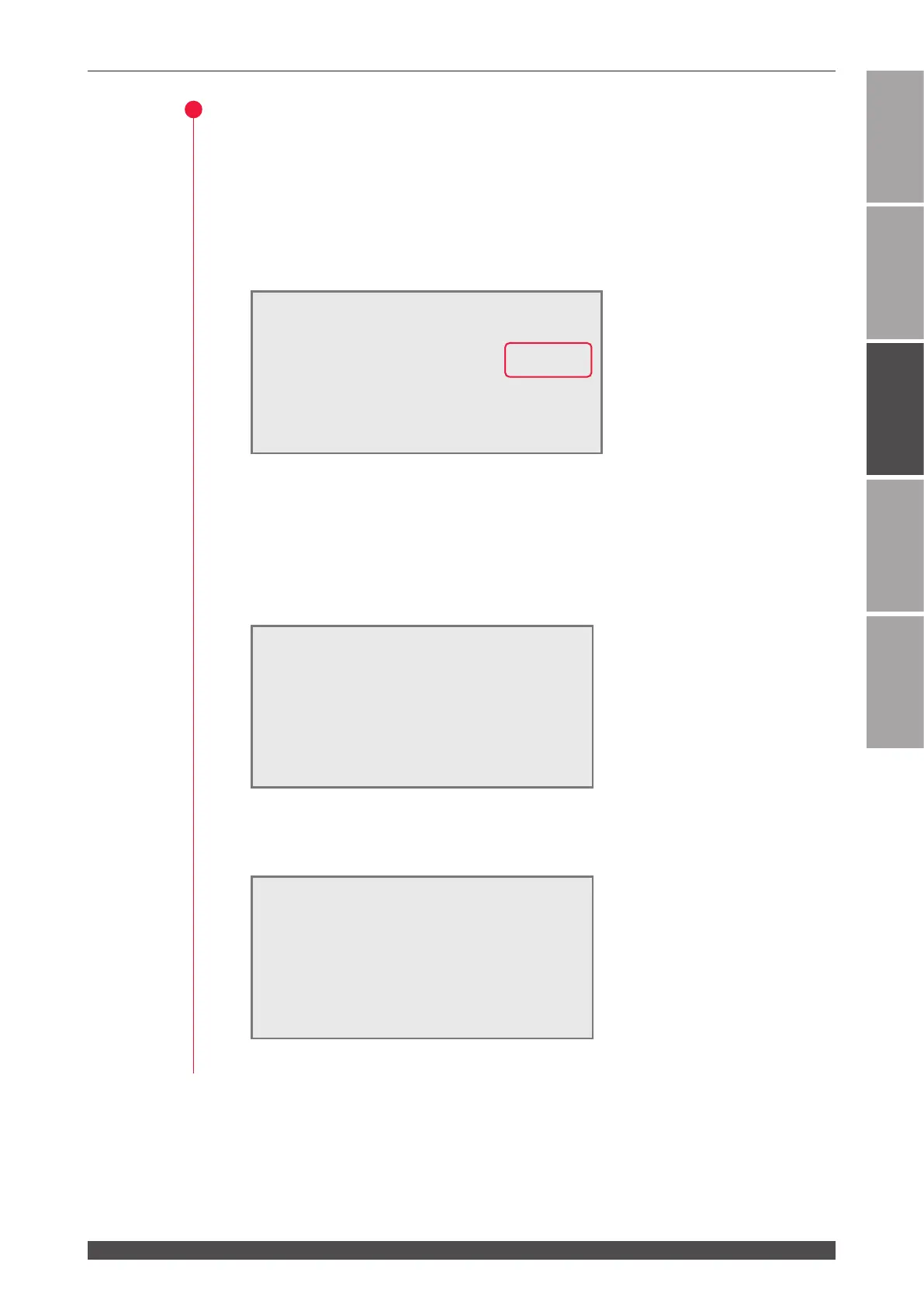
(1) Move the cursor to the numeric value of "→SHOT" or "→GOOD" of PRESET and
press the ON or OFF key to set the arbitrary number of laser light.
(2) Press the ENTER key to denitively set the set the number of outputs.
The set number of outputs is registered.
When "SHOT COUNT" reaches the number of outputs set in "→SHOT", a prompting
screen for checking the ashlamp is displayed.
When "GOOD COUNT" reaches the number of outputs set in "→GOOD", the
notifying screen for the non-defective units is displayed.
Press the TROUBLE RESET key to return the current screen to the initial screen.
!!! COUNT UP !!! WATER 28˚C
CHECK THE LAMPS !! SHOT 123456789
HV:ON POSI.BLINK:OFF POSITION:OFF
!!! COUNT UP !!! WATER 28˚C
GOOD COUNT UP !! GOOD 123456789
HV:ON POSI.BLINK:OFF POSITION:OFF
-STATUS [RS-485 CONTROL]
WATER 28˚C
BEAM-1:OFF RESET SELECT PRESET
BEAM-2:OFF
"
SHOT 000000000 123456789
BEAM-3:OFF
"
GOOD
000000000 123456789
FIBER:[SI] ø1.0mm
HV:OFF POSI.BLINK:OFF POSITION:OFF



 To Next Page