72
ML-2050A/2051A/2150A
1. Setting Welding Schedules
3
Validating the Password
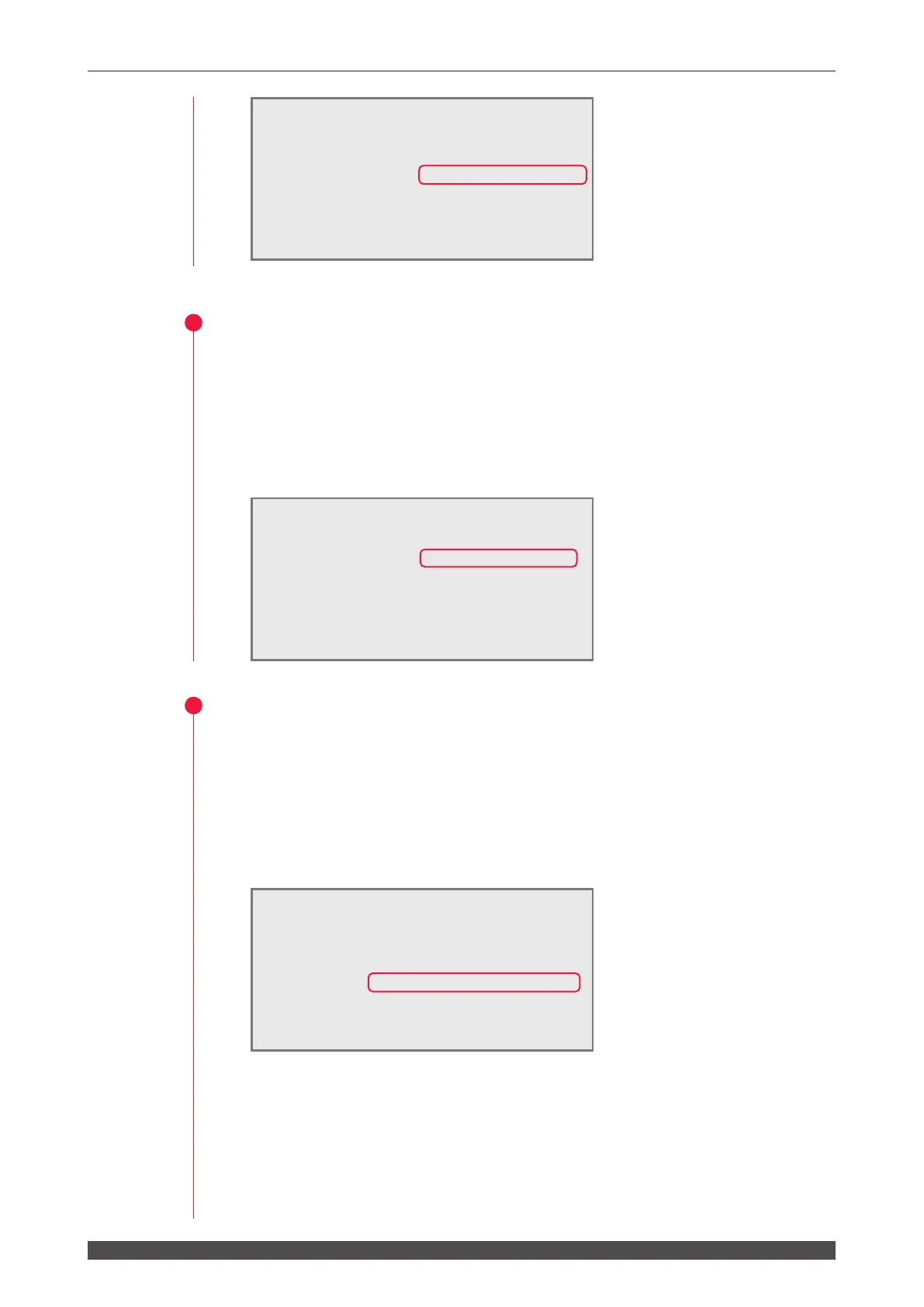
(1) Move the cursor to "CHANGE VALUE" and press the OFF key.
The password is validated and some of setting items are protected and become
unchangeable.
⇒
Unless "CHANGE VALUE" is turned OFF after the password is set, the setting
items cannot be protected and anyone who does not know the password can
change set values.
4
Setting a New Password
(1) Move the cursor to "NEW PASSWORD" and press the ON or OFF key. Then,
enter a new password.
Enter 4 alphanumerical characters.
(2) Press the ENTER key.
A conrmation screen appears.
(3) Move the cursor to "RE-WRITE PASSWORD" and enter the same password.
Then, press the ENTER key.
The set password is registered and the PASSWORD screen reappears.
If the password is not matched, the PASSWORD MISMATCH screen appears.
Enter the same password again. You may also press the TROUBLE RESET key
to go back to the conrmation screen and enter the password again.
PASSWORD MODE WATER28˚C
PASSWORD:[
****
] CHANGE VALUE:ON
NEW PASSWORD:[
****
]
RE-WRITE PASSWORD:[0000]
HV:OFF POSI.BLINK:OFF POSITION:OFF
PASSWORD MODE WATER28˚C
PASSWORD:[
****
] CHANGE VALUE:OFF
NEW PASSWORD:[
****
]
RE-WRITE PASSWORD:[0000]
HV:OFF POSI.BLINK:OFF POSITION:OFF
PASSWORD MODE WATER28˚C
PASSWORD:[
****
] CHANGE VALUE:ON
NEW PASSWORD:[
****
]
RE-WRITE PASSWORD:[0000]
**********
PASSWORD MISMATCH
**********
HV:OFF POSI.BLINK:OFF POSITION:OFF



 To Next Page