90
ML-2050A/2051A/2150A
3. Operating Procedure
How to See the Display Items
WATER
Indicates the cooling water temperature. Upon completion of SELF
CHECK, a temperature measurement is started and the measured value is
indicated.
DEIONIZE
Indicates the resistivity of cooling water.
NOT READY: Indicated when the resistivity is below 3.00 MΩ·cm.
READY: Indicated when the resistivity is 3.00 MΩ·cm or more.
WATER
TEMPERATURE
Indicates the cooling water temperature status.
LOW: Indicated when the temperature is below the specied value.
(The specified value is 5ºC or a value provided at the
temperature gradient of
r
t. It is automatically judged.)
NORMAL: Indicated in the range of the specied value to 40ºC.
HIGH: Indicated at 41ºC or more.
LASER POWER
MONITOR
Indicates the sensor status of the power monitor unit.
NOT READY: Indicated during warming-up.
READY: Indicated at completion of warming-up.
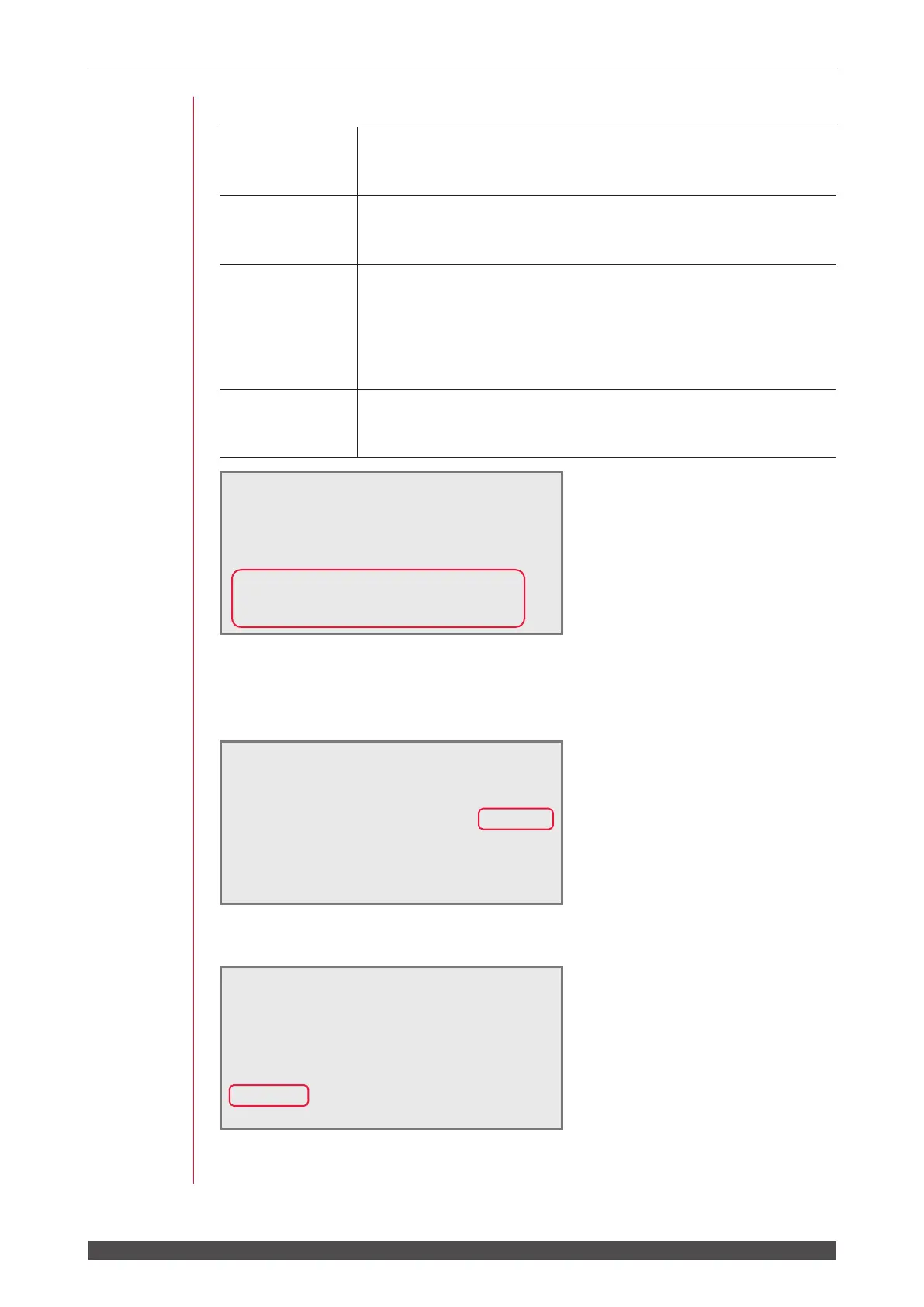
When "DEIONIZE" is (READY), "WATER TEMPERATURE" is (NORMAL), and
"LASER POWER MONITOR" is (READY), a high voltage is turned ON and charging
is started. Then, the HV-ON > screen appears.
After completion of charging, the READY !! screen appears for 0.5 sec.
After the READY !! screen appears, the screen (SCHEDULE screen, STATUS
screen, or POWER MONITOR screen) displayed at the previous completion appears.
WATER
28˚C
AUTO-START < WAIT!! >
KEY-SWITCH ON > COOLER ON > HV-ON >
READY!!
WATER
28˚C
AUTO-START < WAIT!! >
KEY-SWITCH ON > COOLER ON > HV-ON >
WATER
28˚C
AUTO-START < WAIT!! >
KEY-SWITCH ON > COOLER ON >
DEIONIZE 9.99MΩcm (READY)
WATER TEMPERATURE (NORMAL)
LASER POWER MONITOR (READY)



 To Next Page