3. Operating Procedure
91
ML-2050A/2051A/2150A
Chapter 3 Laser Welding by Control Panel (PANEL CONTROL)
Introduction Part
Installation and
Preparation Part
Operating Part Maintenance Part Appendixes
2
Setting Output Schedules
As an example, the procedure for setting SCHEDULE No.05, laser output peak value
2.50 kW, FLASH laser output time 3.6 ms/output value 80%, and up-slope 0.6 ms is
explained below.
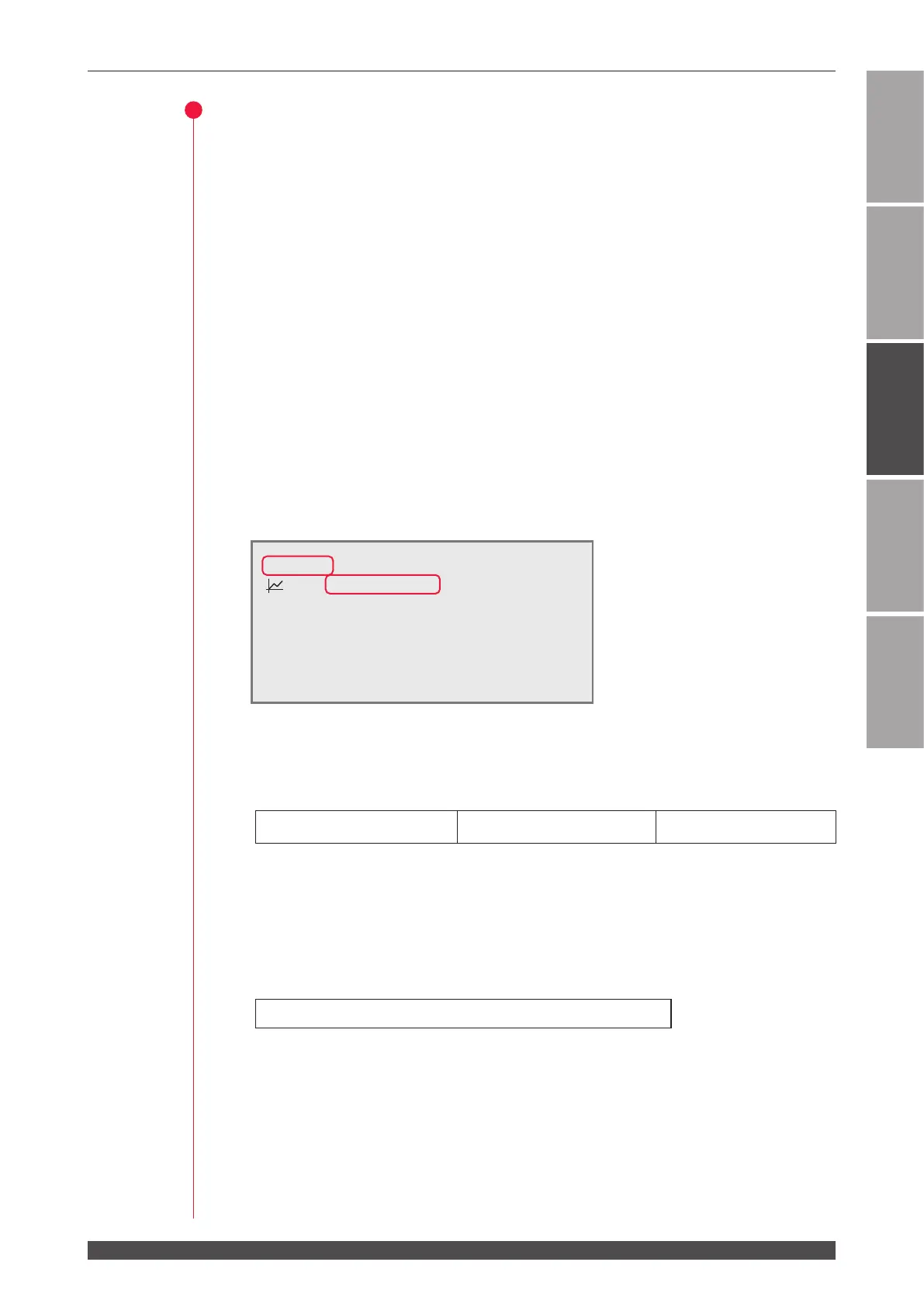
(1) Press the MENU key to display the SCHEDULE screen.
(2) Move the cursor to "-SCH.#" and press the ON or OFF key to set the SCHEDULE
number.
In this example, set #05.
⇒
As the SCHEDULE number, it is possible to set 32 schedules of #00 to #31. In
"FORM", the xed waveform "FIX" or exible waveform "FLEX" can be specied.
⇒
When the registered SCHEDULE number is entered, the set output schedules
are displayed.
(3) Move the cursor to "PEAK" and press the ON or OFF key to set the laser output
peak value.
In this example, set 2.50 kW.
<Note>
The settable maximum peak value of laser output diers depending on the model.
The laser output value (FLASH %) cannot be set over "Maximum value x 100%."
ML-2050A : 4.0 kW ML-2051A : 2.5 kW ML-2150A : 6.0 kW
(4) Move the cursor to "00.0 ms" of "FLASH1" (rst laser) and press the ON or OFF
key to set the laser output time.
In this example, set 03.6 ms in "FLASH1."
<Note>
Set the laser output time so as to result in the following value.
0.20 ms ≤ "FLASH1" + "FLASH2" + "FLASH3" ≤ 10.0 ms
(5) Move the cursor to "
k
SLOPE" and press the ON or OFF key to set the time for
laser light to up-slope (the laser output is gradually stronger) to FLASH1.
In this example, set 00.6 ms.
-SCH.#05 [FORM:FIX ]
≃
0.0J WATER
28˚C
:OFF PEAK=02.50kW REPEAT= 00pps
k
SLOPE 00.0ms
SHOT =9999
FLASH1 00.0ms 000.0%
FLASH2 00.0ms 000.0%
FLASH3 00.0ms 000.0%
m
SLOPE 00.0ms
HV:ON POSI.BLINK:OFF POSITION:OFF



 To Next Page